
Compatible Brother Ink Toner
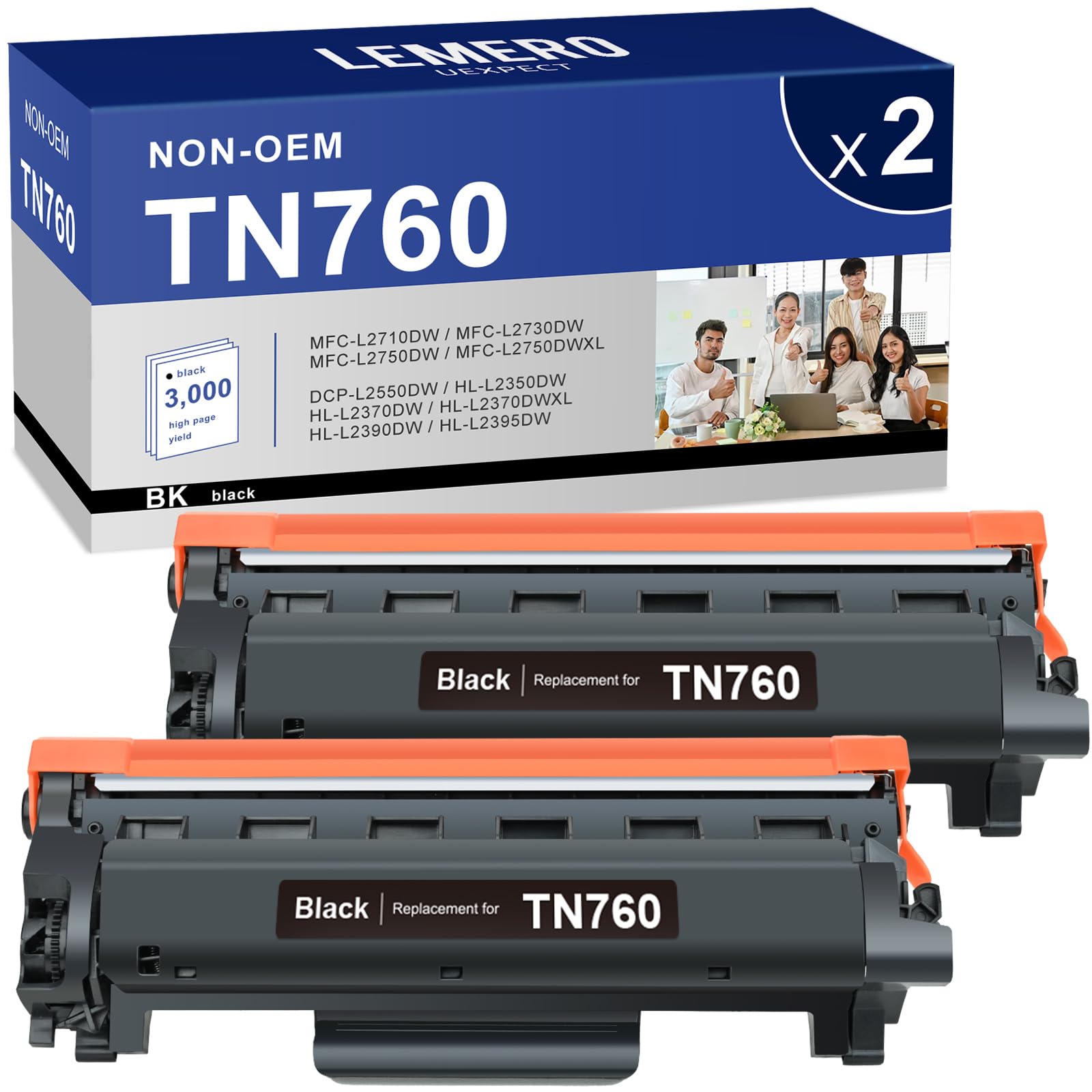
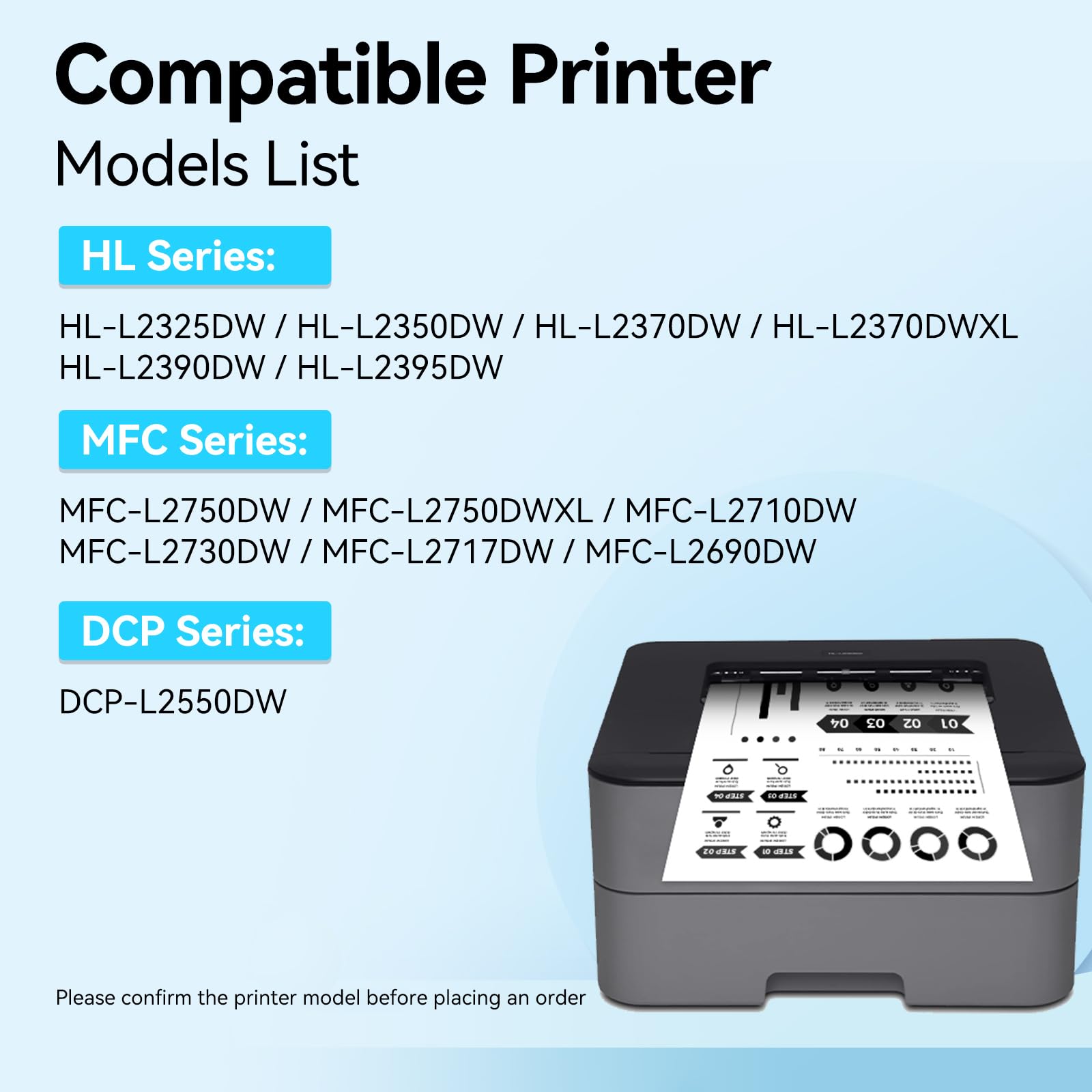
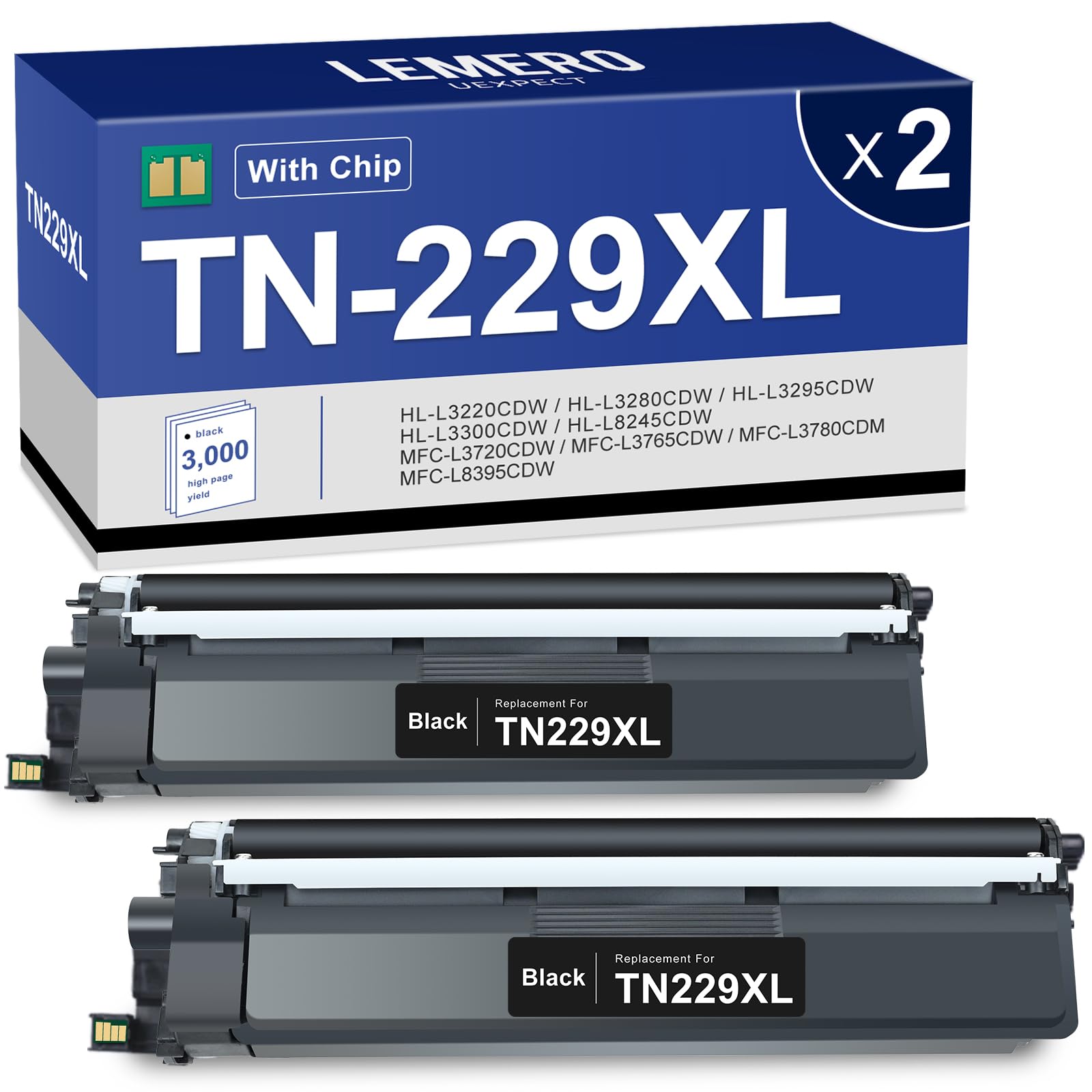
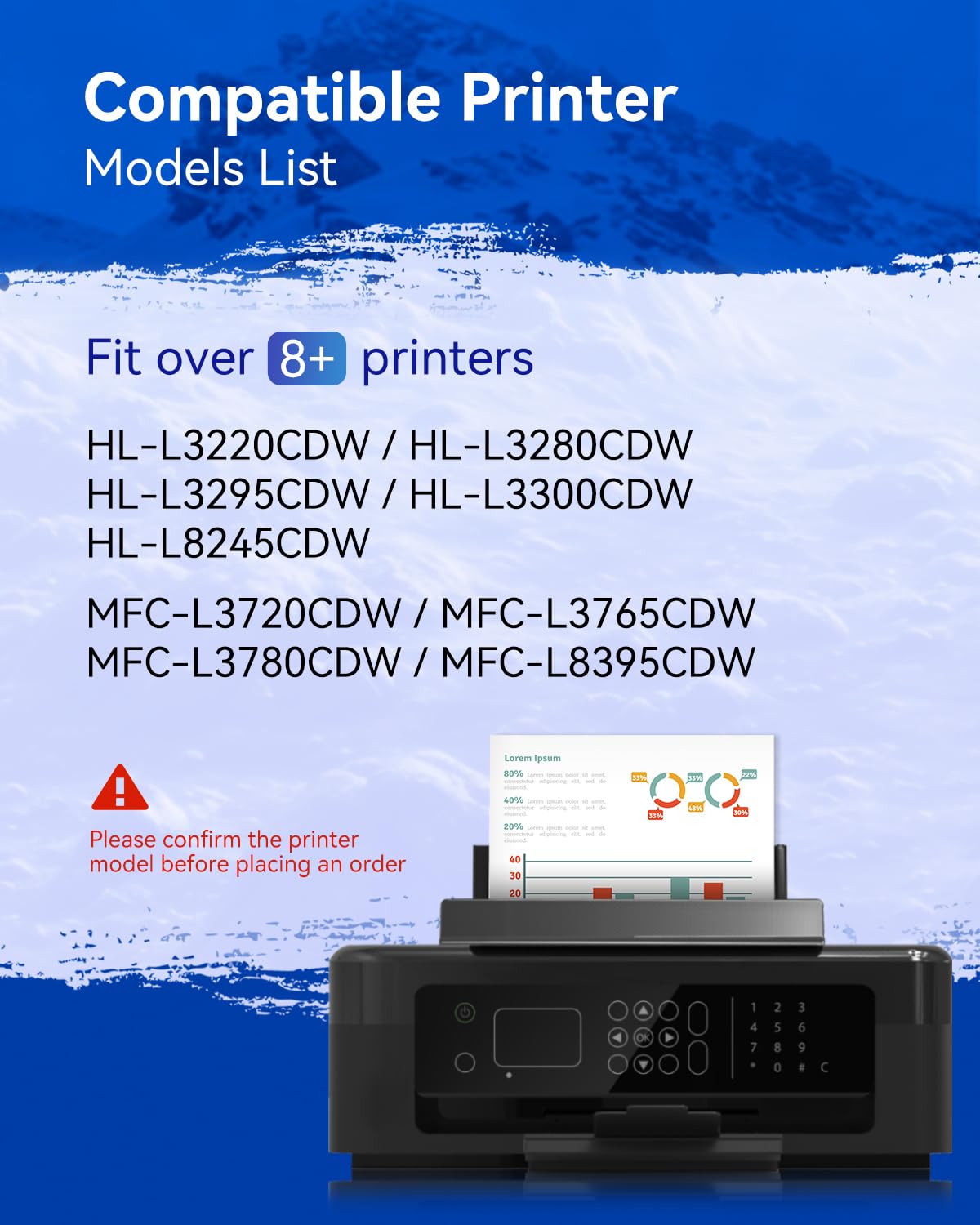
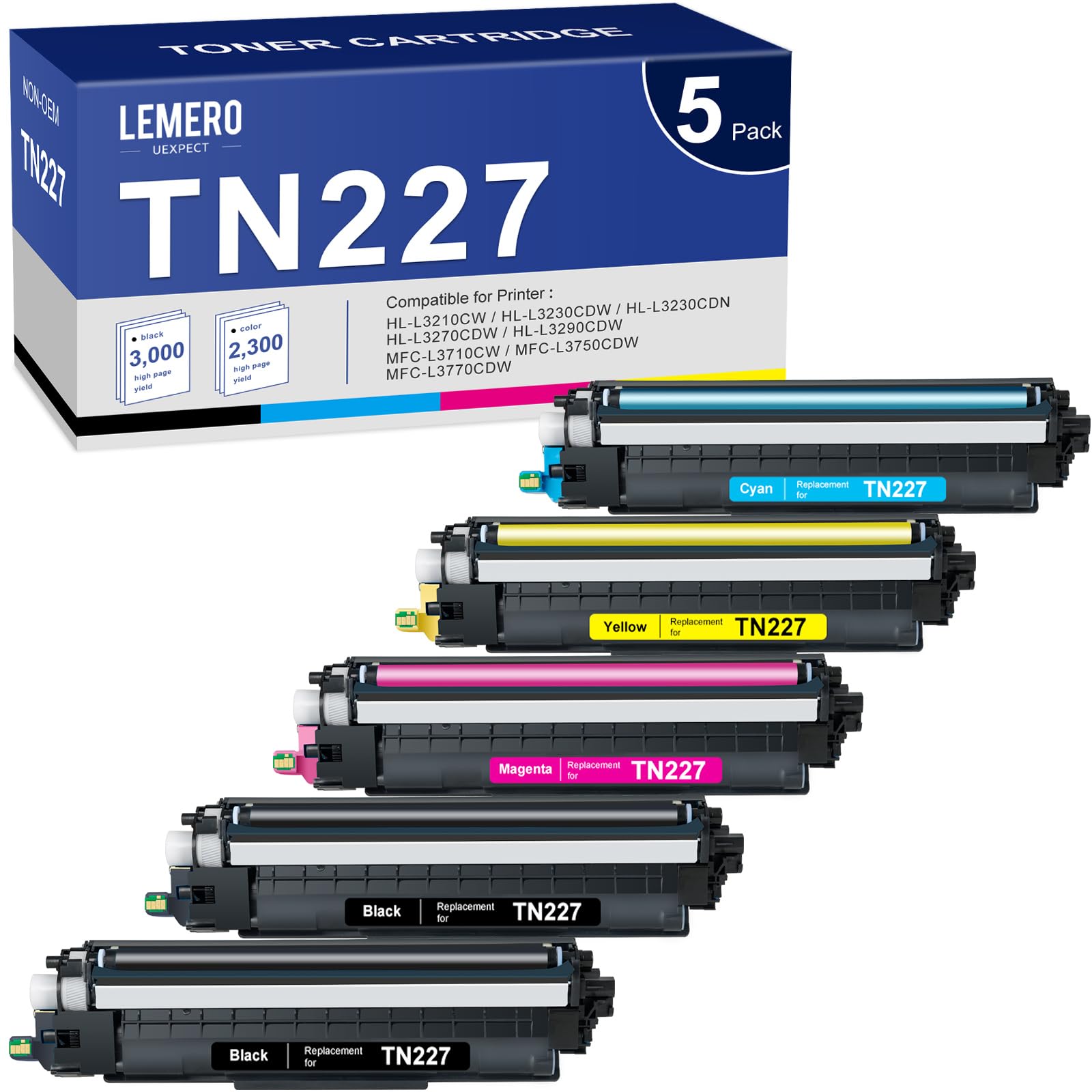
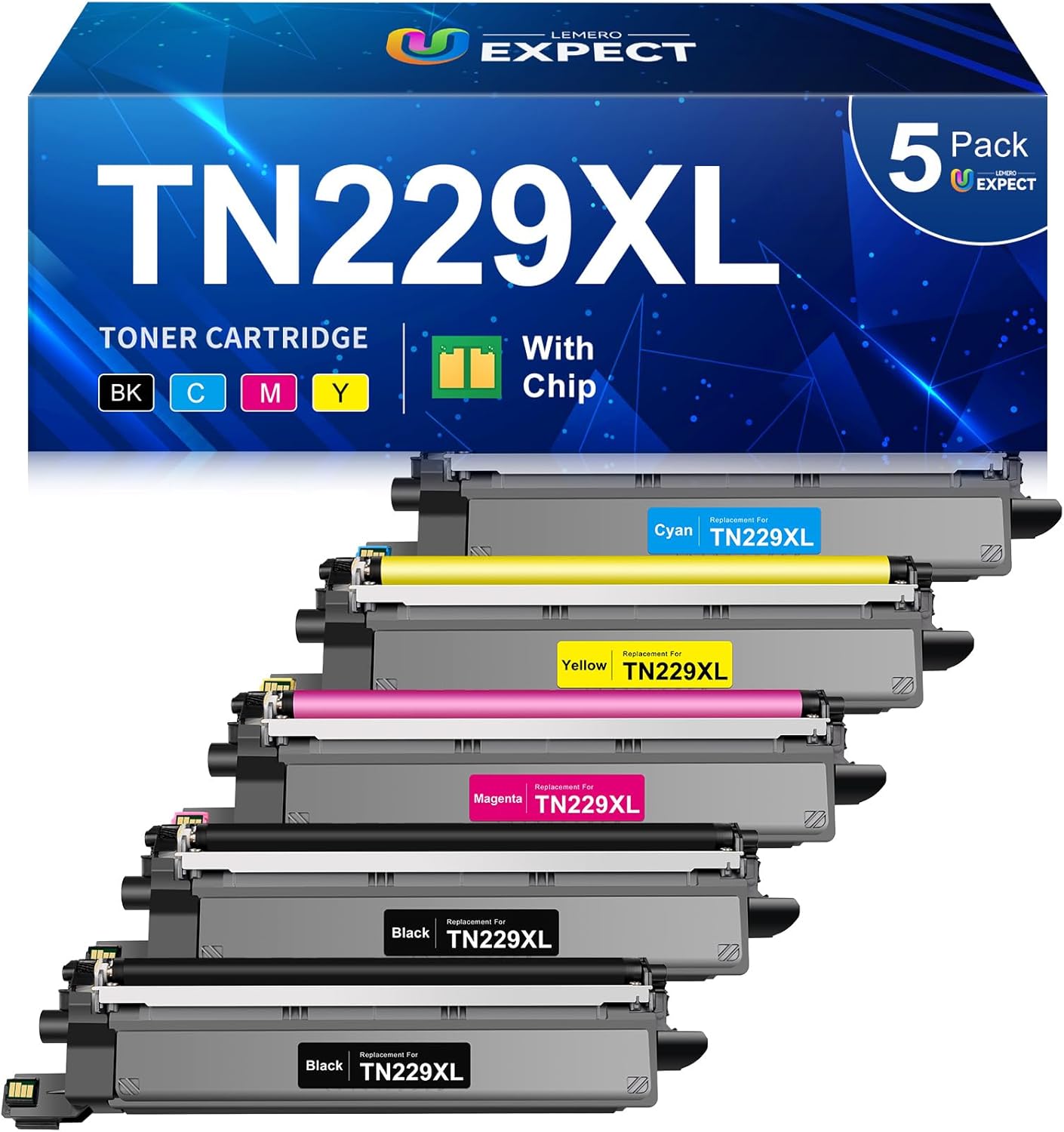
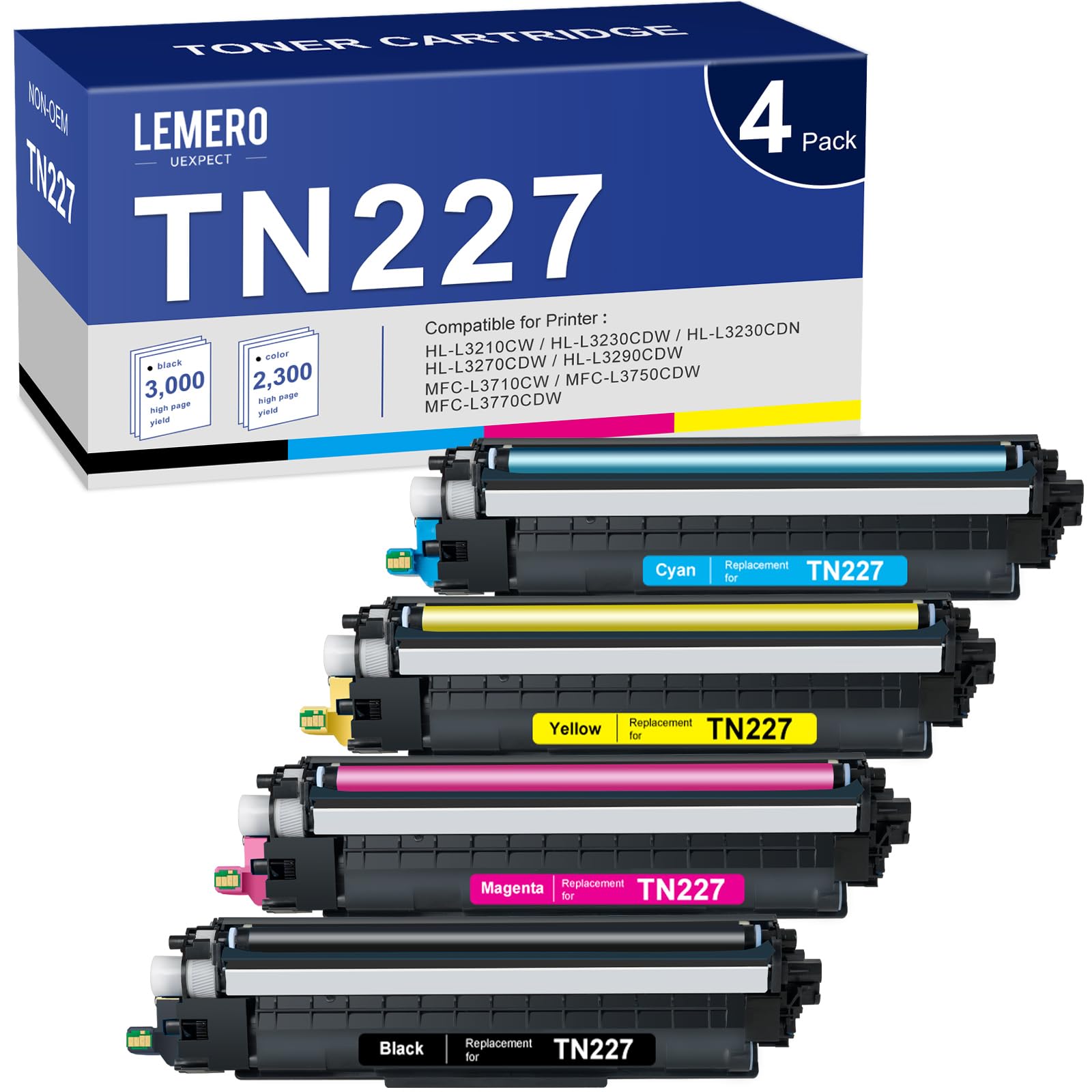
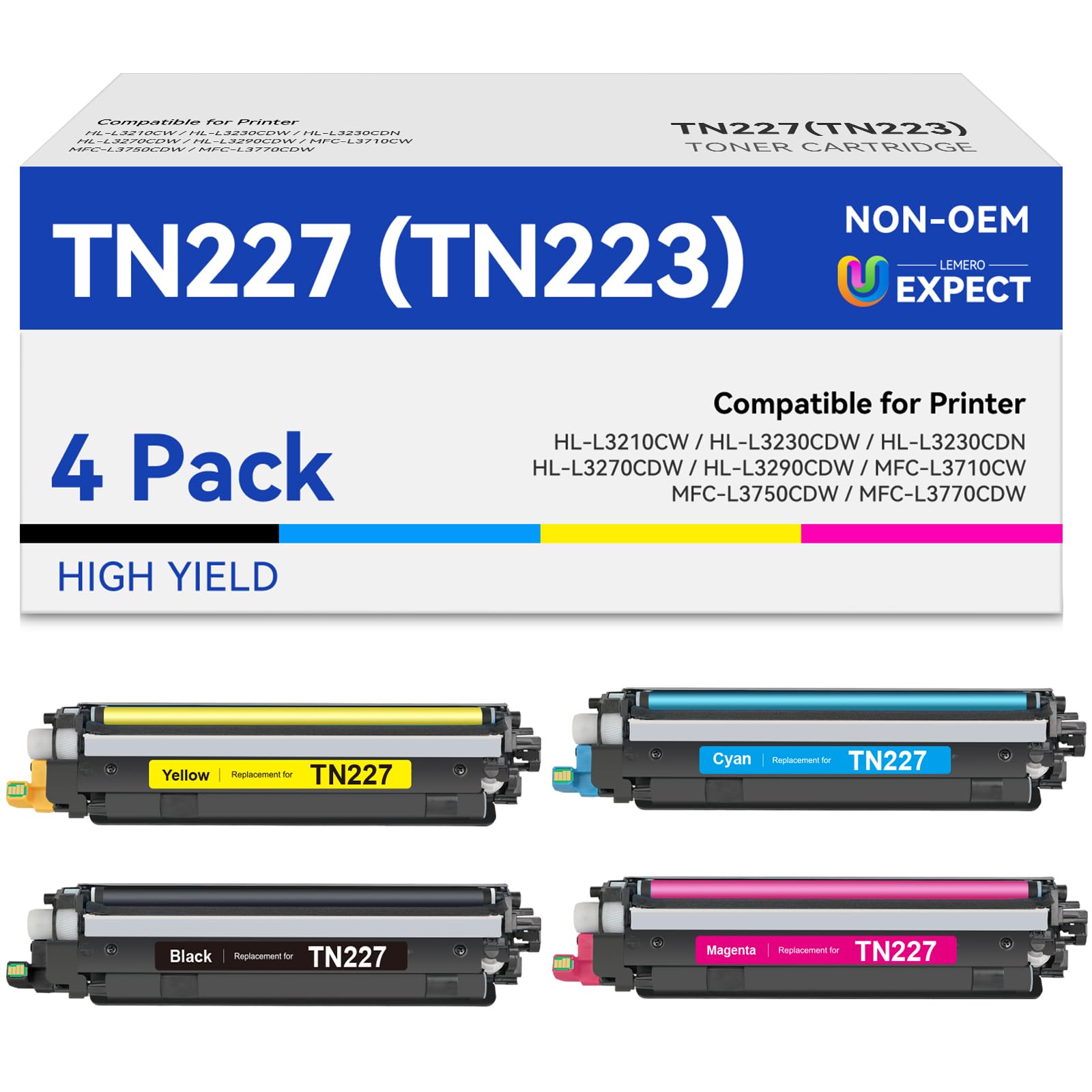
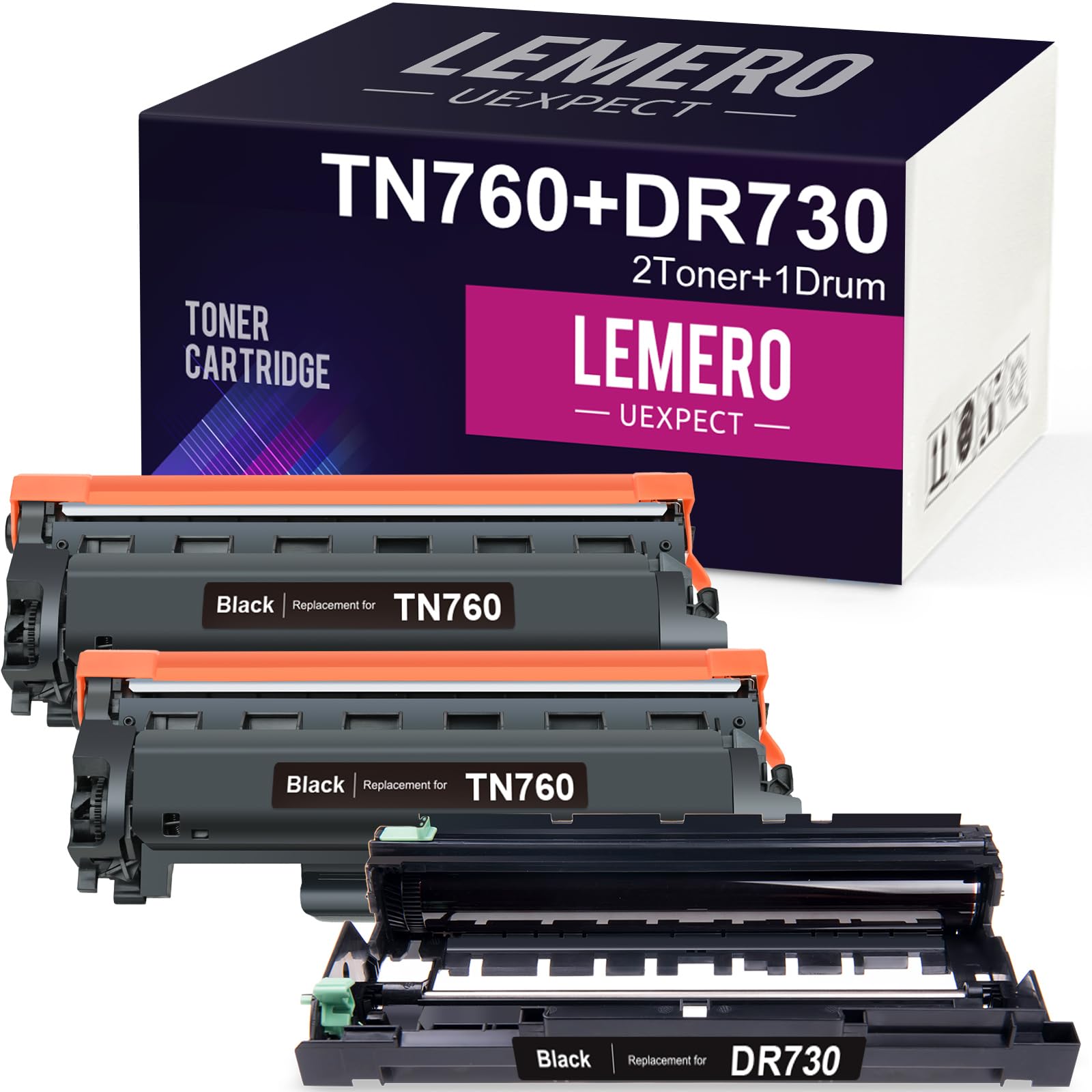
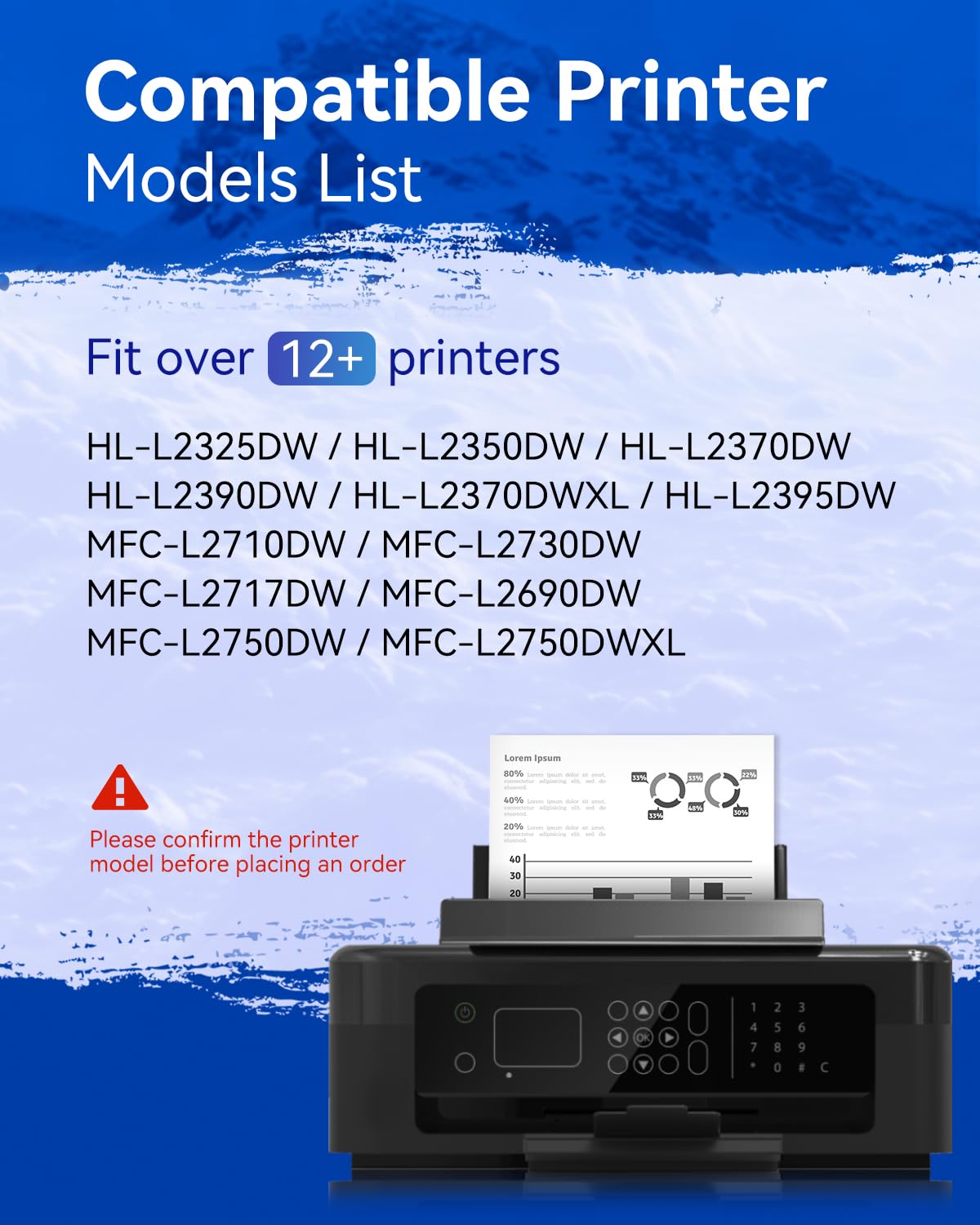
Brother toner cartridge replacements are also our hot selling products. We offer a wide range of compatible toner cartridges covering Brother HL, DCP, MFC and Intellifax printer series. Our featured products, such as, Brother TN227, Brother TN229, Brother TN229XL, Brother TN760, Brother TN830, Brother TN830XL, Brother MFC-L2710DW toner, Brother HL-L3220CDW toner, Brother HL-L3280CDW toner, Brother MFC-L3780CDW toner, replacements, have won the favor of many Brother printer users with their reliable performance and favorable price. With the same compatibility and print quality as genuine cartridges, our replacement toners are the perfect choice to help you save on printing costs.
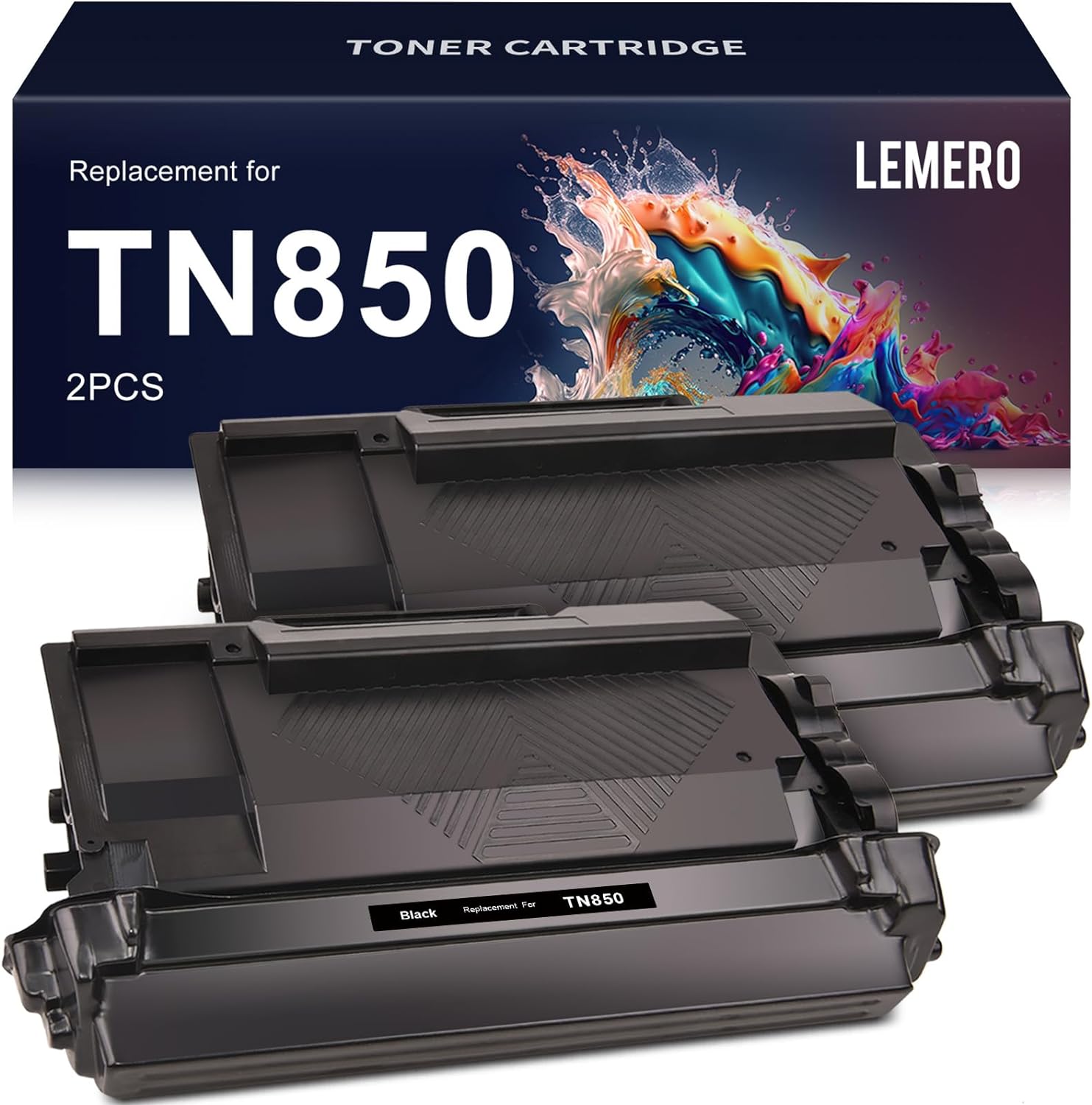
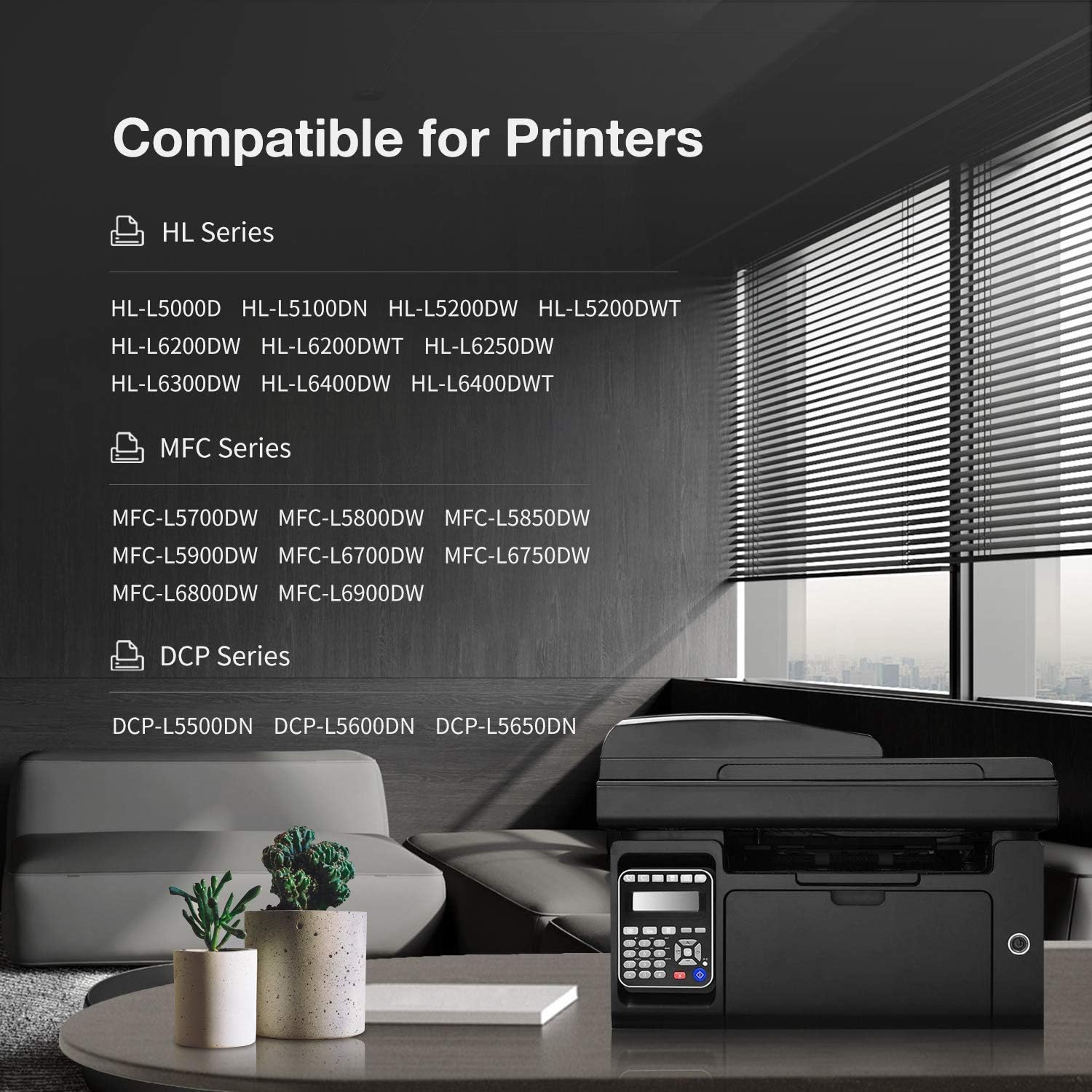
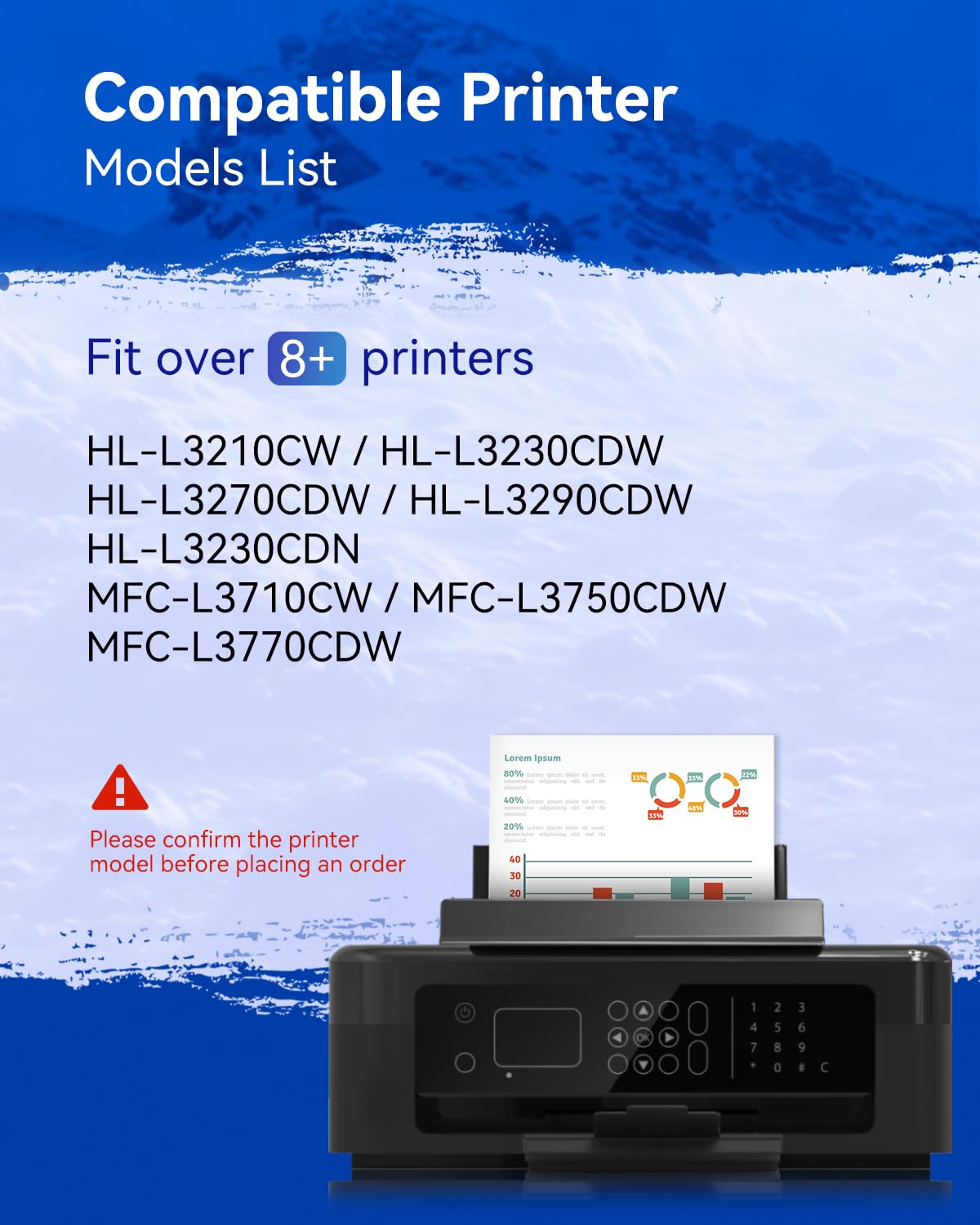
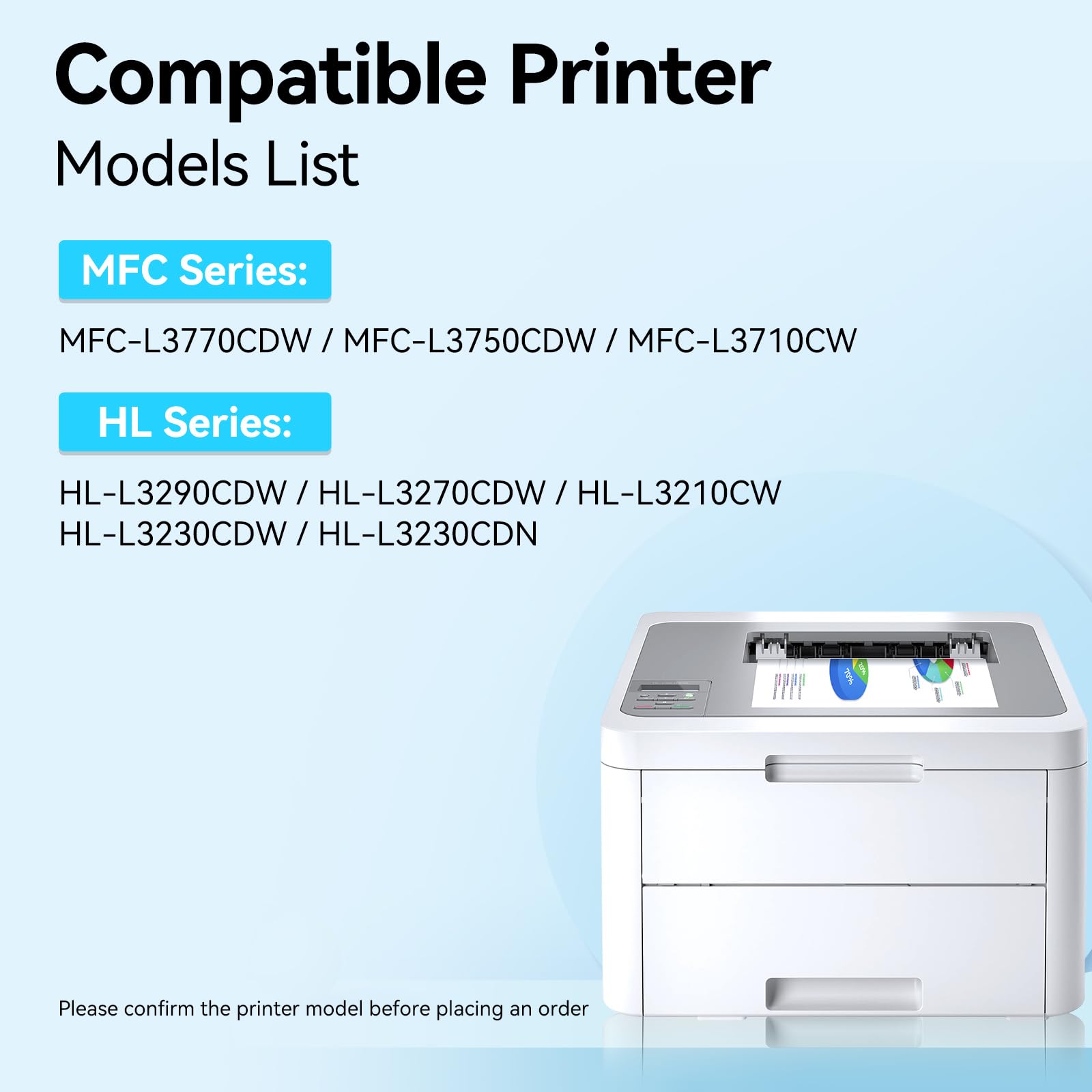
LEMERO compatible Brother toner cartridges are built to deliver sharp, reliable laser output at up to 41% below Brother OEM pricing. Our range covers the most widely used Brother models — including TN227, TN229XL, TN760, TN770, TN830XL, and DR730 drum units — compatible with Brother MFC, HL, and DCP series printers. Each cartridge is equipped with an updated chip for seamless installation and accurate ink level monitoring. High-yield options available for high-volume printing. All orders ship free over $30, with a lifetime warranty and 30-day money-back guarantee on every cartridge.

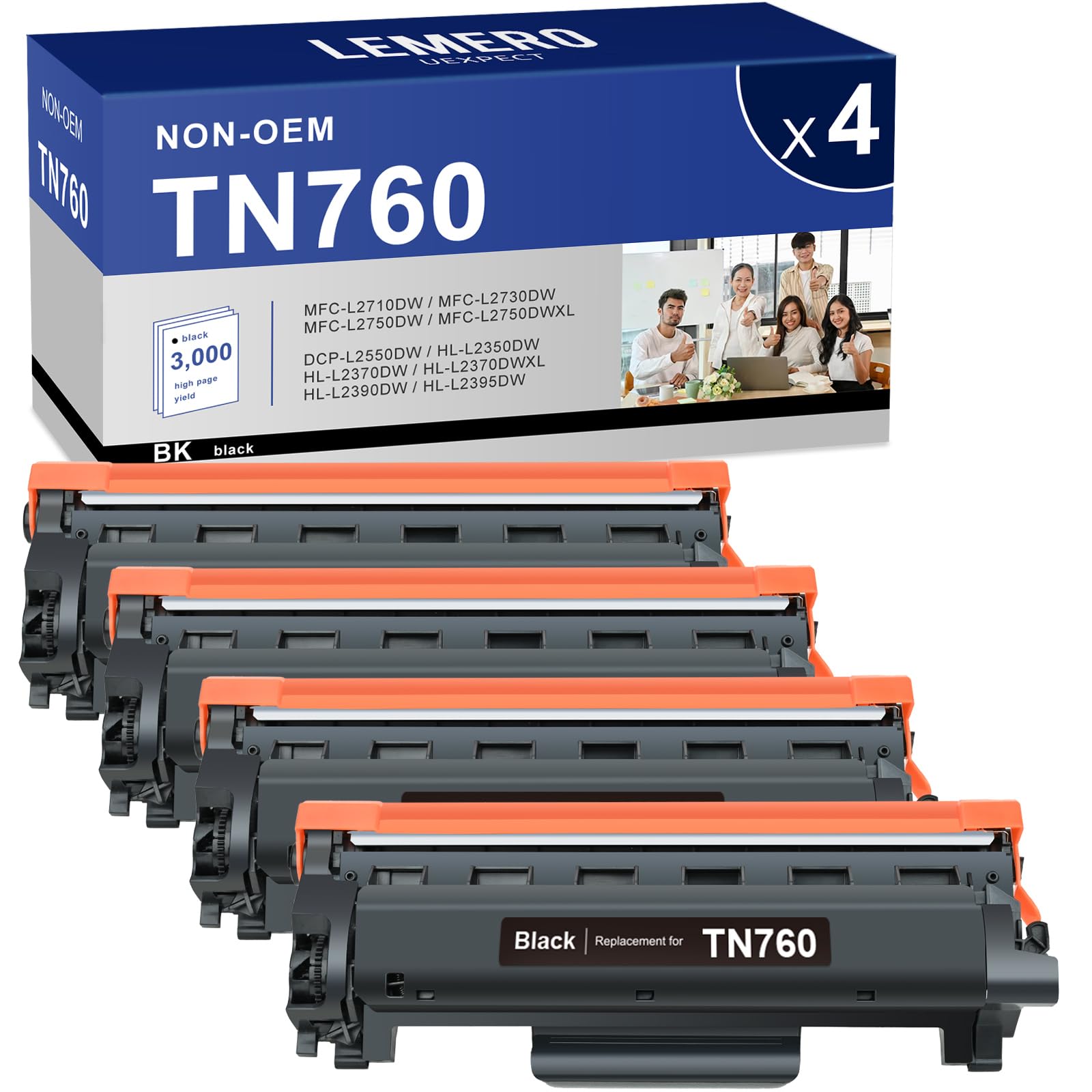
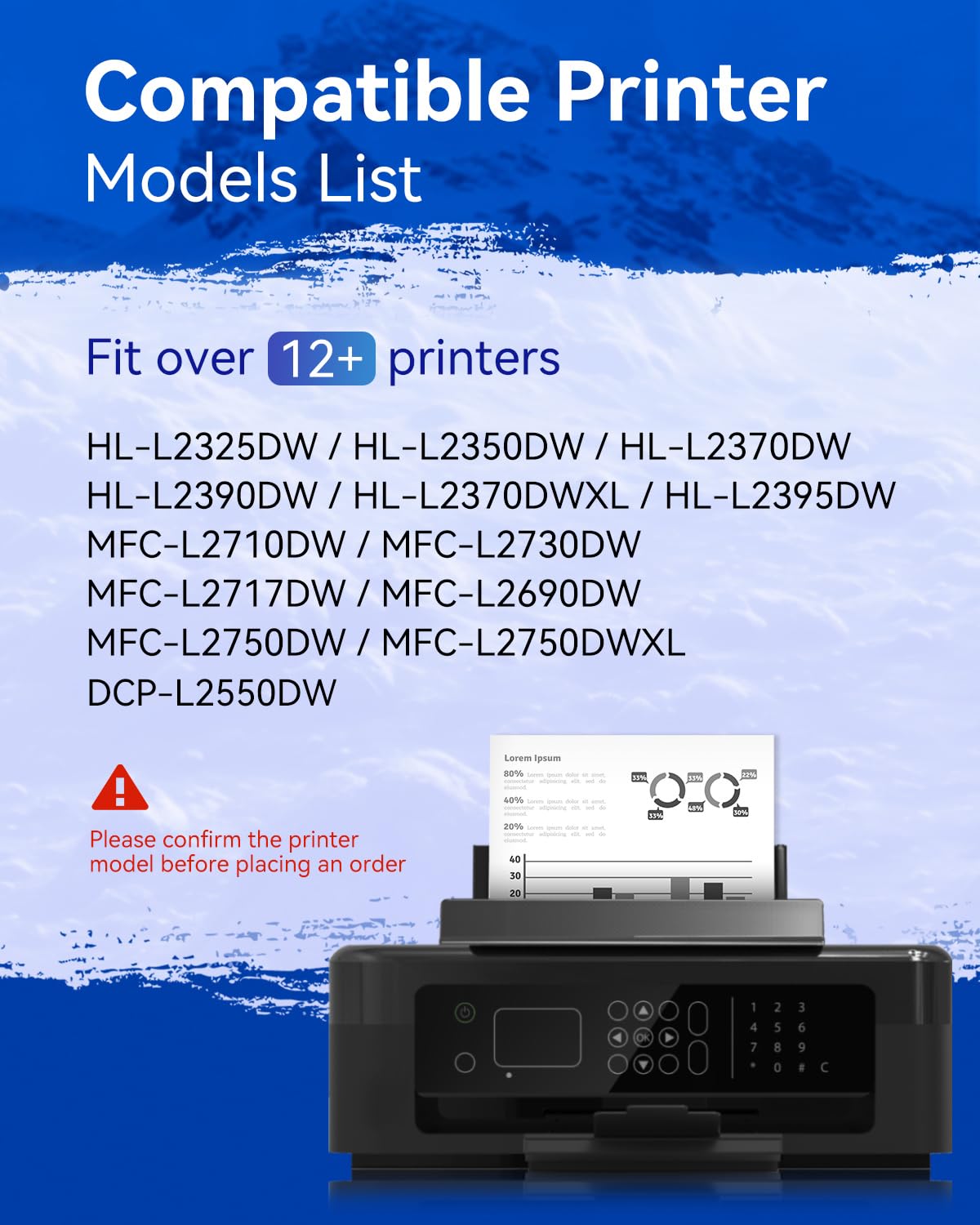
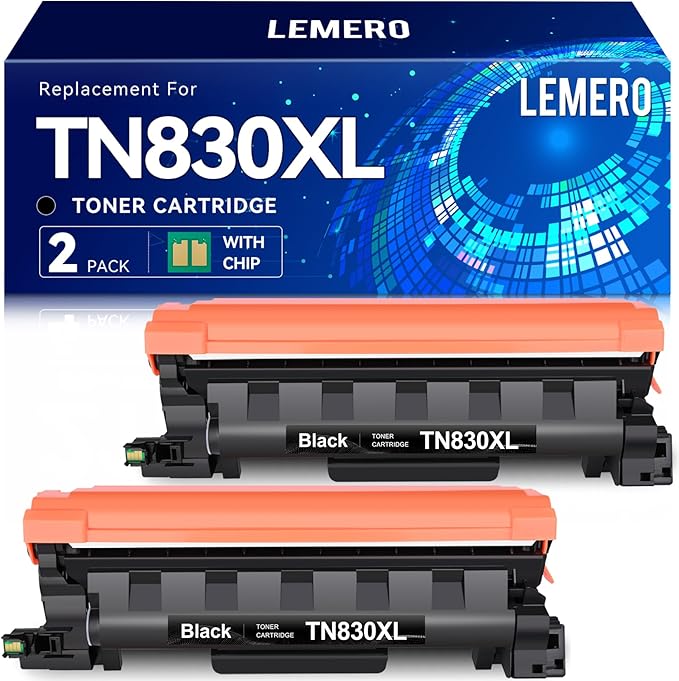
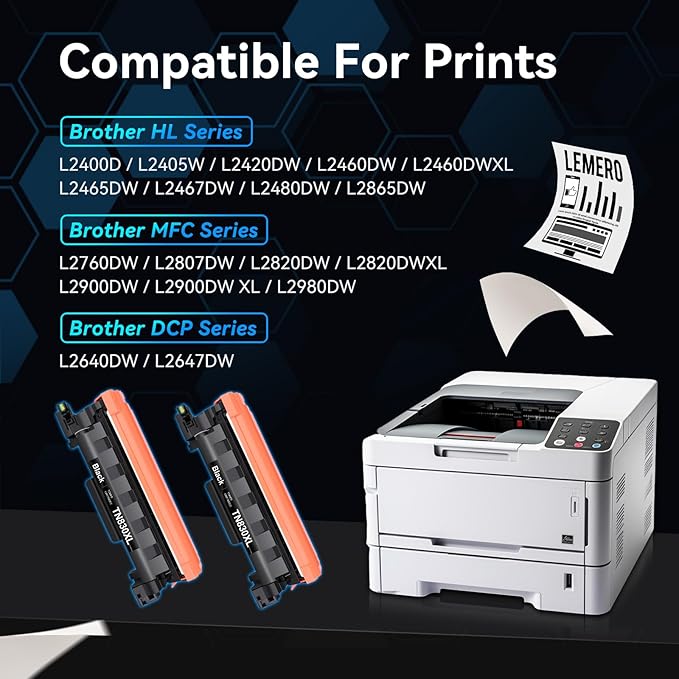
More About Brother Ink Toner
How to connect brother printer to wifi?
2. Remove Drum Unit and Toner Cartridge Assembly: Pull out the drum unit and toner cartridge assembly together.
3. Release Toner Cartridge: Press the release lever to remove the toner cartridge from the drum unit.
4. Insert New Toner Cartridge: Unpack the new toner cartridge, shake it gently, then insert it into the drum unit until it clicks into place.
5. Reinsert Drum Unit and Toner Assembly: Put the drum unit and toner cartridge assembly back into the printer.
6. Close Printer Cover: Close the front cover of the printer.
How to replace toner in brother printer?
2. Remove Drum Unit and Toner Cartridge Assembly: Pull out the drum unit and toner cartridge assembly together.
3. Release Toner Cartridge: Press the release lever to remove the toner cartridge from the drum unit.
4. Insert New Toner Cartridge: Unpack the new toner cartridge, shake it gently, then insert it into the drum unit until it clicks into place.
5. Reinsert Drum Unit and Toner Assembly: Put the drum unit and toner cartridge assembly back into the printer.
6. Close Printer Cover: Close the front cover of the printer.
How to scan on brother printer?
2. Connect: Ensure your computer is connected to the printer.Open Software: Use Brother's scanning software on your computer.
3. Adjust Settings: Set scan type, resolution, and file format.
4. Scan: Click the scan button in the software.
5. Save/Edit: Save or edit the scanned document as needed.
How to reset drum on brother printer?
Press the UP OR DOWN ARROW key to select Machine Info. Press OK. 2. Press the UP OR DOWN ARROW key to select Reset Parts Life.
How to find brother printer ip address?
1. Navigate to Printer Menu: Use the control panel to access the menu.
2. Print Network Configuration: Select the option to print a network configuration report, which includes the IP address.
If Printer Lacks a Display:
1. Print Test Page: Press and hold the 'Go' button (or similar) until all LEDs light up, then release to print a network configuration page.
Through Your Router:
1. Access Router Interface: Log into your router's web interface.
2. Locate Printer: Find your Brother printer in the list of connected devices to see its IP address.
Through a Connected Computer:
Windows: Go to 'Control Panel' > 'Devices and Printers', right-click your printer, select 'Printer Properties', and check the 'Ports' tab.
Mac: Go to 'System Preferences' > 'Printers & Scanners', select your printer, and view the IP address in the details.
What are compatible Brother cartridges?
Are compatible Brother cartridges safe?
Will using compatible cartridges void my Brother warranty?
Do Brother printers block compatible cartridges?
Print quality vs. genuine Brother?
Photos: Slightly lower color accuracy (for inkjet).
Toner: Laser printers usually see minimal difference.
How to avoid low-quality cartridges?
Check for money-back guarantees.
Avoid prices that seem too good to be true (e.g., $2 cartridges).
Can I refill Brother cartridges myself?
Why is my Brother printer not recognizing a compatible cartridge?
Clean the cartridge contacts with a lint-free cloth.
Reset the printer (unplug for 1 minute).