



Payment & Security
Your payment information is processed securely. We do not store credit card details nor have access to your credit card information.
Description
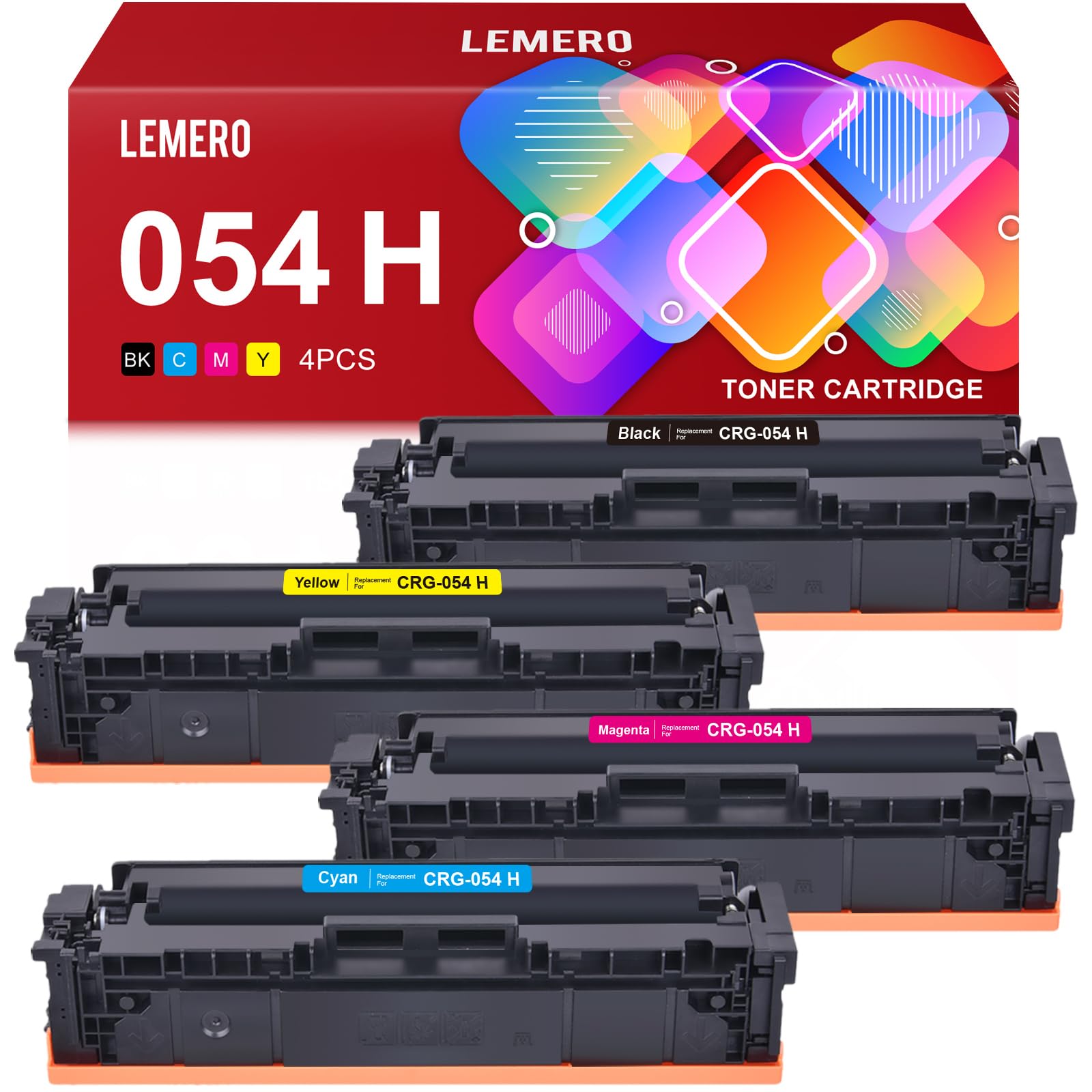
Lemero Canon 054H Compatible Toner Cartridges — High Yield 4-Pack
This 4-pack of compatible Canon 054H toner cartridges provides high-yield performance for Canon Color imageCLASS printers. Each cartridge is a new-build compatible replacement with an updated chip for seamless printer recognition, backed by Lemero's lifetime warranty.
What's in the Box
| Cartridge | OEM Number | Color | Page Yield |
|---|---|---|---|
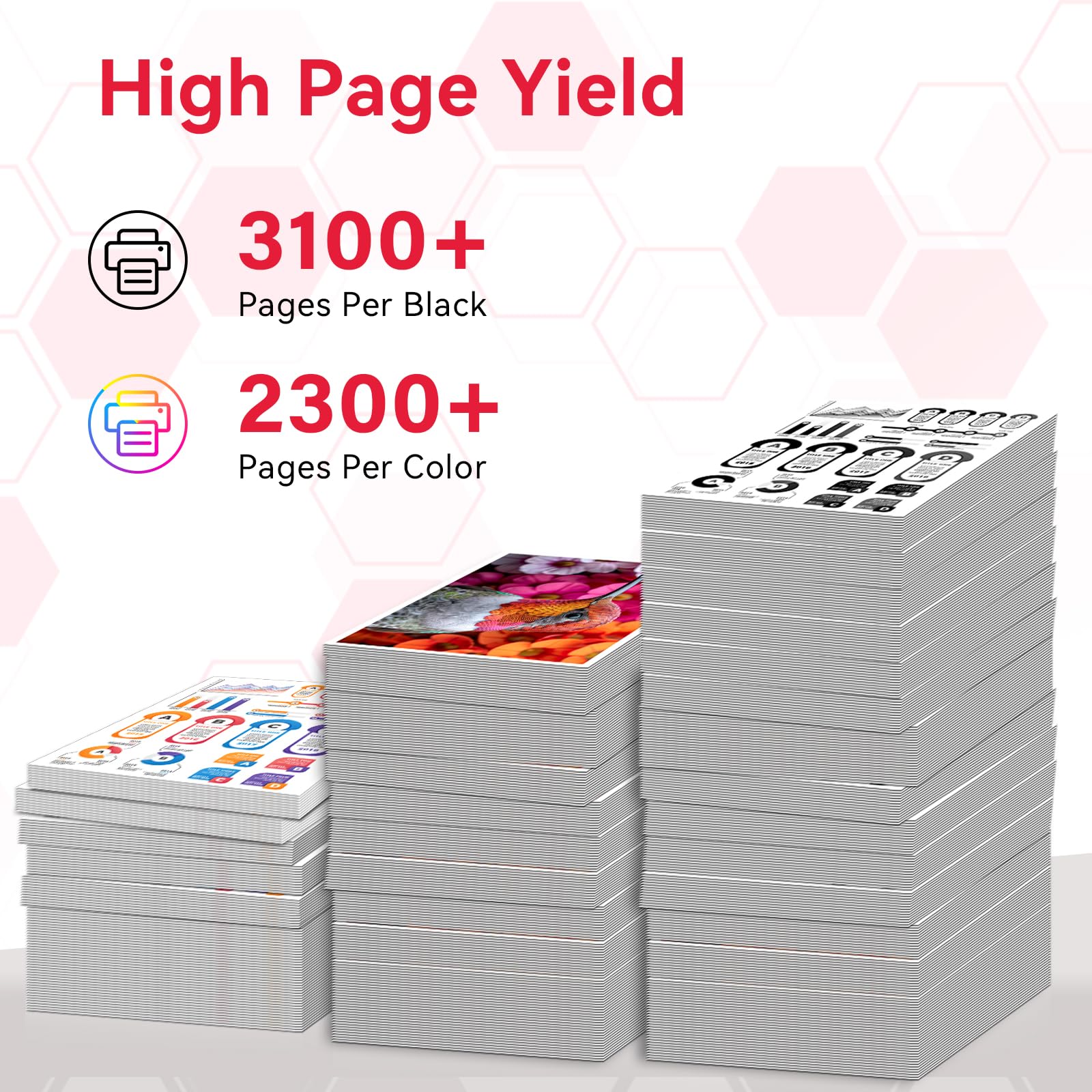
| 1 × 054H Black | 3028C001 | Black | ~3,100 pages |
| 1 × 054H Cyan | 3023C001 | Cyan | ~2,300 pages |
| 1 × 054H Magenta | 3026C001 | Magenta | ~2,300 pages |
| 1 × 054H Yellow | 3022C001 | Yellow | ~2,300 pages |
Page yield measured at 5% coverage per ISO testing standards.
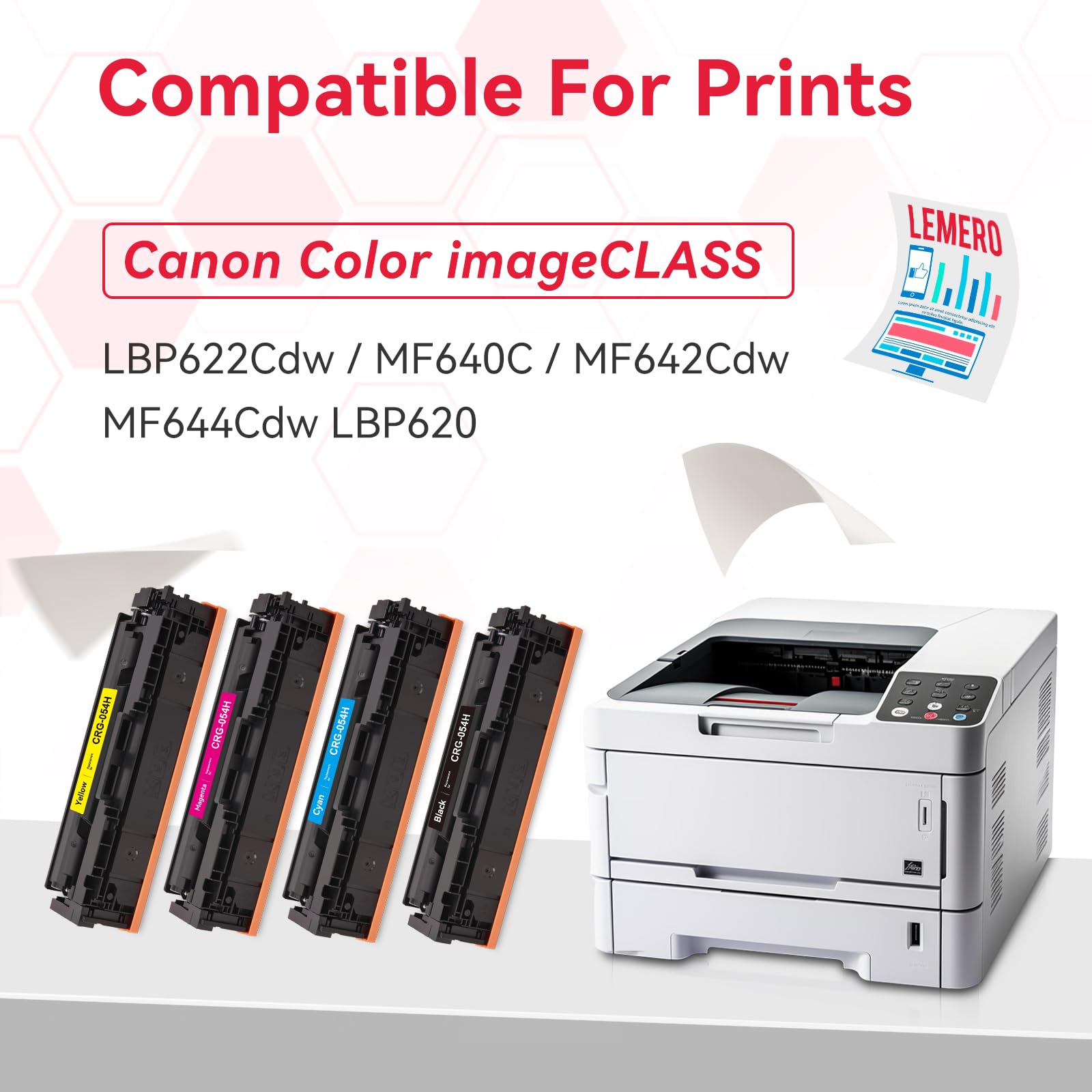
Compatible Canon Printers
| Canon Color imageCLASS | |
|---|---|
| MF641Cdw | MF642Cdw |
| MF643Cdw | MF644Cdw |
| MF645Cx | MF640C |
| LBP620 | LBP621Cw |
| LBP622Cdw | LBP623Cdw |
Tip: Check the label inside your printer's front cover to confirm it requires the 054 or 054H cartridge series before purchasing.
Canon 054 vs 054H: Which Do You Need?
Both cartridges fit the same printers — the difference is page yield:
| Canon 054 (Standard) | Canon 054H (High Yield) | |
|---|---|---|
| Black Page Yield | ~1,500 pages | ~3,100 pages |
| Color Page Yield | ~1,200 pages | ~2,300 pages |
| Best For | Light use | Regular/office use |
The 054H prints 2x more pages than the standard 054 for black and 1.9x more for color. For anyone printing regularly, the 054H delivers a significantly lower cost per page.
Quality You Can Count On
Every Lemero 054H cartridge goes through multi-stage quality testing before shipping — including print yield verification, leak testing, and chip recognition checks. Each order is backed by our lifetime warranty: if any cartridge fails to perform as expected, we will replace or refund it promptly.
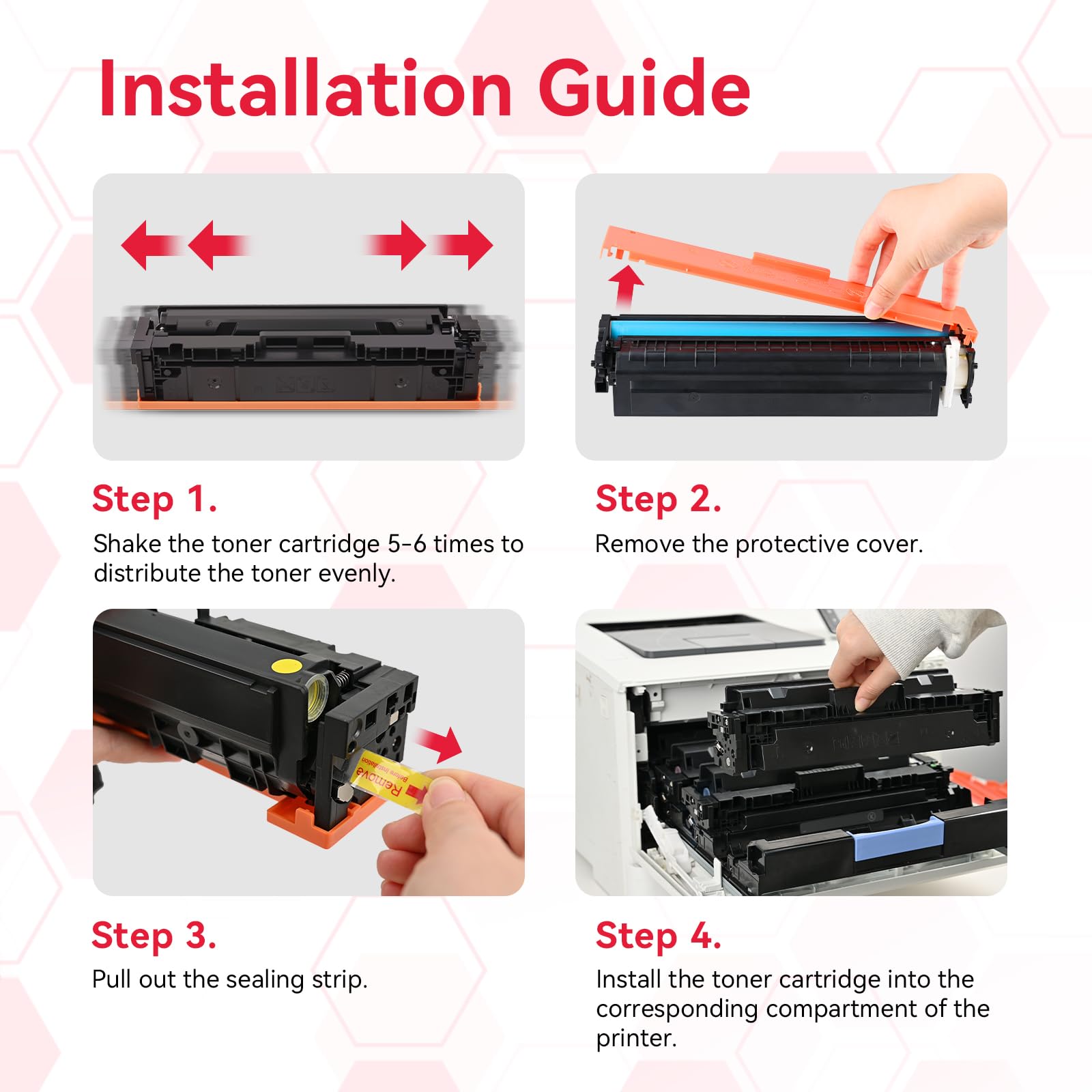
How to Install Canon 054H Toner Cartridges
- Open the front cover of your Canon printer
- Pull out the toner cartridge drawer to access all four color slots
- Remove the old cartridge from the slot you are replacing
- Unpack the new cartridge and remove all protective packaging and orange sealing tape
- Rock the cartridge gently side to side 5–6 times to distribute the toner evenly
- Slide the cartridge into the matching color slot until it clicks firmly into place
- Repeat for each color as needed, then close the front cover
- The printer will initialize and you are ready to print
Frequently Asked Questions
What is the difference between Canon 054 and 054H? They fit the same printers but have different page yields. The 054H is the high-yield version — approximately 3,100 pages for black versus 1,500 for the standard 054, and 2,300 pages for color versus 1,200. For most regular users, the 054H offers a much lower cost per page.
What printers are compatible with Canon 054H toner cartridges? The 054H fits Canon Color imageCLASS models including MF641Cdw, MF642Cdw, MF643Cdw, MF644Cdw, MF645Cx, MF640C, LBP620, LBP621Cw, LBP622Cdw, and LBP623Cdw.
Will using a compatible cartridge void my Canon printer warranty? No. Under the Magnuson-Moss Warranty Act, Canon cannot void your printer warranty solely because you used a compatible cartridge.
Does the compatible 054H come with a chip? Yes. Each Lemero 054H cartridge includes an updated chip that your Canon printer recognizes immediately after installation.
How long can I store unused cartridges? Store unopened cartridges in a cool, dry location away from direct sunlight for up to 2 years. Once installed, use the printer regularly to maintain print quality.
Lemero is an independent supplier of compatible printer cartridges. Canon, imageCLASS, CRG-054H, and related model names are trademarks of Canon Inc., referenced here for compatibility purposes only.