



Description
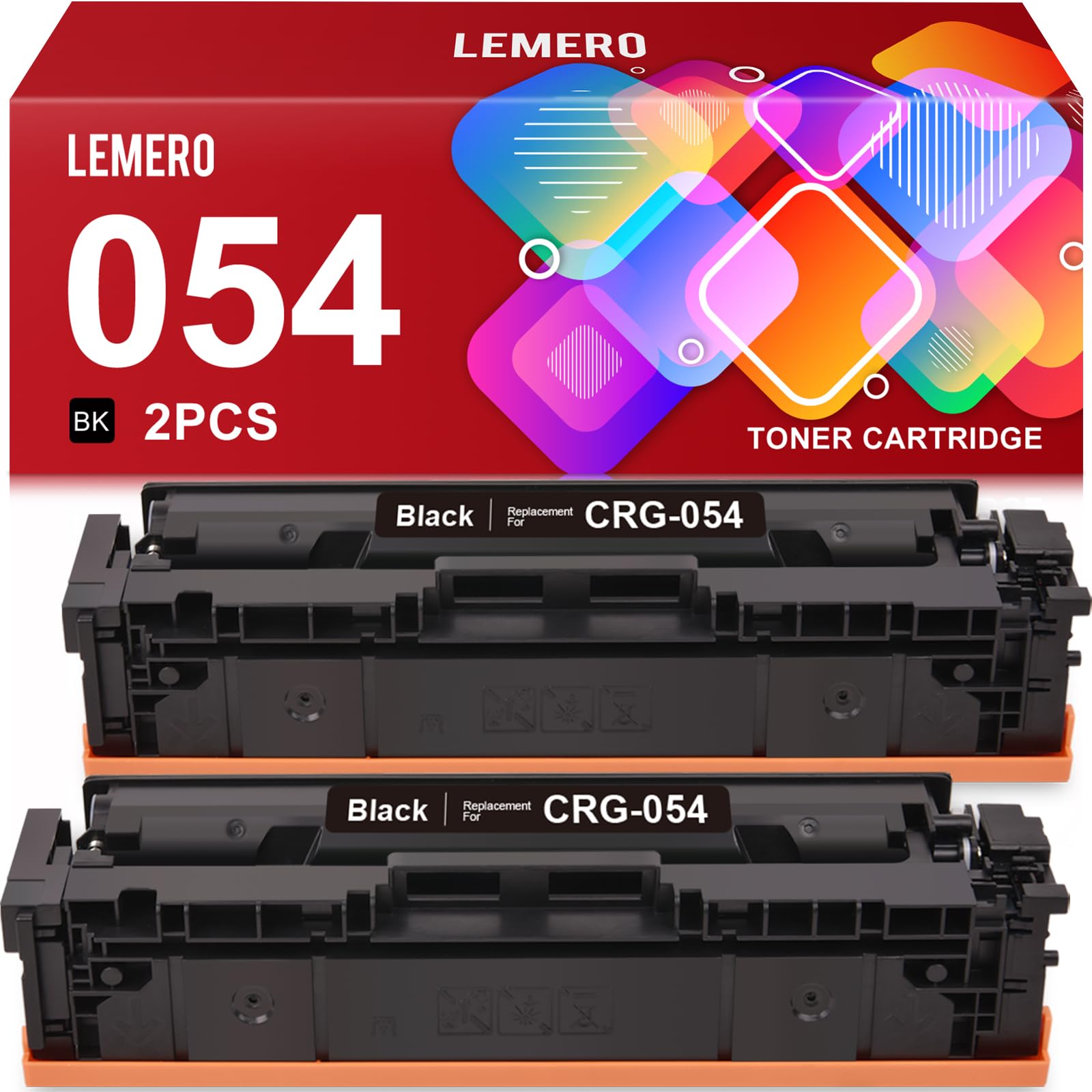
Lemero Compatible Canon 054 Toner Cartridge — Black 2-Pack
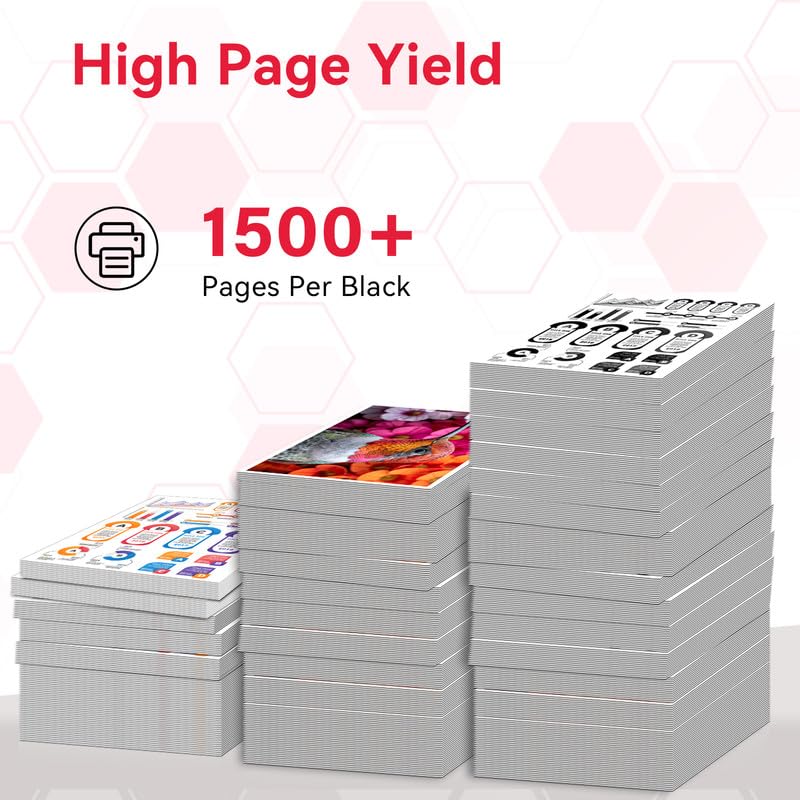
This 2-pack of compatible Canon 054 black toner cartridges replaces the OEM CRG-054 for Canon Color imageCLASS printers. Each cartridge delivers up to 1,500 pages of crisp black text at 5% coverage, with an integrated chip for seamless printer recognition — no modifications required. Backed by Lemero's lifetime warranty.
What's in the Box
| Cartridge | OEM Number | Color | Page Yield |
|---|---|---|---|
| 2 × Canon 054 | CRG-054 / 3024C001 | Black | ~1,500 pages each |
Page yield measured at 5% coverage per ISO testing standards. Total yield for this 2-pack: approximately 3,000 pages.
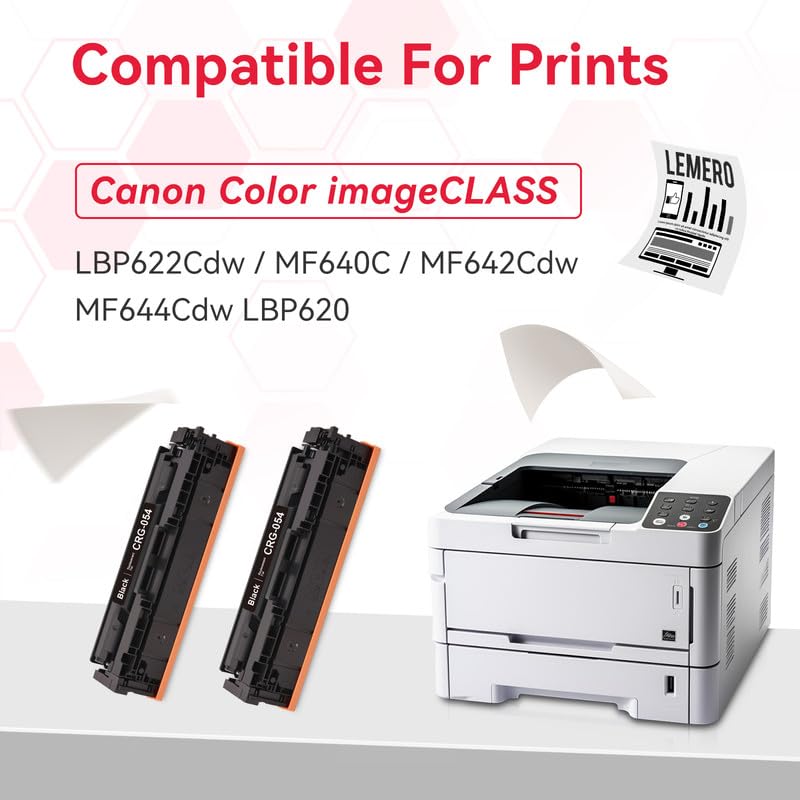
Compatible Canon Printers
| Series | Models |
|---|---|
| Canon Color imageCLASS MFP | MF640C · MF641Cdw · MF642Cdw · MF644Cdw |
| Canon Color imageCLASS LBP | LBP620 · LBP622Cdw |
Tip: The Canon 054 and 054H cartridges are physically identical and fit the same printers. The only difference is page yield. If you want more pages per cartridge, see our Canon 054H 4-Pack which includes all four colors at high yield.
Canon 054 vs 054H: What's the Difference?
| Canon 054 (Standard) | Canon 054H (High Yield) | |
|---|---|---|
| Black Page Yield | ~1,500 pages | ~3,100 pages |
| Color Page Yield | ~1,200 pages | ~2,300 pages |
| Compatible Printers | Same | Same |
| Best For | Light to moderate use | Regular office printing |
Both cartridges fit the same Canon Color imageCLASS printers. This listing covers the standard-yield 054 black — if you print frequently, the 054H delivers a significantly lower cost per page.
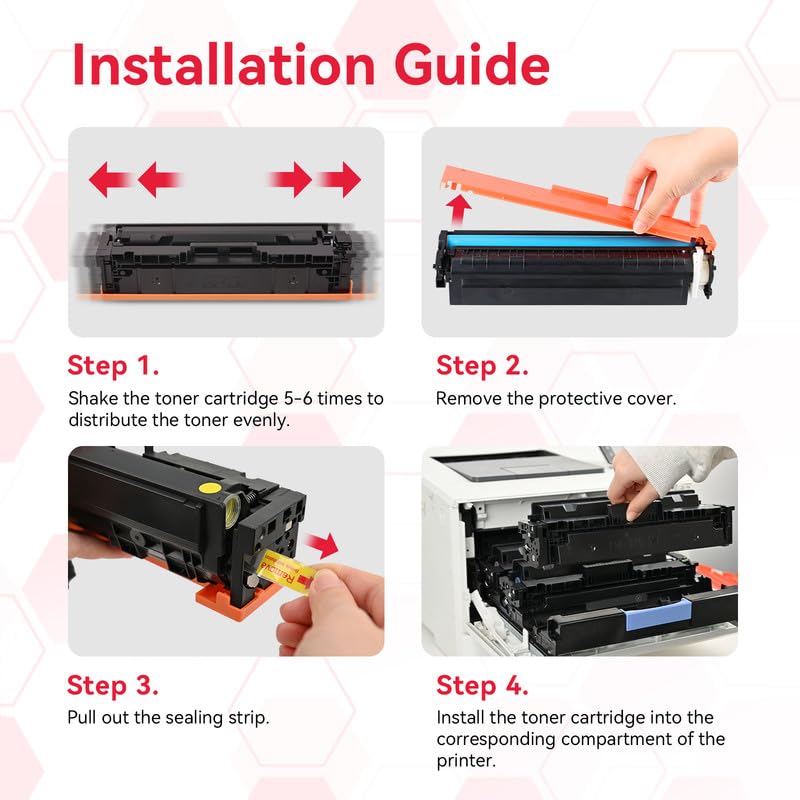
How to Install Canon 054 Toner Cartridge
- Open the front cover of your Canon imageCLASS printer
- Pull the toner carousel out and locate the black cartridge slot
- Press the release tab and pull the old black cartridge out
- Remove the new cartridge from packaging and shake it gently 5–6 times side to side to evenly distribute the toner
- Remove the orange protective seal completely
- Insert the new cartridge into the black slot and push firmly until it clicks
- Return the carousel, close the front cover, and power on
- If a "non-Canon cartridge" alert appears, press OK to continue — this does not affect print quality
Do not touch the drum or chip contacts. Fingerprints can cause print defects or recognition errors.
Frequently Asked Questions
Does this pack include two black cartridges? Yes. This listing contains two CRG-054 compatible black toner cartridges. It does not include color cartridges.
Is the 054 the same as the 054H? They fit the same printers but have different page yields. The 054 yields approximately 1,500 pages black; the 054H yields approximately 3,100 pages black. For full-color printing at high yield, see our 054H 4-Pack.
Do I need to transfer the chip from my old cartridge? No. Each cartridge includes an integrated chip. Simply install and print.
My printer shows a "non-Canon toner" message. Is that normal? Yes. Canon printers display this alert when a compatible cartridge is detected. Press OK or Continue — the alert will not recur and does not affect print quality or yield.
Will using a compatible toner cartridge void my Canon printer warranty? No. Under the Magnuson-Moss Warranty Act, Canon cannot void your printer warranty solely because you used a compatible toner cartridge.
The print looks slightly lighter than OEM. What can I do? Check your printer's print density setting (usually under Settings → Print Quality). Increasing the density by one step typically resolves any lightness. If the issue persists, contact Lemero support — all cartridges are covered by our lifetime warranty.
Lemero is an independent supplier of compatible printer cartridges. Canon, imageCLASS, CRG-054, and related model names are trademarks of Canon Inc., referenced here for compatibility purposes only.