


Payment & Security
Your payment information is processed securely. We do not store credit card details nor have access to your credit card information.
Description
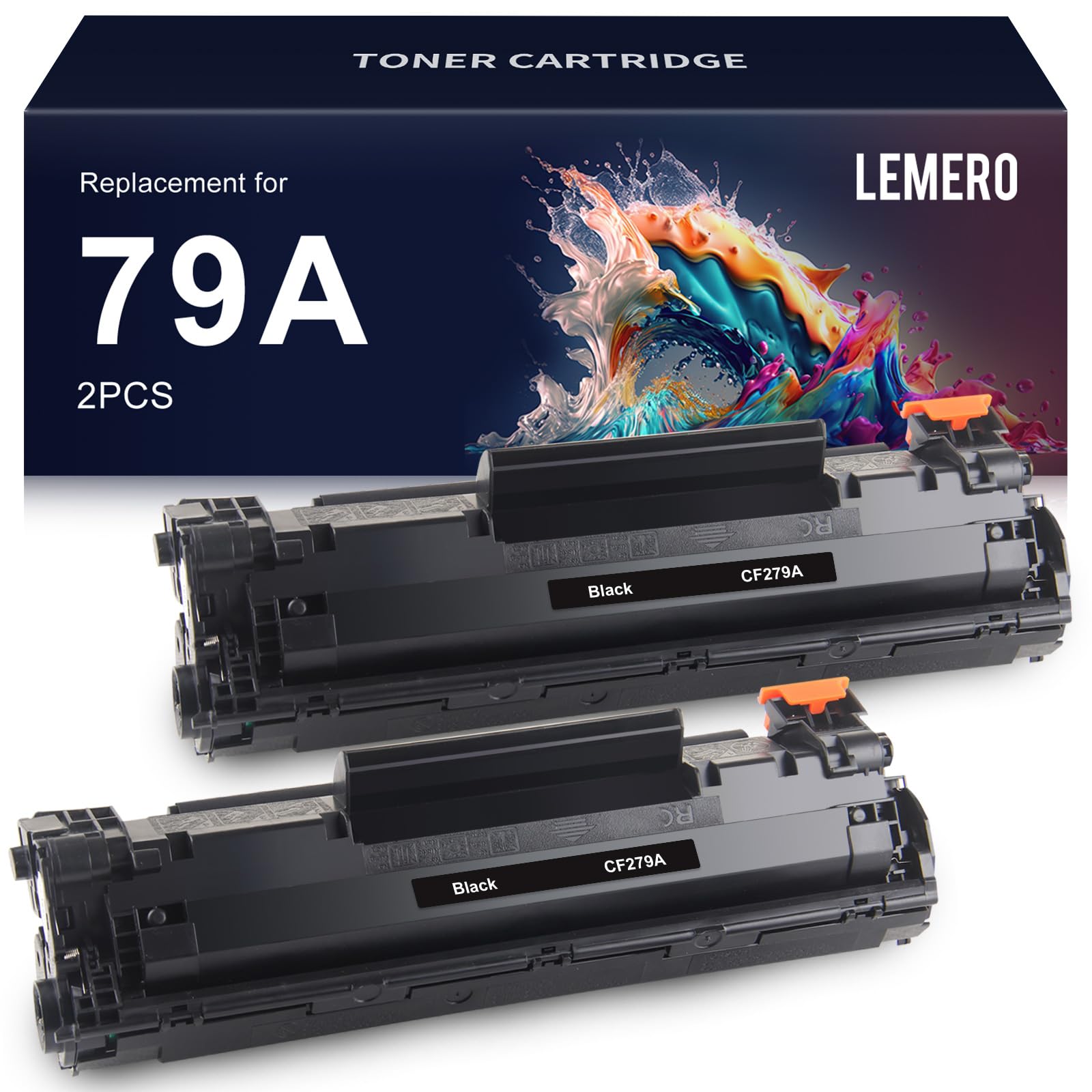
Lemero Compatible HP 79A Toner Cartridges — Black 2-Pack (CF279A)
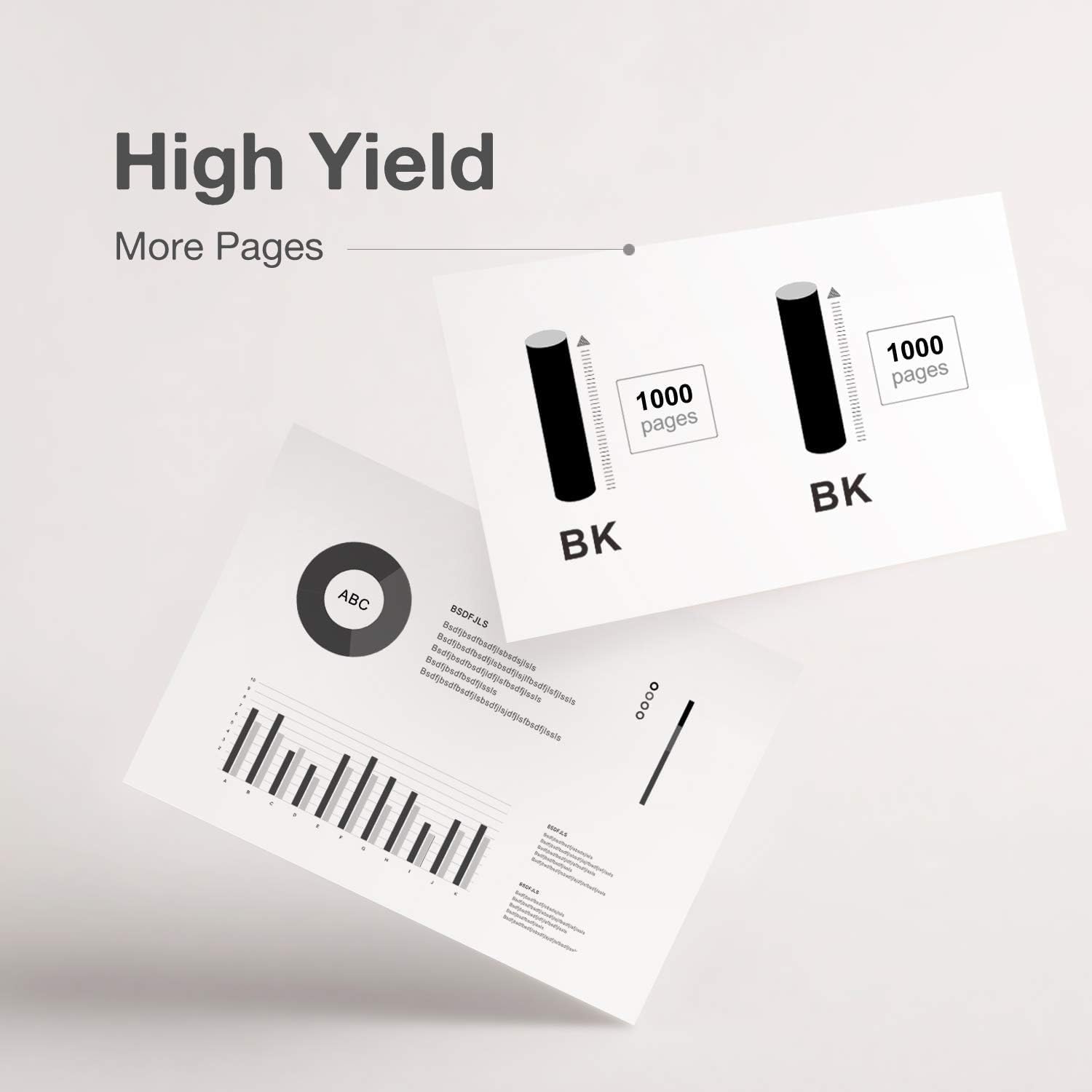
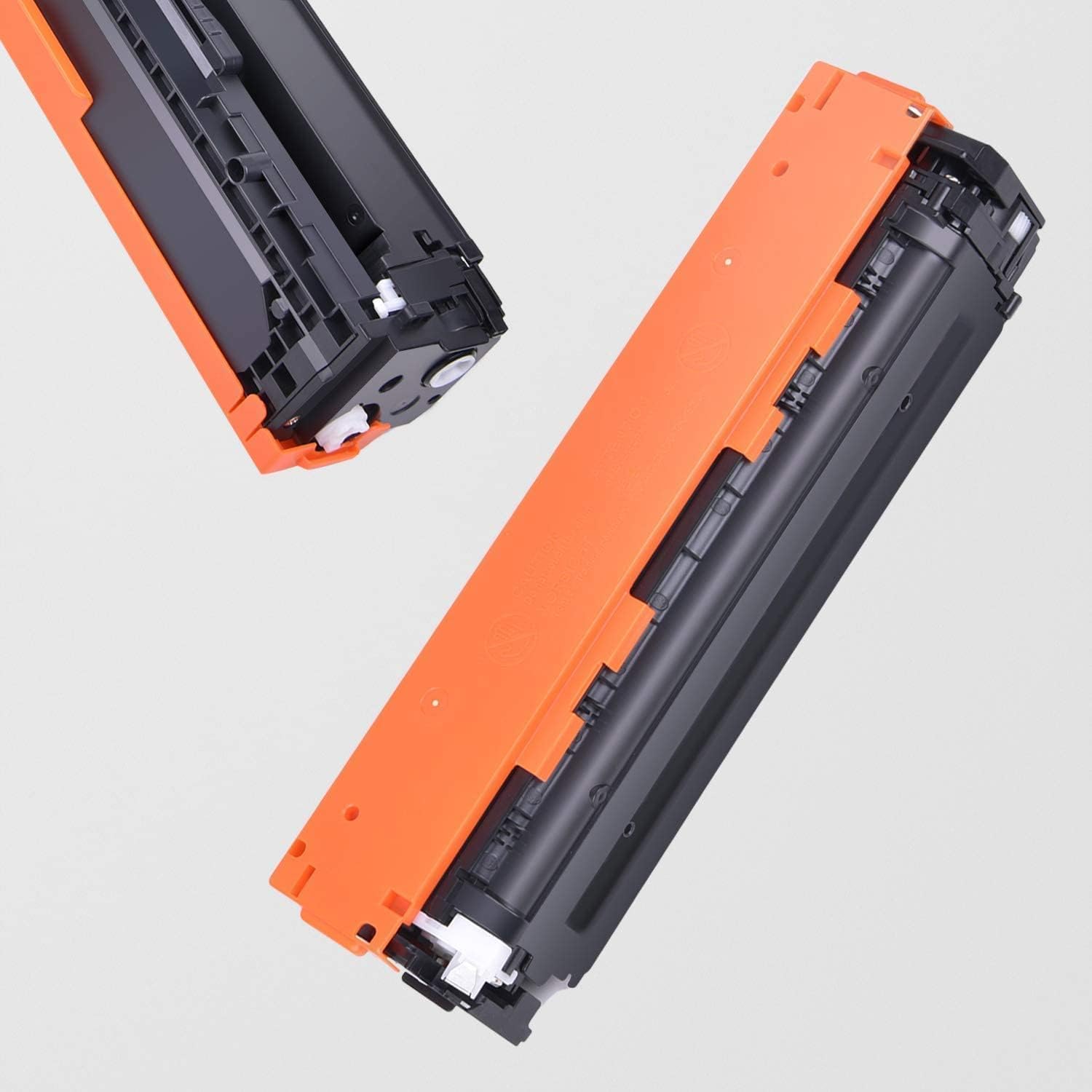
This 2-pack of compatible HP 79A toner cartridges replaces the OEM CF279A for HP LaserJet Pro M12 and M26 series printers. Each cartridge delivers up to 1,000 pages of crisp black text and graphics at a fraction of the OEM price. Compatible chip included — no modifications required.
What's in the Box
| Cartridge | OEM Number | Color | Page Yield |
|---|---|---|---|
| 2 × 79A | CF279A | Black | ~1,000 pages each |
Page yield measured at 5% coverage per ISO testing standards. Total yield for this 2-pack: approximately 2,000 pages.
Compatible HP Printers
| Series | Model |
|---|---|
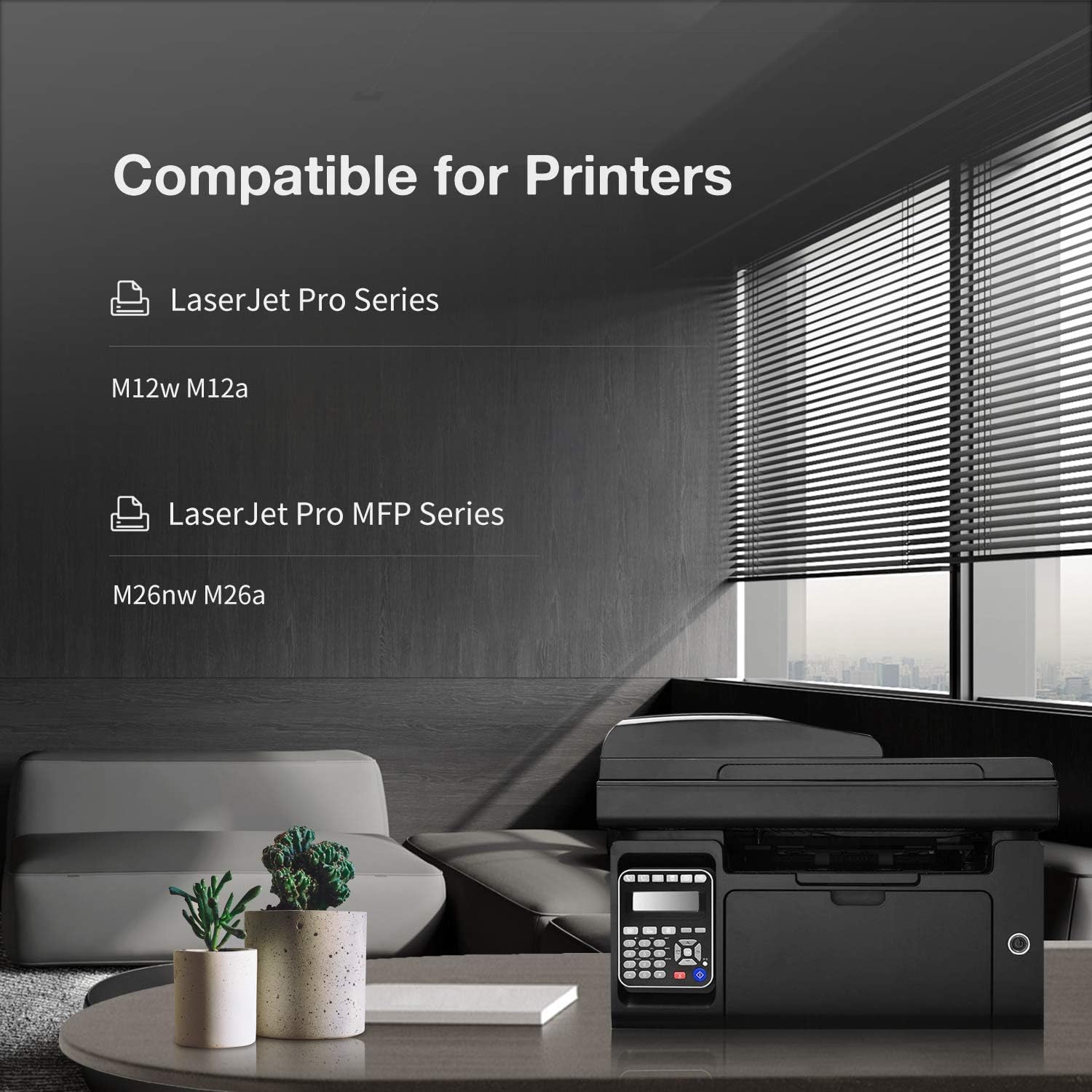
| HP LaserJet Pro | M12a · M12w |
| HP LaserJet Pro MFP | M26a · M26nw |
Tip: The HP 79A is used exclusively in the compact LaserJet Pro M12 and M26 series. If you have a different LaserJet Pro model, check the label on your current cartridge to confirm it says CF279A before ordering.
Why Buy a 2-Pack?
Having a spare cartridge on hand means you're never caught without ink mid-job. The M12 and M26 are single-cartridge printers — when the cartridge runs out, printing stops entirely. A 2-pack gives you continuity and a lower effective per-cartridge cost.
How to Install HP 79A Toner Cartridge
- Open the front cover of your HP LaserJet printer
- Pull the toner cartridge straight out by the handle
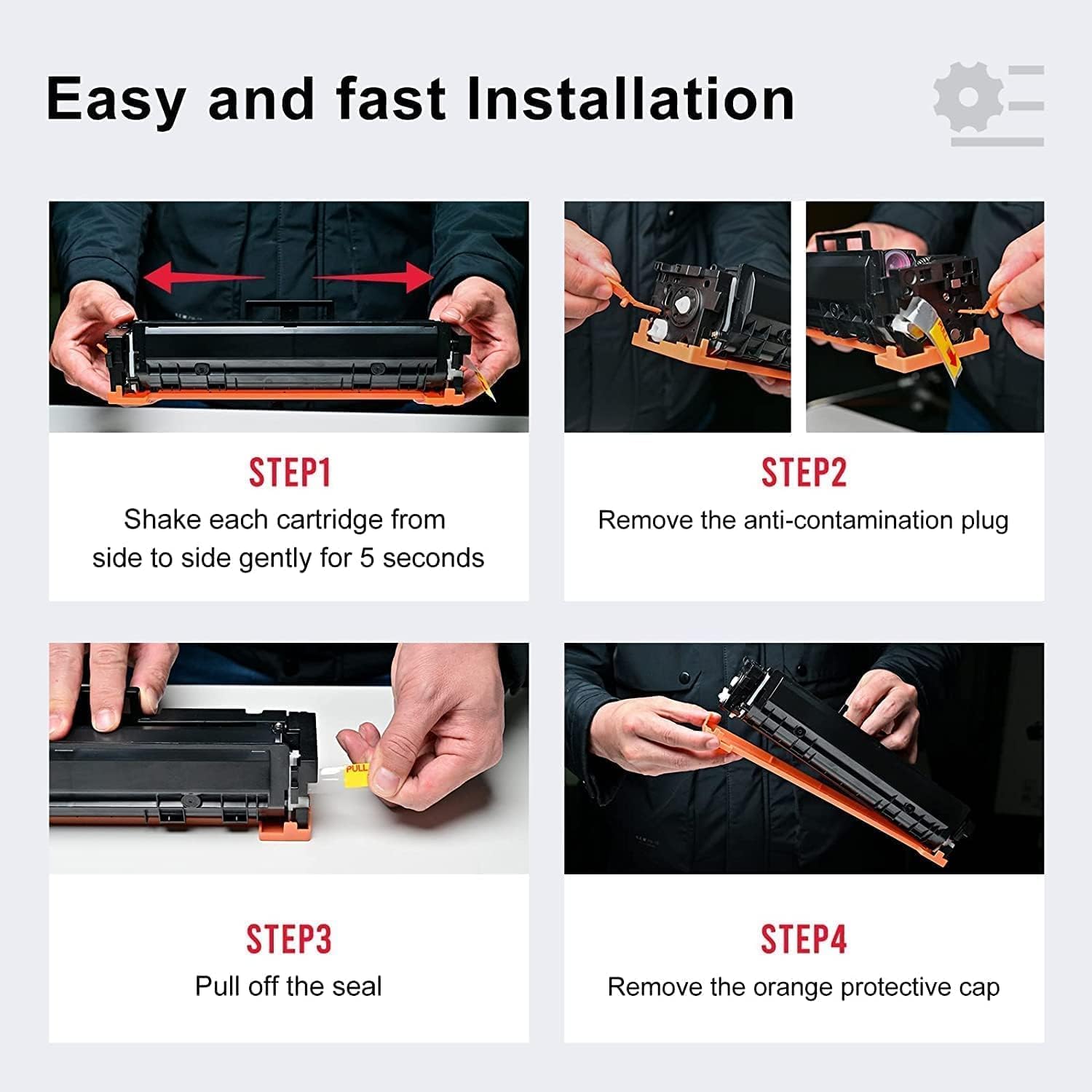
- Remove the new cartridge from packaging and shake it gently 5–6 times side to side to evenly distribute the toner
- Pull the orange pull tab to remove the sealing strip completely
- Align the cartridge with the guides and slide it firmly back into the printer until it clicks
- Close the front cover
- If prompted with a "non-HP cartridge" message, press OK or Continue to proceed
Important: Do not touch the green drum on the bottom of the cartridge — fingerprints can cause print defects.
Frequently Asked Questions
Does this pack include two cartridges? Yes. This listing contains two CF279A compatible black toner cartridges.
What printers use the HP 79A? The 79A (CF279A) is compatible with HP LaserJet Pro M12a, M12w, MFP M26a, and MFP M26nw only. It is not cross-compatible with other LaserJet Pro series.
Is there a high-yield version of the 79A? No. HP does not make a high-yield version of the 79A. The CF279A at 1,000 pages is the only yield option for these printers.
My printer shows "non-HP cartridge" after installation. Is that normal? Yes. HP printers display this alert when a compatible or aftermarket cartridge is detected. Press OK or Continue — this message does not affect print quality and will not appear again after you dismiss it.
Will using a compatible cartridge void my HP printer warranty? No. Under the Magnuson-Moss Warranty Act, HP cannot void your printer warranty solely because you used a compatible toner cartridge.
The print looks a little light. What should I do? If print density is lower than expected, check your print settings and ensure the density is set to medium or higher. You can also try running a printer cleaning cycle from the HP software. As one customer noted, output can occasionally appear slightly light but still delivers usable results.
Lemero is an independent supplier of compatible printer cartridges. HP, LaserJet, CF279A, and related model names are trademarks of HP Inc., referenced here for compatibility purposes only.