





Payment & Security
Your payment information is processed securely. We do not store credit card details nor have access to your credit card information.
Description
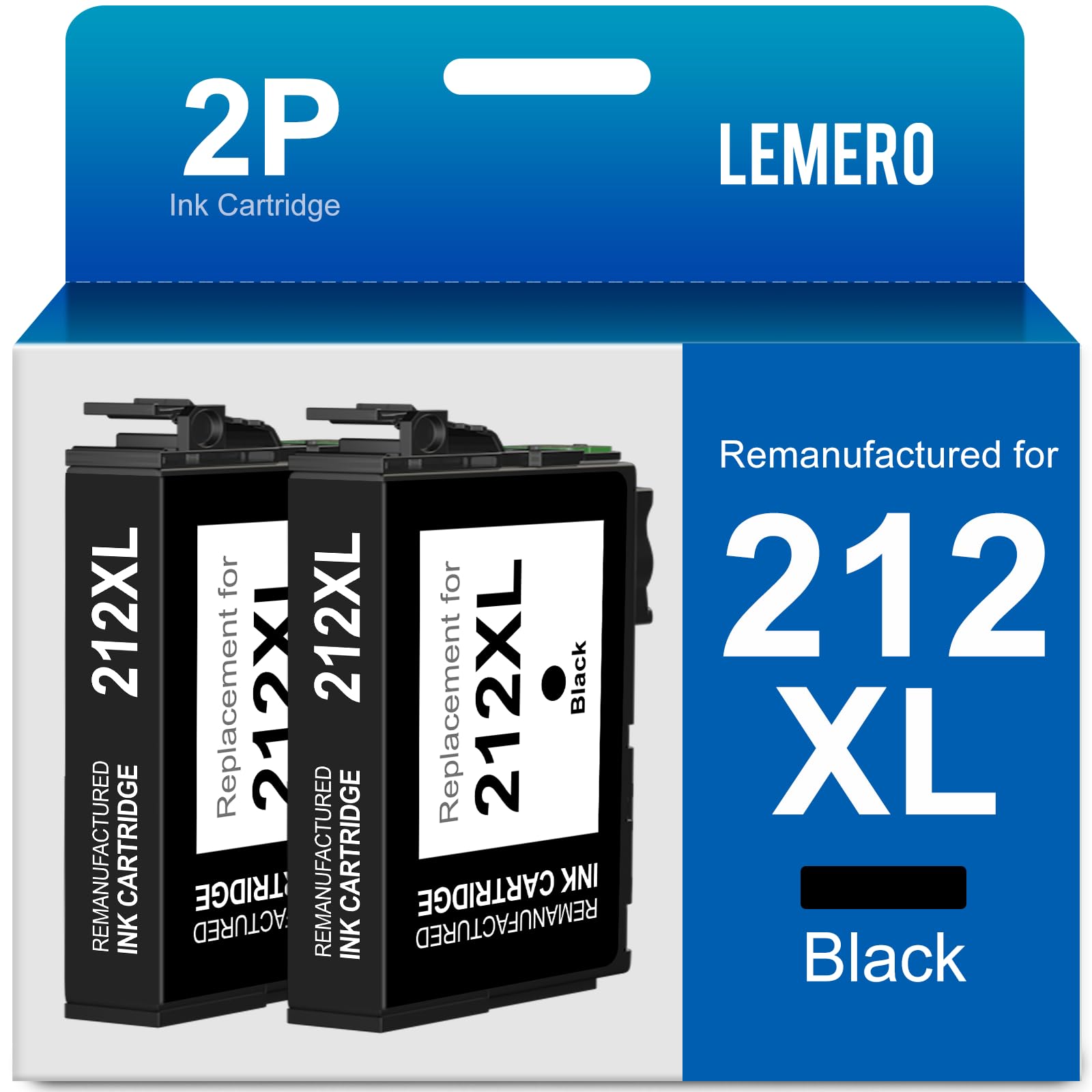
Lemero Remanufactured Epson 212XL Black Ink Cartridges — 2-Pack
This 2-pack of remanufactured Epson 212XL black ink cartridges provides high-yield black ink for Epson Expression Home and WorkForce printers. Each cartridge is remanufactured with an updated chip for seamless printer recognition, backed by Lemero's lifetime warranty.
Note: This pack contains black ink only (T212XL120 × 2). It does not include color cartridges (cyan, magenta, or yellow).
What's in the Box
| Cartridge | OEM Number | Color | Page Yield |
|---|---|---|---|
| 2 × 212XL Black | T212XL120 | Black | ~500 pages each |
Page yield measured at 5% coverage per ISO testing standards. Total yield for this 2-pack: approximately 1,000 pages.
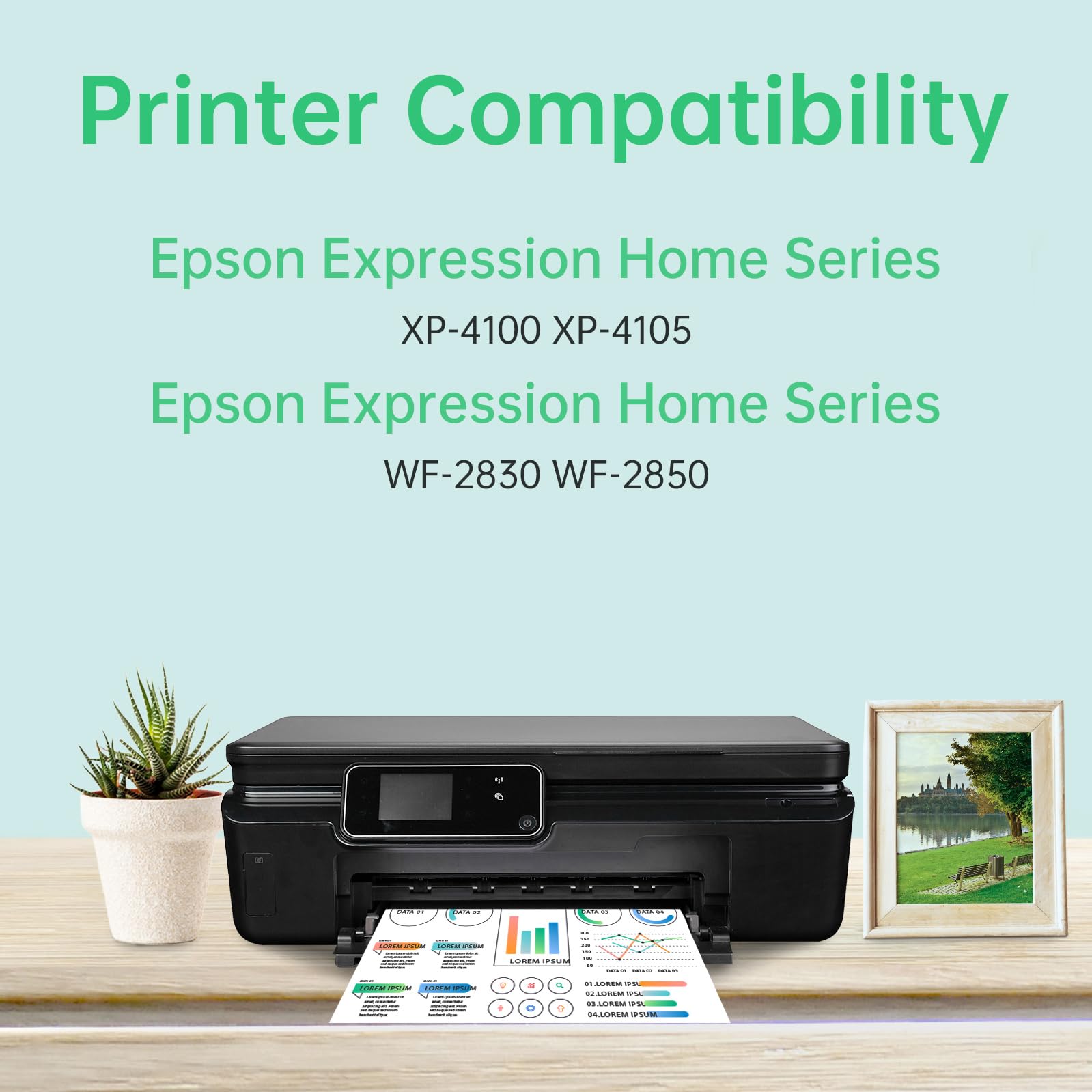
Compatible Epson Printers
| Epson Expression Home | Epson WorkForce |
|---|---|
| XP-4100 | WF-2830 |
| XP-4105 | WF-2850 |
Tip: Check the label inside your printer's ink access door to confirm it requires the 212 or 212XL series. The 212XL is not the same as the 220XL — they fit different printers.
Epson 212 vs 212XL: Which Should You Buy?
| Epson 212 (Standard) | Epson 212XL (High Yield) | |
|---|---|---|
| Black Page Yield | ~200 pages | ~500 pages |
| Best For | Very light use | Regular home printing |
The 212XL prints approximately 2.5x more pages than the standard 212 black cartridge. Both sizes fit the same Epson Expression Home XP-4100/XP-4105 and WorkForce WF-2830/WF-2850 printers.
Why Buy a 2-Pack?
Having two black cartridges on hand means you always have a backup ready when the first runs out — no interruption to your printing when you need it most. Black ink is consumed faster than color during everyday document printing, making a 2-pack a practical choice for regular users.
How to Install Epson 212XL Black Ink Cartridge
- Turn on your Epson printer
- Open the front cover — the ink cartridge holder will move to the replacement position
- Press the tab on the old black cartridge to release it and lift it out
- Remove the new cartridge from packaging and peel off the yellow tape completely — do not touch the green chip or ink nozzles
- Insert the cartridge into the black slot and press down until it clicks
- Close the front cover — the printer will initialize automatically
If your printer shows a cartridge error: Ensure all yellow tape has been fully removed. If the issue persists, remove the cartridge, gently wipe the green chip with a dry lint-free cloth, and reinstall. Every cartridge is covered by our lifetime warranty.
Frequently Asked Questions
What is the difference between Epson 212 and 212XL? They fit the same printers but the 212XL holds approximately 2.5x more ink. The 212XL black yields approximately 500 pages versus 200 for the standard 212.
Is the 212XL the same as the 220XL? No. The 212XL and 220XL are designed for completely different printers. The 212XL fits XP-4100, XP-4105, WF-2830, and WF-2850. The 220XL fits WF-2760, WF-2750, WF-2630, and XP-420 series. Always verify your printer model before ordering.
Does this pack include color ink? No. This 2-pack contains black (T212XL120) cartridges only.
Will using remanufactured cartridges void my Epson printer warranty? No. Under the Magnuson-Moss Warranty Act, Epson cannot void your printer warranty solely because you used a remanufactured or compatible cartridge.
My printer shows low ink right after installing. Is that normal? Some Epson printers may not accurately read ink levels in remanufactured cartridges. This is a display limitation only — the cartridge contains a full amount of ink and prints normally from the first page.
How long can I store the second cartridge? Store the unopened cartridge in a cool, dry place away from direct sunlight. For best results, use within 18–24 months of purchase.
Lemero is an independent remanufacturer of printer cartridges. Epson, Expression Home, WorkForce, T212XL, and related model names are trademarks of Seiko Epson Corporation, referenced here for compatibility purposes only.