


Payment & Security
Your payment information is processed securely. We do not store credit card details nor have access to your credit card information.
Description
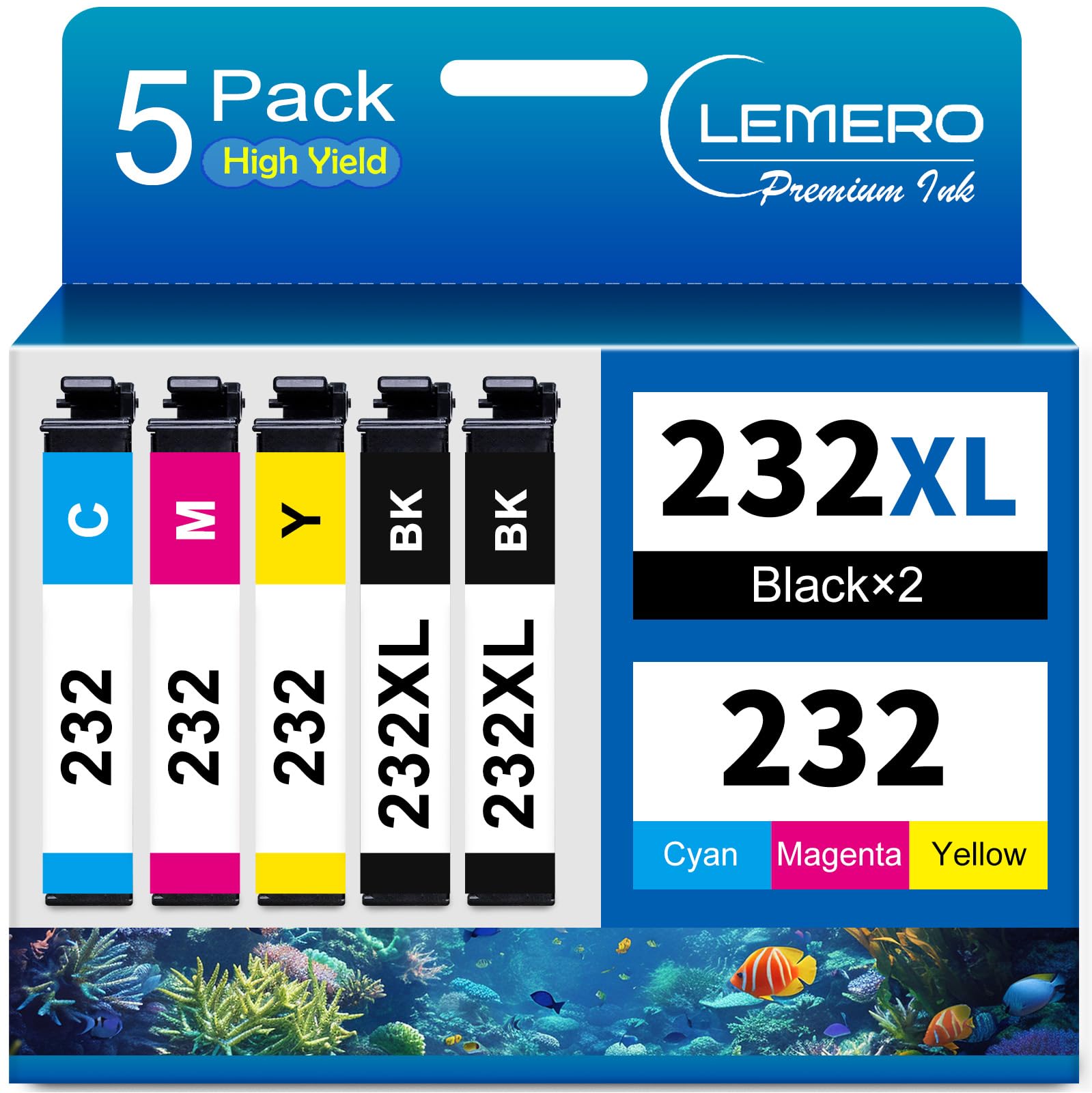
Lemero Remanufactured Epson 232XL & 232 Ink Cartridges — 5-Pack
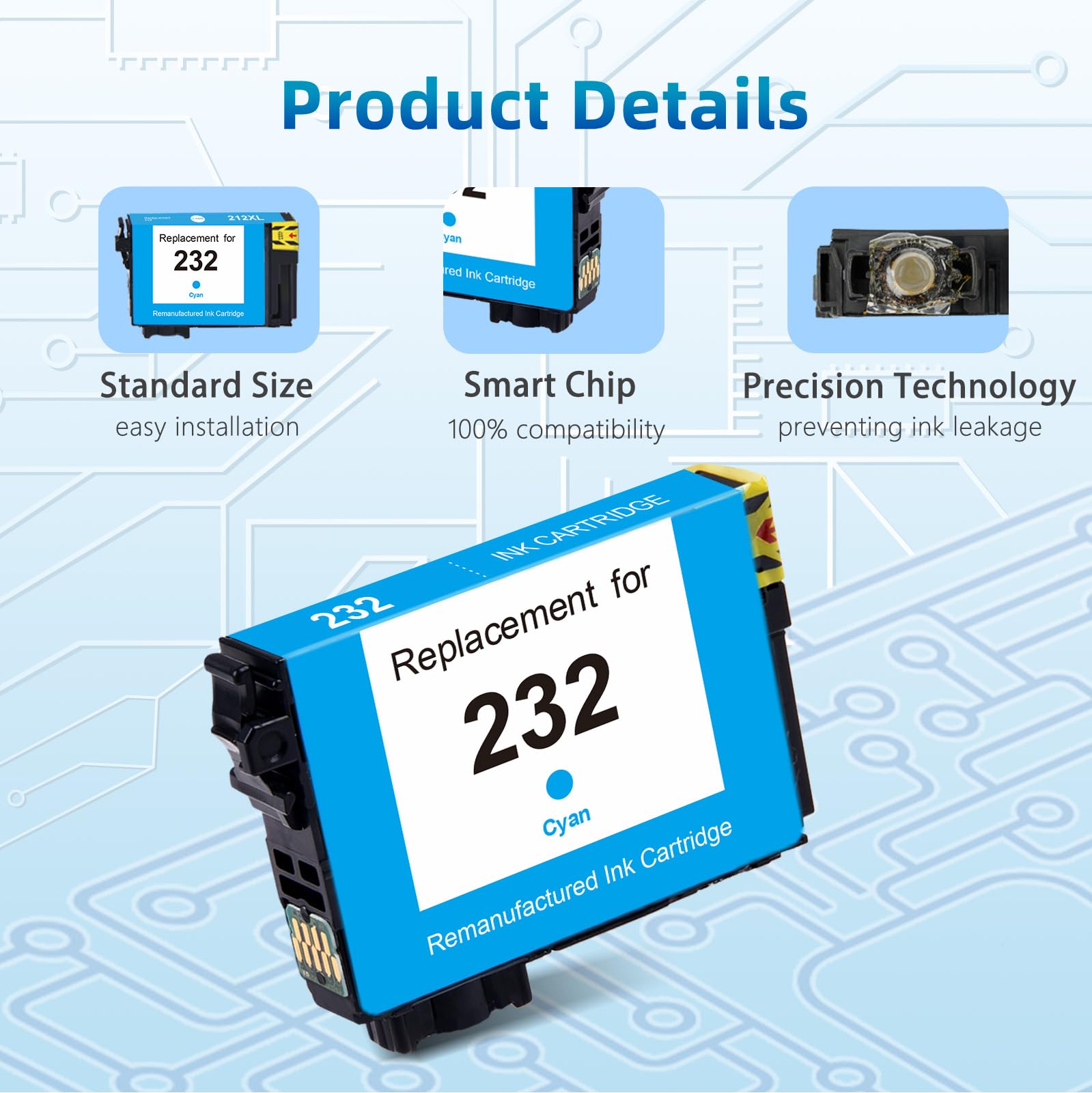
This 5-pack includes two high-yield 232XL black cartridges and one each of standard 232 cyan, magenta, and yellow — matching Epson's official cartridge configuration for the XP-4200 and WF-2930 series. The 232XL black delivers 3× more pages than the standard 232 black, reflecting the reality that black ink is consumed much faster than color in everyday printing. All five cartridges are remanufactured with updated chips and backed by Lemero's lifetime warranty.
What's in the Box
| Cartridge | OEM Number | Type | Color | Page Yield |
|---|---|---|---|---|
| 2 × 232XL Black | T232XL120 | High Yield | Black | ~500 pages each |
| 1 × 232 Cyan | T232220 | Standard | Cyan | ~165 pages |
| 1 × 232 Magenta | T232320 | Standard | Magenta | ~165 pages |
| 1 × 232 Yellow | T232420 | Standard | Yellow | ~165 pages |
Page yield measured at 5% coverage per ISO testing standards. Total combined yield: approximately 1,495 pages.
Why standard color cartridges? This is Epson's official recommended configuration for these printers. Because color ink lasts significantly longer than black during typical printing, the standard 232 color cartridges match your actual usage pattern without paying for extra color capacity you won't use. If you print high volumes of color, individual 232XL color cartridges are available separately.
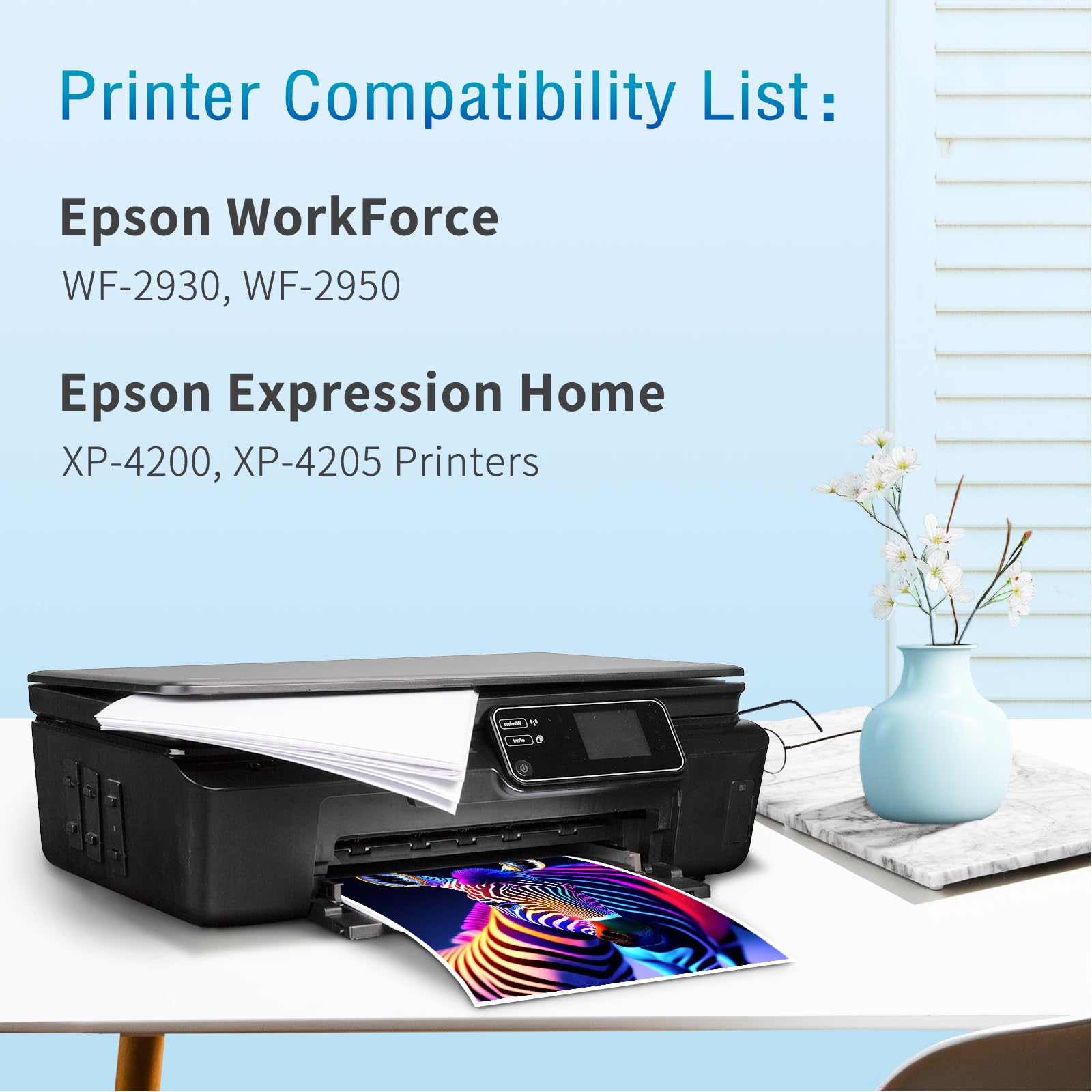
Compatible Epson Printers
| Series | Models |
|---|---|
| Epson WorkForce | WF-2930 · WF-2950 |
| Epson Expression Home XP | XP-4200 · XP-4205 |
Important: The 232/232XL series is specific to these four printers. It is not compatible with:
- WF-2830 / XP-4100 series → uses 212XL
- WF-2760 / XP-340 series → uses 220XL
Always check the label on your current cartridge before ordering.
Epson 232 vs 232XL: Understanding the Difference
| 232 (Standard) | 232XL (High Yield) | |
|---|---|---|
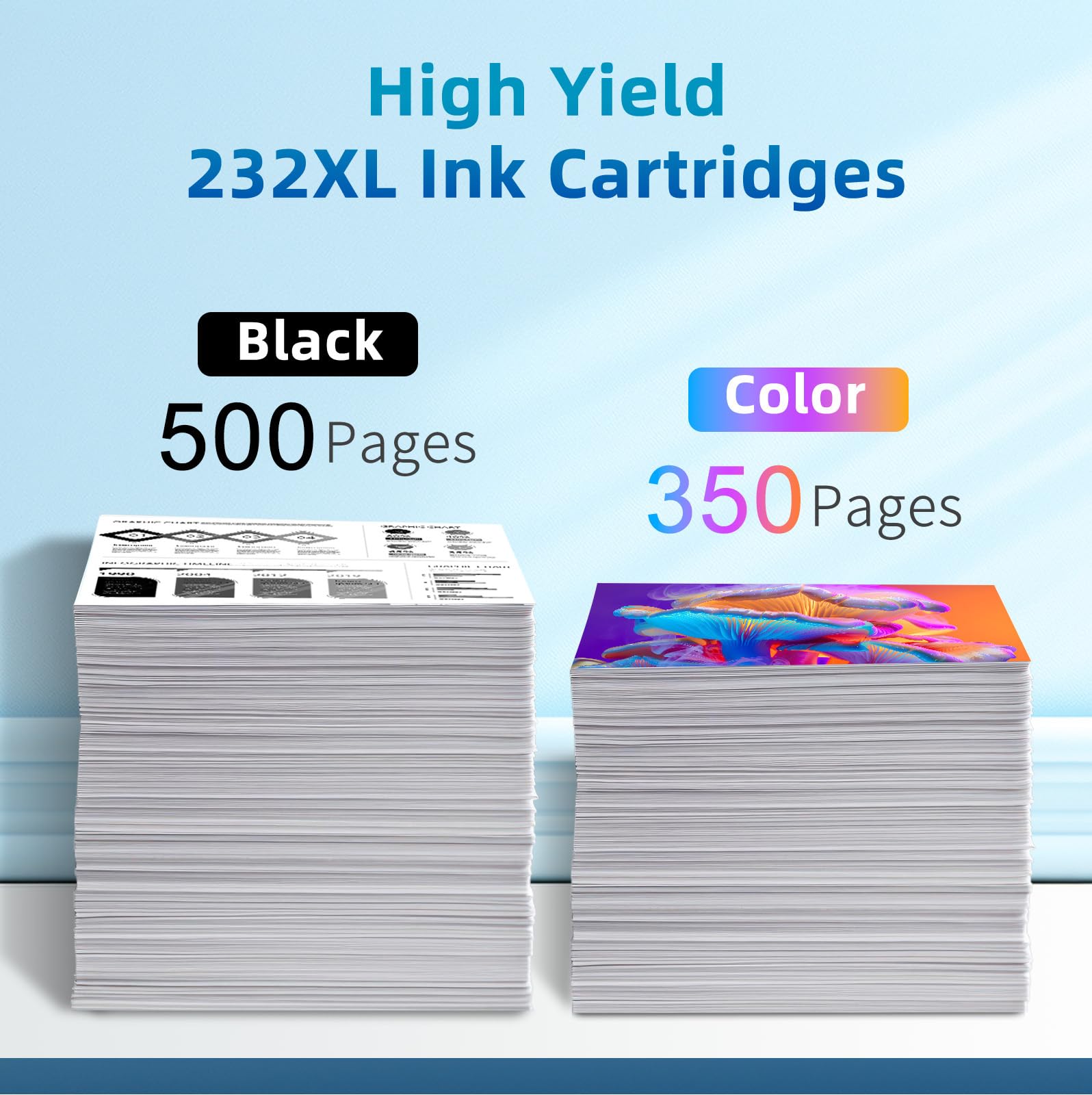
| Black Page Yield | ~175 pages | ~500 pages |
| Color Page Yield | ~165 pages | ~350 pages |
| Compatible Printers | Same | Same |
This 5-pack uses 232XL for black (where you need more pages) and standard 232 for color (where standard yield matches typical usage). It is the same combination Epson sells as their own multi-pack.
How to Install Epson 232XL / 232 Ink Cartridges
- Turn on your Epson printer
- Open the ink cartridge access cover — the carriage will move to the replacement position
- Press the tab on the old cartridge and lift it straight out
- Remove the new cartridge from packaging and peel off all orange protective tape completely — including any tape over the ink nozzles
- Do not touch the chip or ink nozzle area — fingerprints can cause recognition errors
- Insert each cartridge into its color-coded slot and press firmly until it clicks
- Close the access cover
- If an "ink cartridge not recognized" message appears, press OK to continue — this is a standard notification and does not affect print quality
Frequently Asked Questions
Why does this pack include 2 black cartridges but only 1 of each color? Black ink runs out much faster than color during typical printing — documents, emails, and text-heavy content all use black exclusively. Having 2 black cartridges means you always have a backup ready. The standard 232 color cartridges in this pack match typical color usage patterns.
The color cartridges are standard 232, not 232XL. Is that correct? Yes, this is intentional and matches Epson's official multi-pack configuration. The black uses the high-yield 232XL (T232XL120) for ~500 pages, while cyan, magenta, and yellow use standard 232 (T232220/T232320/T232420) for ~165 pages each. If you print heavy color volume and need XL color cartridges, they are available individually.
What is the difference between 232 and 232XL? The 232XL holds approximately 3× more ink than the standard 232. Both fit the same printers — the difference is only page yield. For black, the XL is almost always the better value. For color, the standard 232 is often sufficient for typical users.
Is this compatible with WF-2830 or XP-4100? No. Those printers use the 212XL series. The 232/232XL fits only WF-2930, WF-2950, XP-4200, and XP-4205.
My printer shows "ink cartridge not recognized." What should I do? Ensure all orange protective tape has been removed completely and that the cartridge is firmly seated. Press OK or Proceed on the printer screen. The cartridge is fully functional — as confirmed by our customers, the smart chip provides accurate ink level tracking once installed.
Will using remanufactured cartridges void my Epson printer warranty? No. Under the Magnuson-Moss Warranty Act, Epson cannot void your printer warranty solely because you used a remanufactured or compatible ink cartridge.
How long can I store unused cartridges? Store sealed cartridges in a cool, dry place away from direct sunlight. For best results, install within 18–24 months of purchase.
Lemero is an independent remanufacturer of printer cartridges. Epson, WorkForce, Expression Home, T232XL, T232, and related model names are trademarks of Seiko Epson Corporation, referenced here for compatibility purposes only.
Epson 232 Ink Compatible Printers
| Workforce | |
| Workforce WF-2950 | Workforce WF-2930 |
| Expression XP | |
| Expression Home XP-4200 | Expression Home XP-4205 |