






Payment & Security
Your payment information is processed securely. We do not store credit card details nor have access to your credit card information.
Description
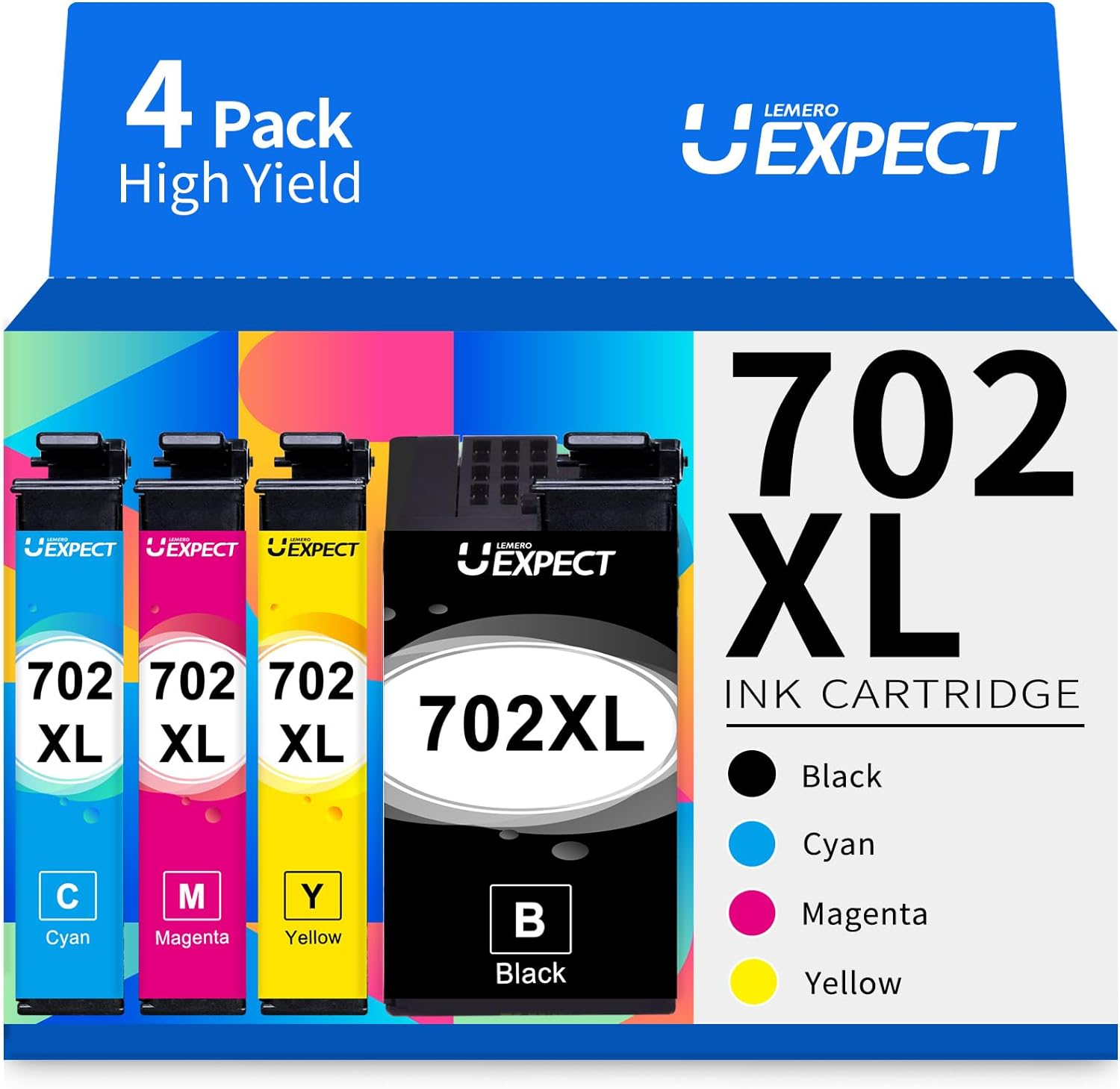
Lemero Remanufactured Epson 702XL Ink Cartridges — 4-Pack (Black, Cyan, Magenta, Yellow)
This 4-pack of remanufactured Epson 702XL ink cartridges delivers high-yield performance for Epson WorkForce Pro printers. Each cartridge is remanufactured with an updated chip designed to remain compatible after Epson firmware updates, backed by Lemero's lifetime warranty.
What's in the Box
| Cartridge | OEM Number | Color | Page Yield |
|---|---|---|---|
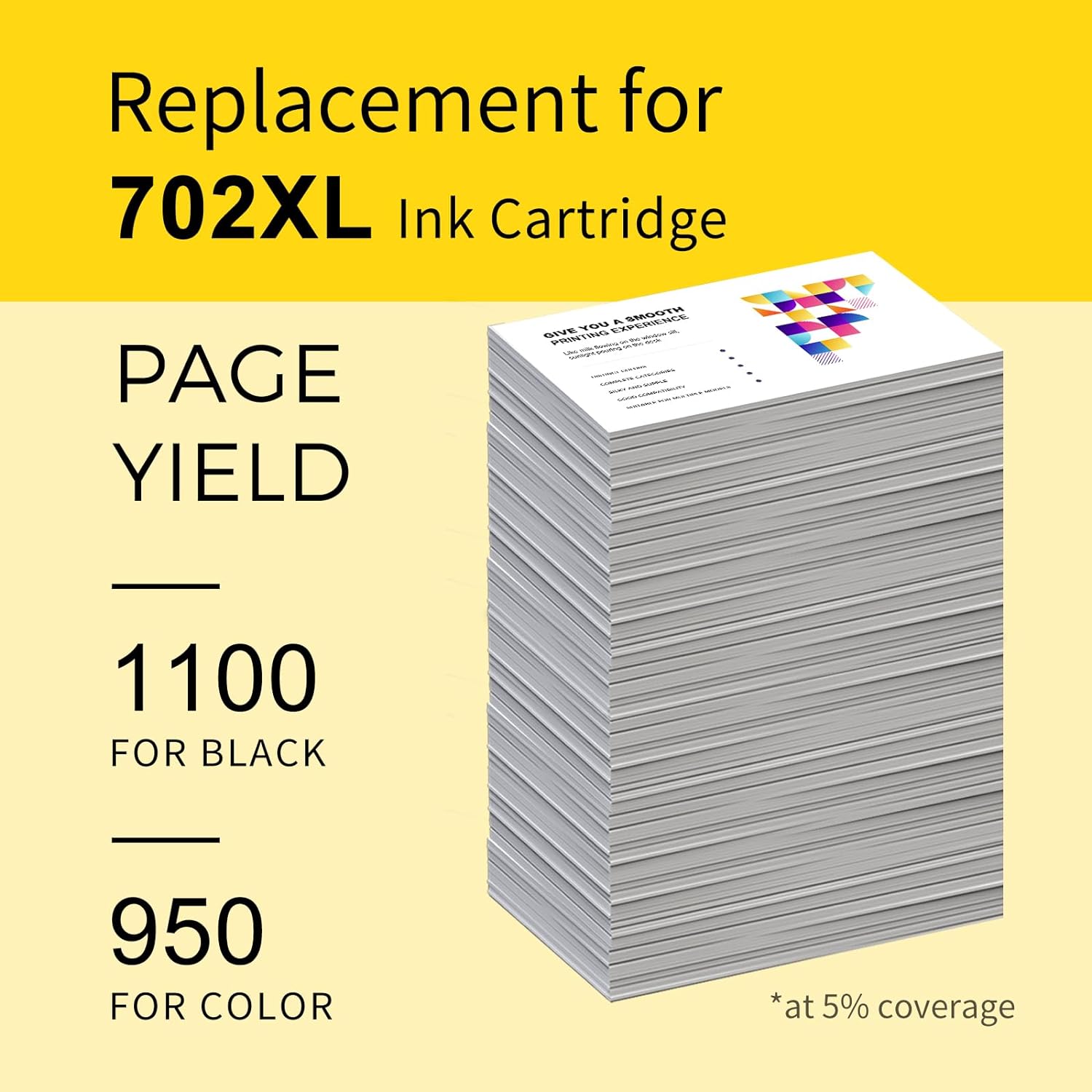
| 1 × 702XL Black | T702XL120 | Black | ~1,100 pages |
| 1 × 702XL Cyan | T702XL220 | Cyan | ~950 pages |
| 1 × 702XL Magenta | T702XL320 | Magenta | ~950 pages |
| 1 × 702XL Yellow | T702XL420 | Yellow | ~950 pages |
Page yield measured at 5% coverage per ISO testing standards.
Compatible Epson Printers
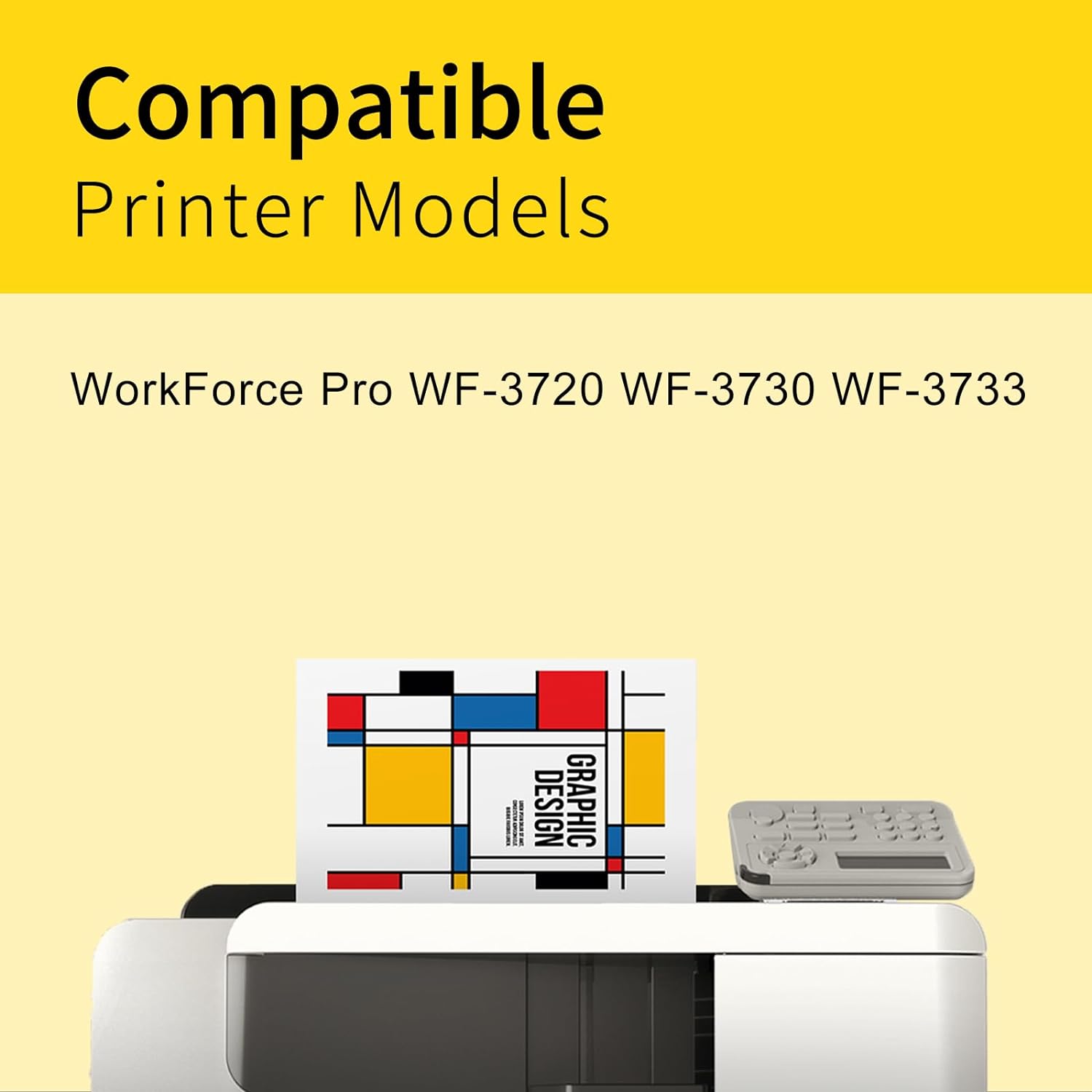
| Epson WorkForce Pro | |
|---|---|
| WF-3720 | WF-3730 |
| WF-3733 |
Tip: Check the label inside your printer's ink access door to confirm it requires the 702 or 702XL series before purchasing.
Firmware Update Compatible
Epson has released firmware updates for the WorkForce Pro WF-3720 series that can block third-party cartridges. Lemero's 702XL cartridges are remanufactured with an updated chip specifically engineered to remain functional after firmware updates. If your printer recently updated and stopped recognizing your current third-party cartridges, these are the replacement to use.
Epson 702 vs 702XL: Which Should You Buy?
| Epson 702 (Standard) | Epson 702XL (High Yield) | |
|---|---|---|
| Black Page Yield | ~350 pages | ~1,100 pages |
| Color Page Yield | ~300 pages | ~950 pages |
| Best For | Light use | Regular/office printing |
The 702XL prints 3x more pages than the standard 702 for black and approximately 3.2x more for color. For anyone printing regularly, the XL version delivers a dramatically lower cost per page.
How to Install Epson 702XL Ink Cartridges
- Turn on your Epson WorkForce Pro printer
- Open the front cover — the ink cartridge holder will move to the replacement position
- Press the tab on the cartridge you are replacing and lift it out
- Remove the new cartridge from packaging and peel off the yellow tape completely — do not touch the green chip or ink nozzles
- Insert the new cartridge into the matching color slot and press down until it clicks
- Repeat for each cartridge being replaced
- Close the front cover — the printer will initialize automatically
If your printer shows "incompatible cartridge" after a firmware update: Lemero's 702XL cartridges use updated chips to address this. Try removing and reinserting the cartridge, or perform a printer power cycle (unplug for 60 seconds, then restart). If the issue persists, contact Lemero support — every cartridge is covered by our lifetime warranty.
Frequently Asked Questions
What printers use Epson 702XL ink cartridges? The 702XL is designed for Epson WorkForce Pro WF-3720, WF-3730, and WF-3733. These are the only models in the 702XL series.
What is the difference between Epson 702 and 702XL? They fit the same printers but the 702XL holds significantly more ink. The 702XL black yields approximately 1,100 pages versus 350 for the standard 702, and color cartridges yield approximately 950 versus 300 pages. The XL version is far more economical per page for regular users.
Will these work after an Epson firmware update? Yes. Lemero's 702XL cartridges are remanufactured with updated chips specifically designed to remain compatible after Epson firmware updates for the WF-3720 series. This is the key difference between Lemero's cartridges and generic alternatives.
Are Epson 702XL and 802XL interchangeable? No. The 702XL and 802XL are designed for different printer models and are not cross-compatible. Always check the label inside your printer's ink access door.
Will using remanufactured cartridges void my Epson printer warranty? No. Under the Magnuson-Moss Warranty Act, Epson cannot void your printer warranty solely because you used a remanufactured or compatible cartridge.
How long can I store unused cartridges? Store unopened cartridges in a cool, dry place away from direct sunlight. Store horizontally if possible. For best results, use within 18–24 months of purchase.
Lemero is an independent remanufacturer of printer cartridges. Epson, WorkForce Pro, T702XL, and related model names are trademarks of Seiko Epson Corporation, referenced here for compatibility purposes only.