


Description
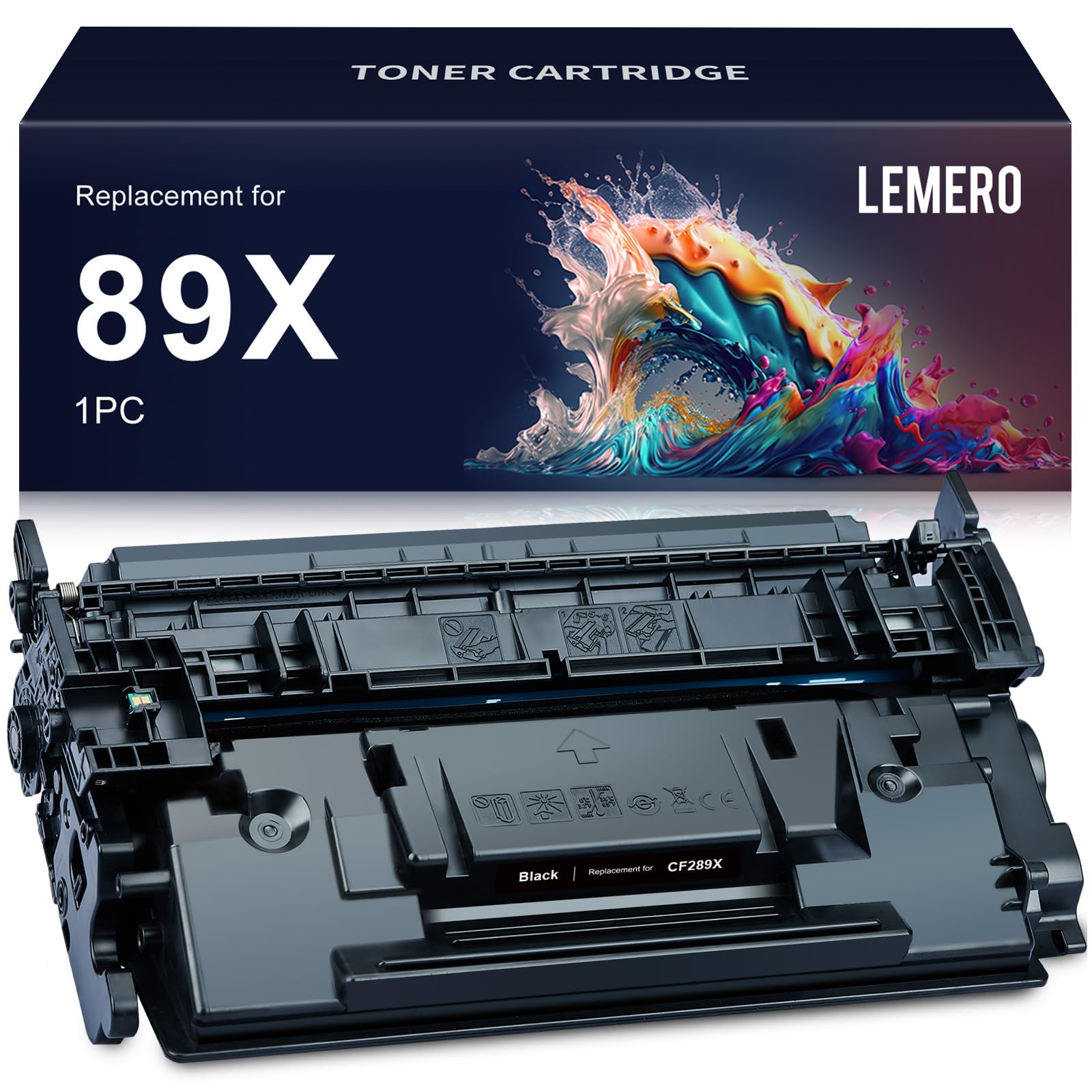
Lemero Compatible HP 89X Toner Cartridge — CF289X Black High Yield 1-Pack
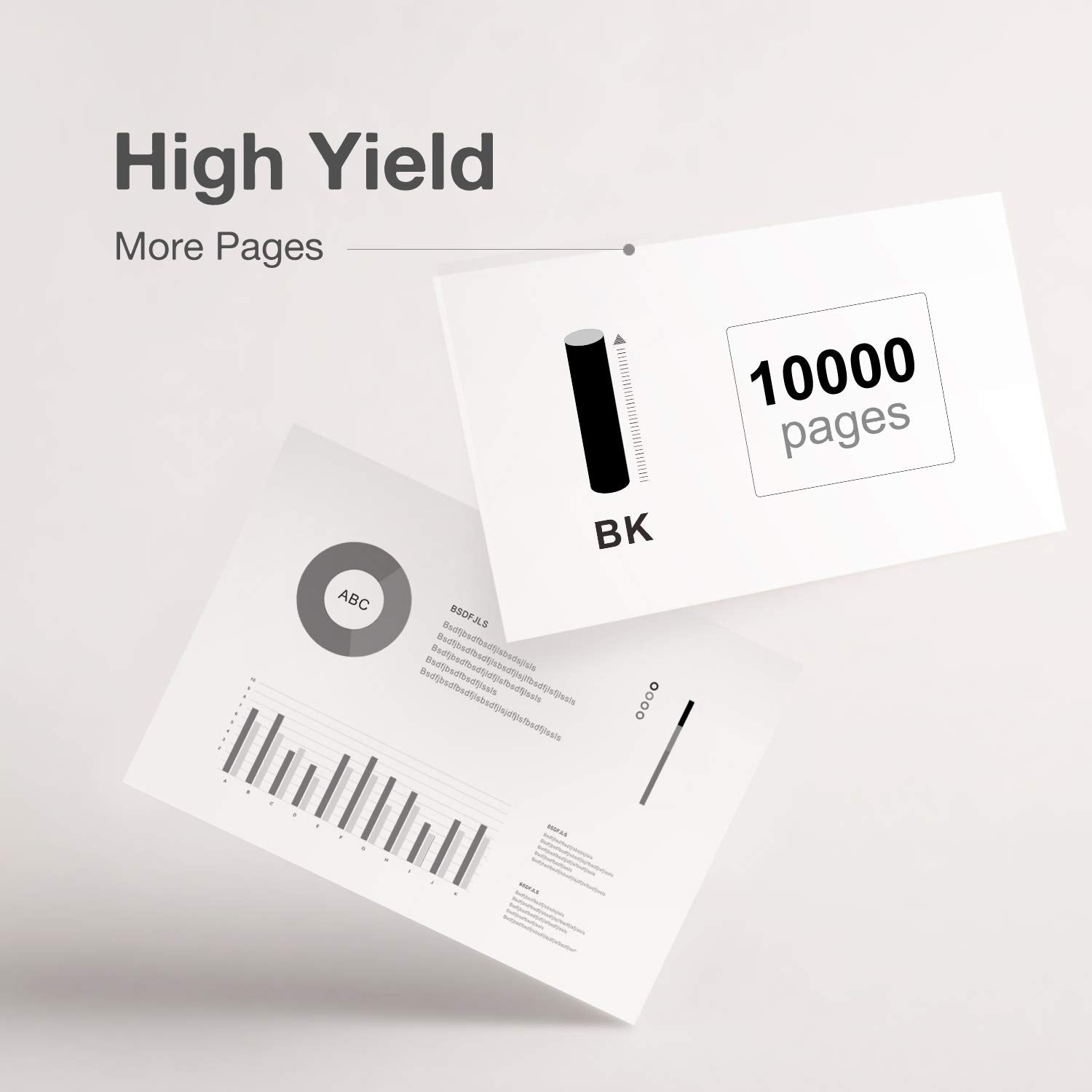
This high-yield compatible HP 89X black toner cartridge replaces the OEM CF289X for HP LaserJet Enterprise M507 and M528 series printers. With an integrated chip and up to 10,000 pages per cartridge, it delivers reliable performance for high-volume office printing — at a fraction of the OEM cost. Backed by Lemero's lifetime warranty.
What's in the Box
| Cartridge | OEM Number | Color | Page Yield |
|---|---|---|---|
| 1 × 89X | CF289X | Black | ~10,000 pages |
Page yield measured at 5% coverage per ISO testing standards.
Compatible HP Printers
| Series | Models |
|---|---|
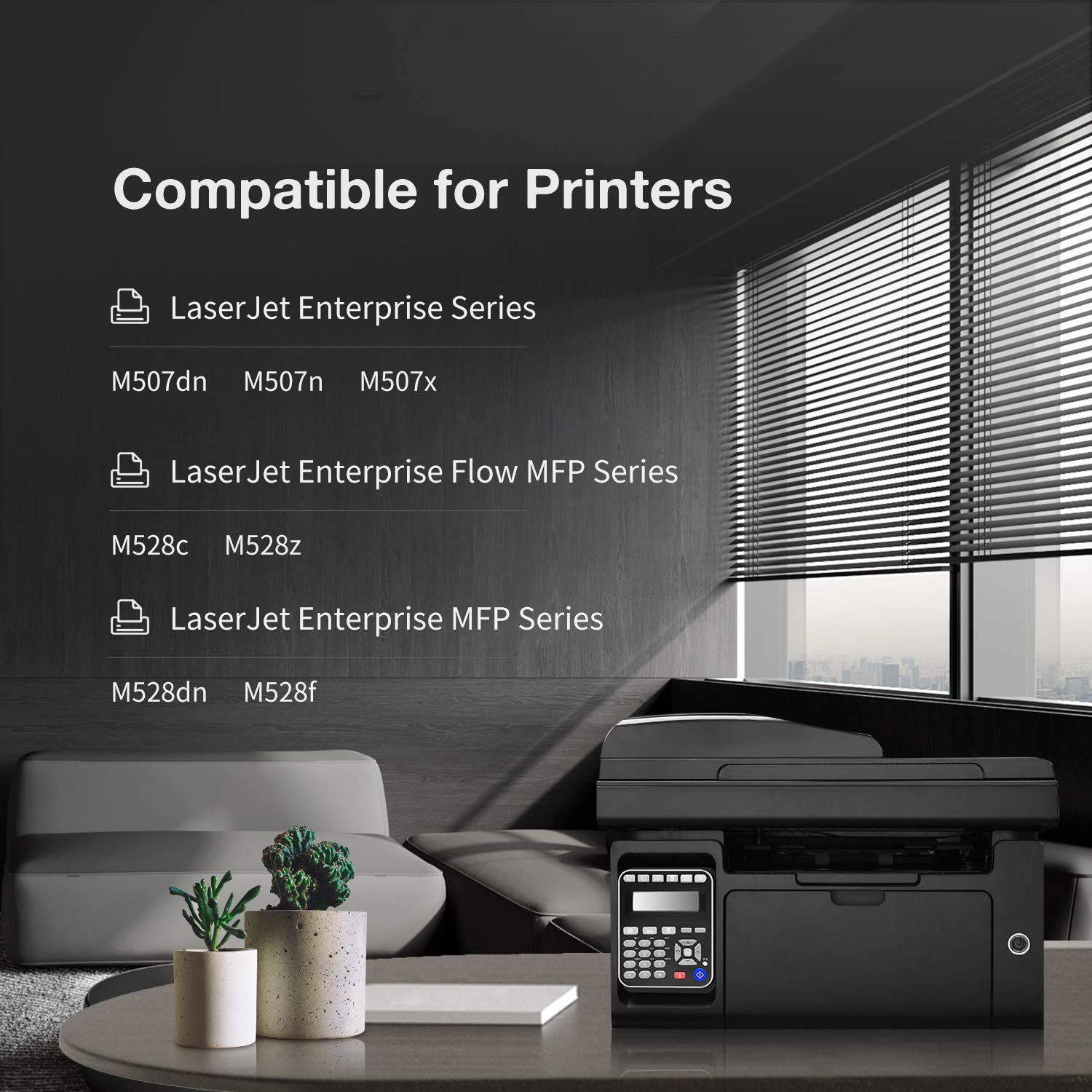
| HP LaserJet Enterprise | M507dn · M507n · M507x |
| HP LaserJet Enterprise MFP | M528dn · M528f · M528c · Flow MFP M528z |
Tip: The HP 89X is the high-yield version of the 89A. Both fit the same printers — the 89X delivers approximately 2.5× more pages per cartridge. If you see CF289A on your current cartridge, the 89X is a direct high-yield upgrade.
HP 89A vs 89X: Which Should You Buy?
| HP 89A (Standard) | HP 89X (High Yield) | |
|---|---|---|
| OEM Number | CF289A | CF289X |
| Black Page Yield | ~5,000 pages | ~10,000 pages |
| Best For | Moderate printing | High-volume office use |
| Cost Per Page | Higher | Lower |
For any office environment with regular printing, the 89X offers a dramatically lower cost per page. Both cartridges fit the same LaserJet Enterprise M507 and M528 series printers.
About the Chip
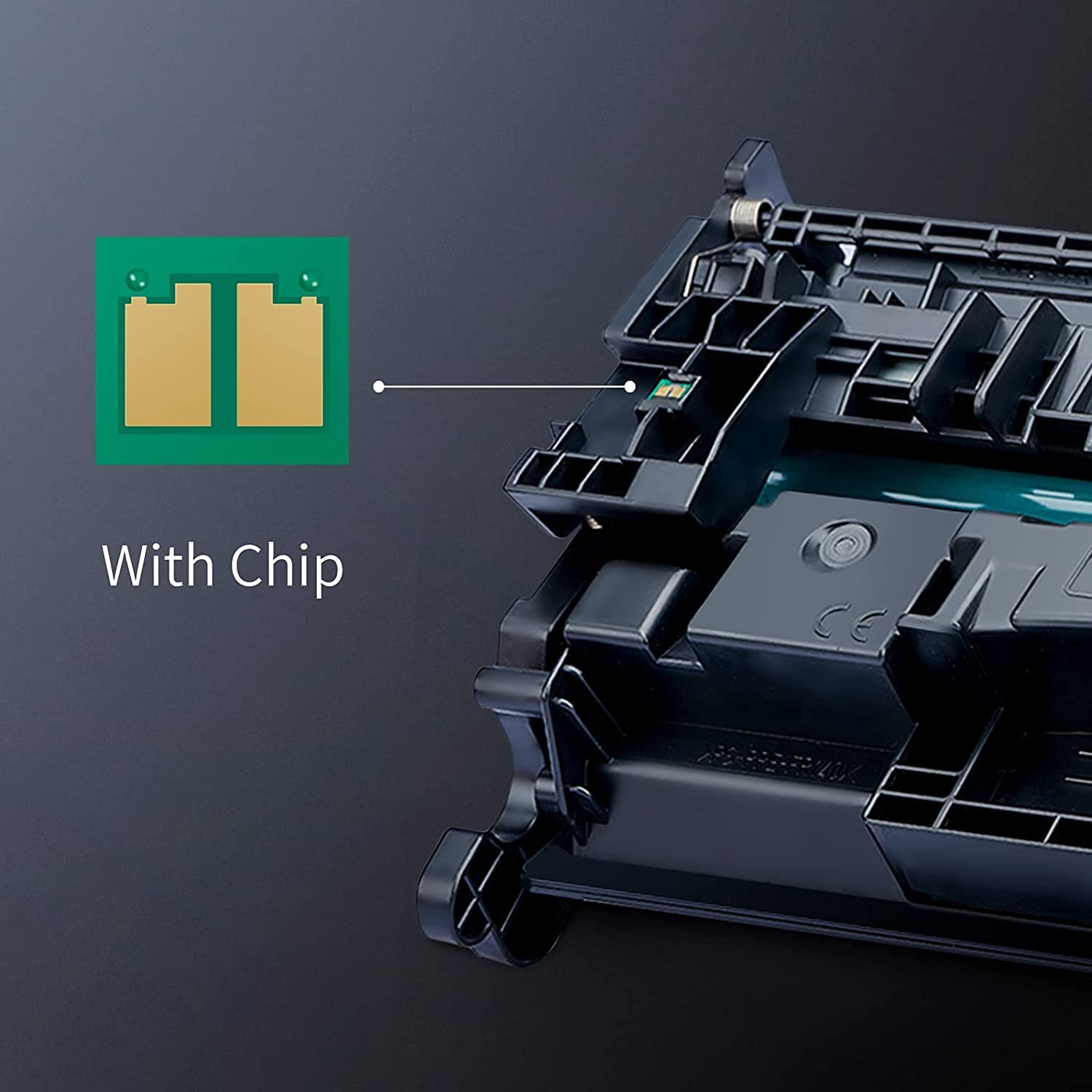
This cartridge includes an integrated chip for automatic printer recognition. No chip transfer from your old cartridge is needed.
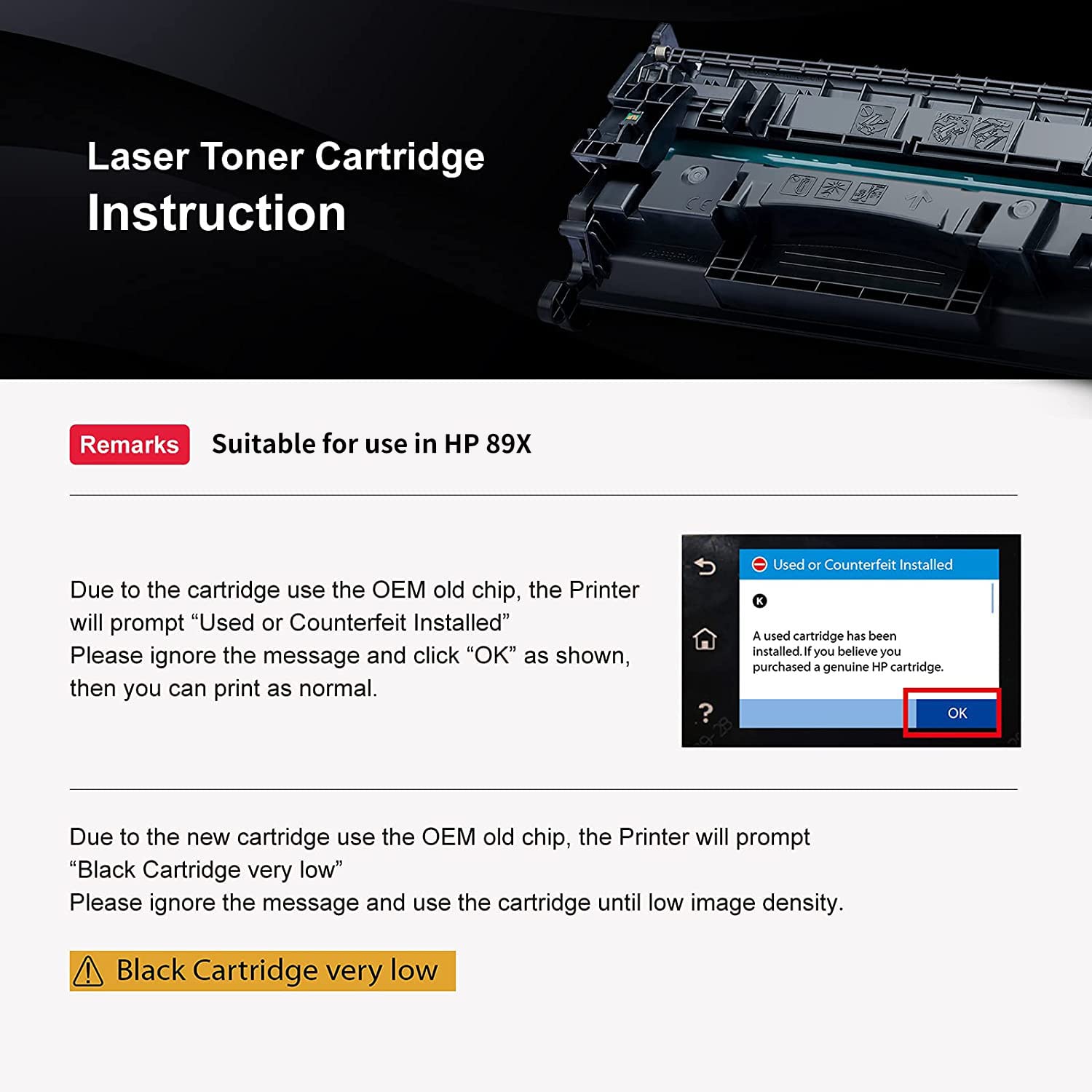
Note on toner level display: HP LaserJet Enterprise printers may display a "low toner" or "replace cartridge" alert shortly after installing this compatible cartridge. This is a normal behavior caused by the chip communication protocol — the cartridge is full and will continue printing normally. Simply dismiss the alert and monitor your print quality directly. As one of our customers noted, print quality remains excellent throughout the cartridge's life; the level indicator is simply not reliable with aftermarket chips.
How to Install HP 89X Toner Cartridge
- Open the front or top access door of your HP LaserJet Enterprise printer
- Pull the toner cartridge drawer out (if applicable) or locate the toner slot
- Grip the handle of the old cartridge and pull it straight out
- Remove the new CF289X cartridge from its packaging and shake it gently 5–6 times side to side to evenly distribute the toner
- Remove the orange pull tab or protective seal completely
- Slide the new cartridge firmly into the slot until it clicks into place
- Close the access door and power on
- If a "non-HP cartridge" or "low supply" alert appears, press OK or Continue to proceed
Do not touch the drum or chip contacts. Fingerprints can cause print defects or chip recognition errors.
Frequently Asked Questions
Is this a 1-pack or multi-pack? This listing contains one CF289X compatible black toner cartridge.
What is the difference between HP 89A and 89X? The 89A (CF289A) yields approximately 5,000 pages; the 89X (CF289X) yields approximately 10,000 pages. Both fit the same printers. The 89X is the better value for regular office use.
My printer shows "low toner" right after installation. Is this normal? Yes — this is a known behavior with compatible toner cartridges on HP LaserJet Enterprise printers. The chip is recognized but the toner level reading may not be accurate. Your cartridge is full. Dismiss the alert and continue printing normally.
I'm getting streaks on my prints. What should I do? Streaking can occur if the toner is not fully distributed. Remove the cartridge, shake it gently side to side 5–6 times, and reinstall. If the issue persists, contact Lemero support — all cartridges are covered by our lifetime warranty, and we will replace any defective unit.
Will using a compatible toner cartridge void my HP printer warranty? No. Under the Magnuson-Moss Warranty Act, HP cannot void your printer warranty solely because you used a compatible toner cartridge.
Can this cartridge replace both the 89A and 89X? The 89X cartridge is physically compatible with the same printers that use the 89A, and can be used as a high-yield upgrade. However, always confirm your printer model is on the compatible list above before ordering.
Lemero is an independent supplier of compatible printer cartridges. HP, LaserJet Enterprise, CF289X, CF289A, and related model names are trademarks of HP Inc., referenced here for compatibility purposes only.