





Payment & Security
Your payment information is processed securely. We do not store credit card details nor have access to your credit card information.
Description
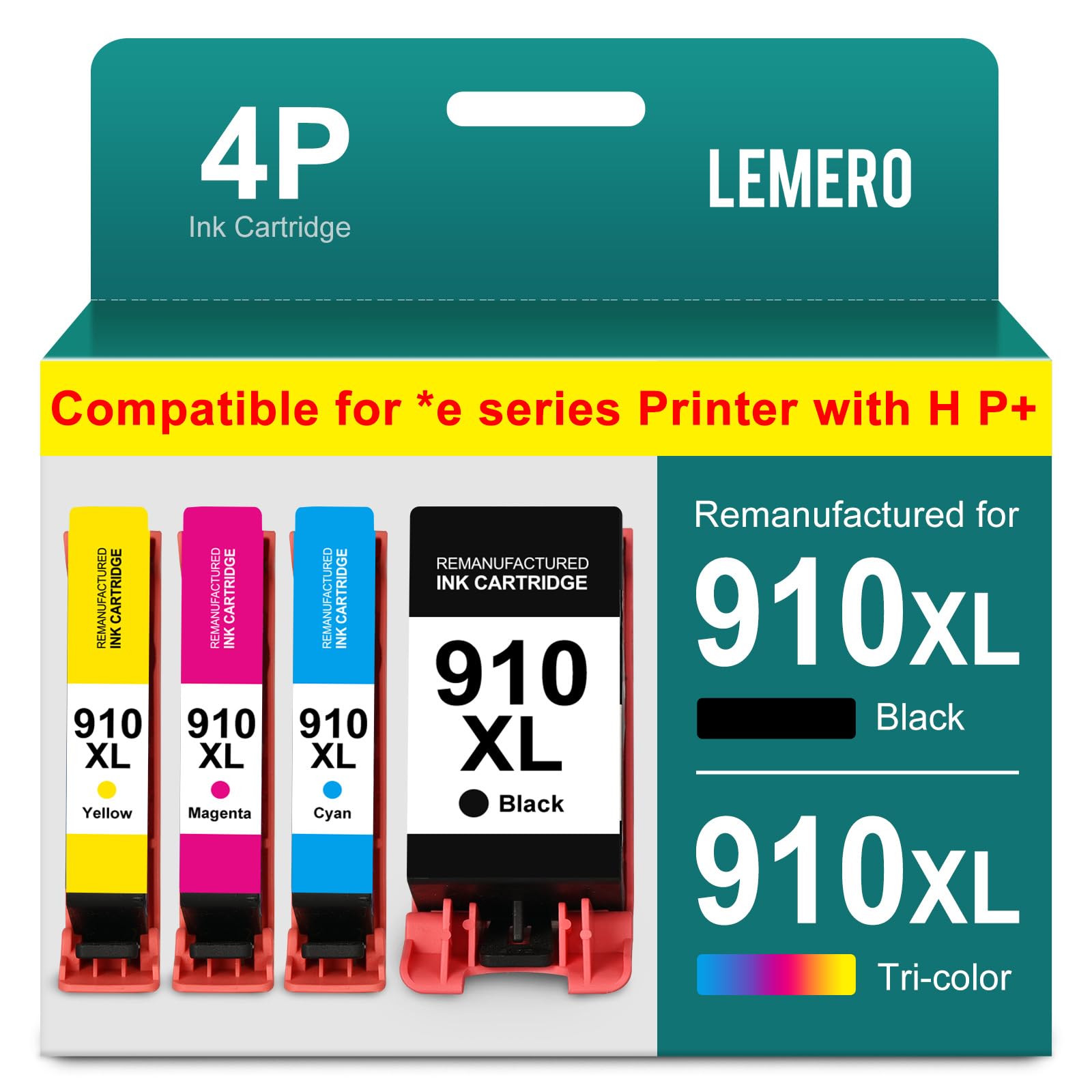
Lemero Remanufactured HP 910XL Ink Cartridges — 4-Pack (Black, Cyan, Magenta, Yellow)
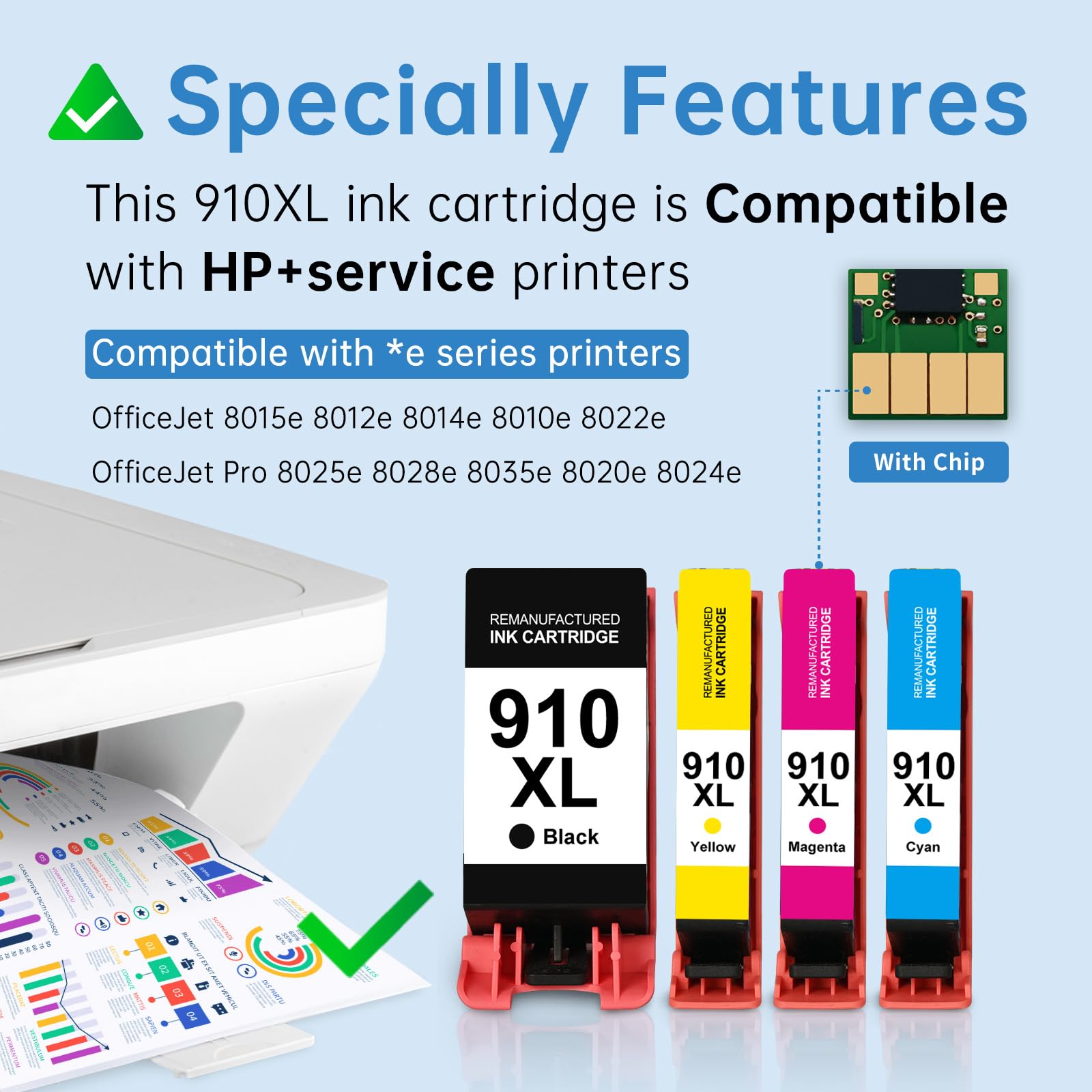
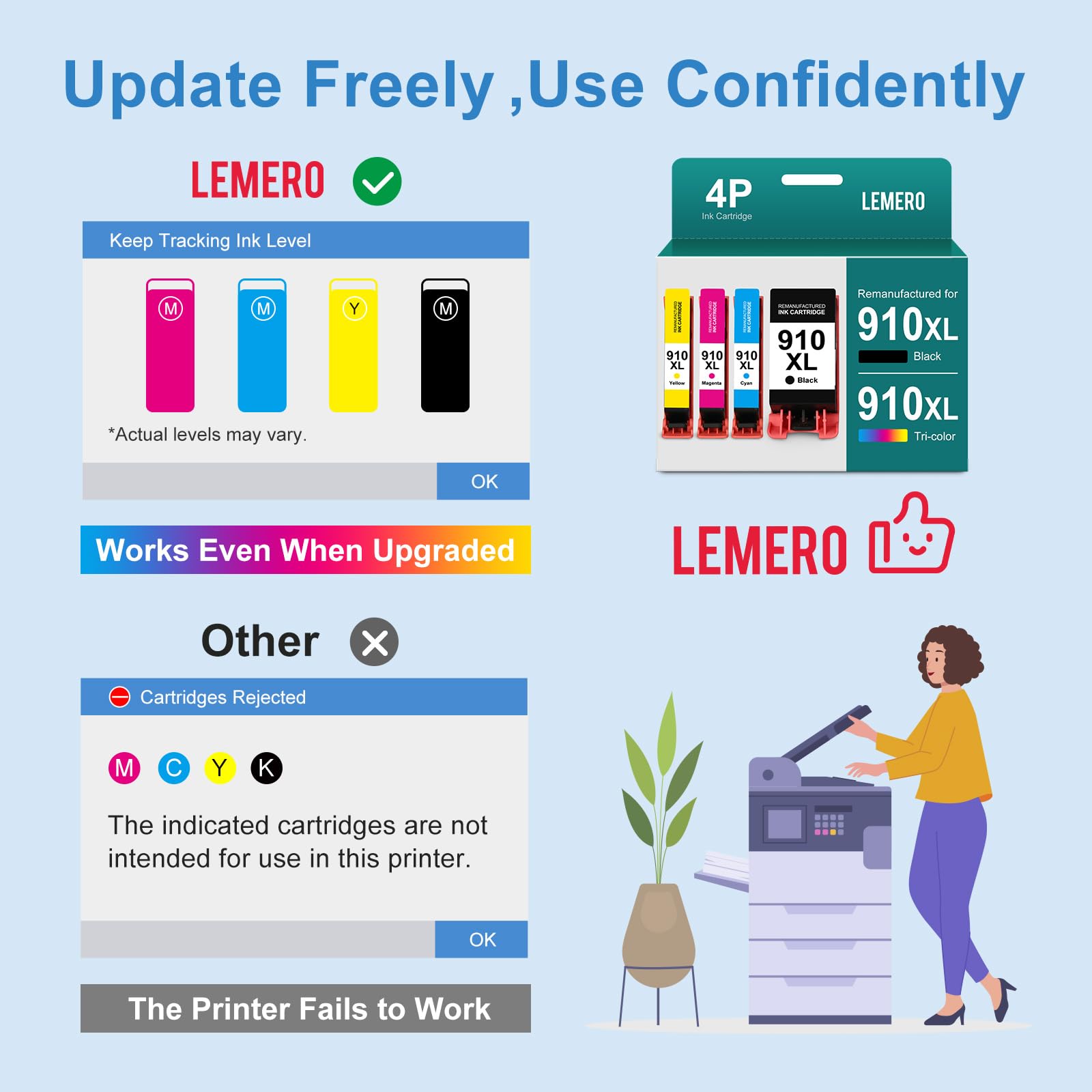
This 4-pack of remanufactured HP 910XL ink cartridges is specifically designed to work with HP+ service and e-series printers — the printers that standard remanufactured cartridges often struggle with. Each cartridge has been remanufactured with an updated chip that passes HP's firmware verification, so your printer recognizes it without errors or service interruptions.
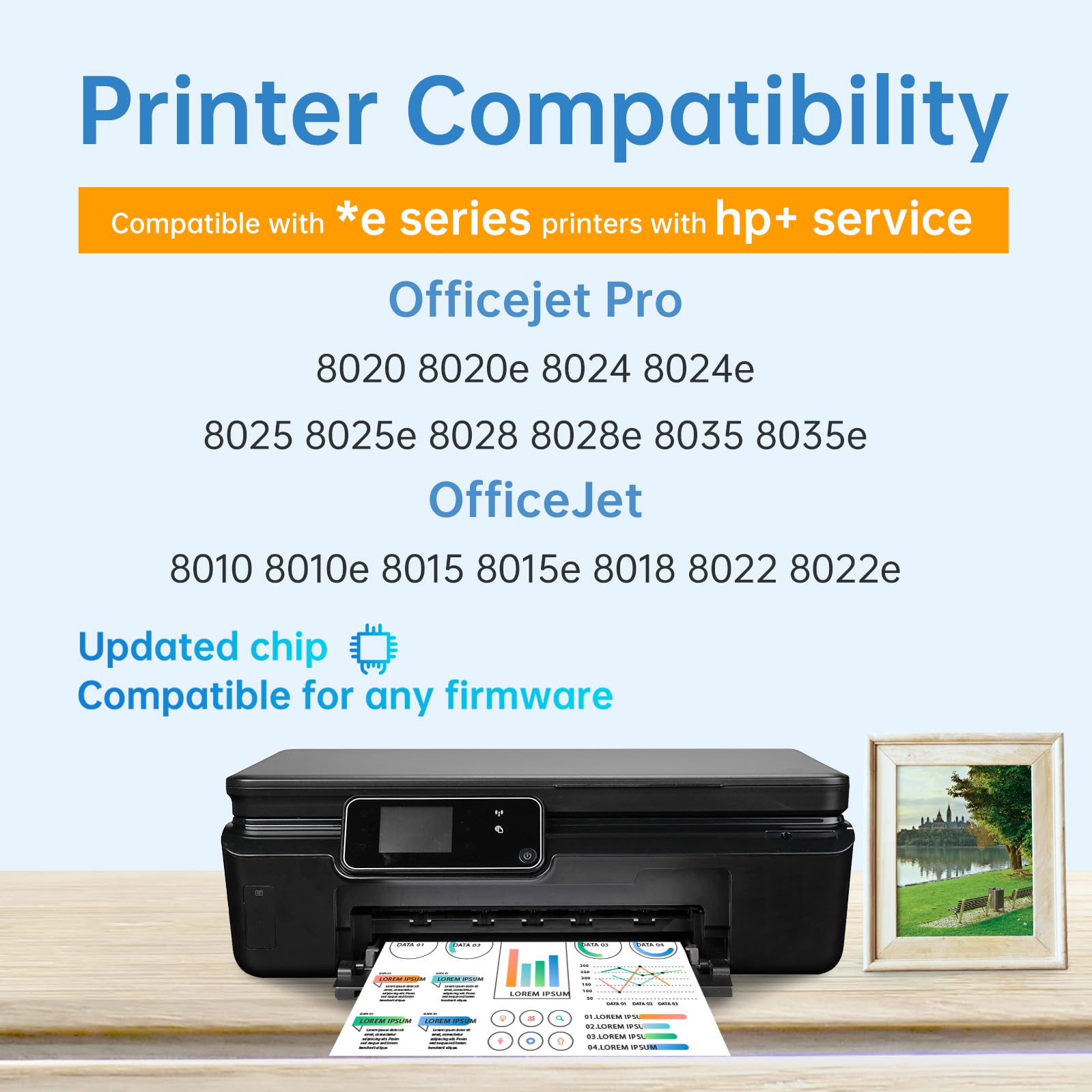
HP+ / e-series compatible: If your printer model ends in "e" (such as 8025e, 8035e, 8022e) or is enrolled in HP+, standard third-party cartridges may be blocked. Lemero's 910XL cartridges are specifically remanufactured to work with these printers.
What's in the Box
| Cartridge | Color | Page Yield |
|---|---|---|
| 1 × 910XL Black (3YL65AN) | Black | ~1,200 pages |
| 1 × 910XL Cyan (3YL66AN) | Cyan | ~1,000 pages |
| 1 × 910XL Magenta (3YL67AN) | Magenta | ~1,000 pages |
| 1 × 910XL Yellow (3YL68AN) | Yellow | ~1,000 pages |
Page yield measured at 5% coverage per HP ISO testing standards.
Compatible HP Printers
HP OfficeJet Pro: 8010 · 8012 · 8014 · 8020 · 8020e · 8021 · 8022 · 8022e · 8023 · 8024 · 8024e · 8025 · 8025e · 8026 · 8028 · 8028e · 8030 · 8034e · 8035 · 8035e
HP OfficeJet: 8010e · 8012e · 8014e · 8015 · 8015e · 8017e · 8018 · 8022 · 8022e
Check your model: The compatible cartridge number is printed on a label inside your printer's ink access door. If it shows 910 or 910XL, these cartridges will work.
HP 910 vs 910XL: Which Should You Buy?
| HP 910 (Standard) | HP 910XL (High Yield) | |
|---|---|---|
| Black Page Yield | ~300 pages | ~1,200 pages |
| Color Page Yield | ~315 pages | ~1,000 pages |
| Cost Per Page | Higher | Lower |
The 910XL prints significantly more pages per cartridge than the standard 910 at a lower cost per page. For anyone printing regularly, the XL is the better value.
What "Firmware Safe" Means for HP+ Printers
HP introduced firmware updates that can block non-HP cartridges in printers enrolled in HP+ or the HP Instant Ink program. This affects many OfficeJet Pro 8000 series printers, particularly the newer e-series models.
Lemero remanufactures the 910XL cartridges with an updated chip that is specifically designed to pass these firmware checks. Your printer will recognize the cartridge as compatible and print normally — no workarounds or settings changes required.
How to Install HP 910XL Ink Cartridges
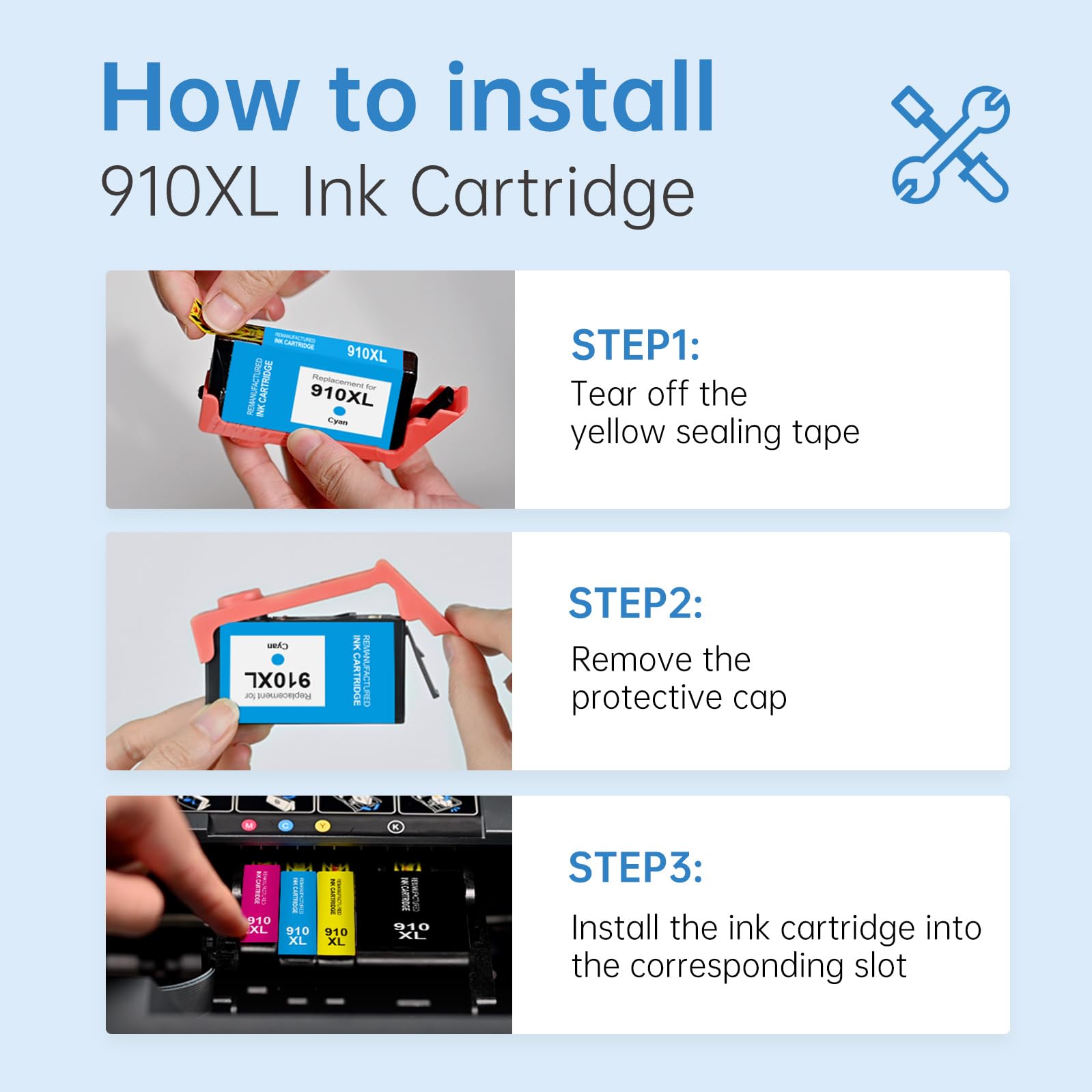
- Turn on your printer and open the ink cartridge access door
- Wait for the carriage to move to the center replacement position
- Press down on the old cartridge to release it and pull it straight out
- Remove the new cartridge from packaging and peel off all orange protective tape — do not touch the copper contact strip
- Insert the new cartridge into the matching color slot and press firmly until it clicks
- Repeat for each color, then close the access door
- The printer will run a brief alignment and you're ready to print
If your printer shows "non-HP ink detected": Press OK or Continue to proceed. This one-time notification does not affect print quality.
Frequently Asked Questions
Are HP 902 and 910 ink cartridges interchangeable? No. The 902 and 910 series are designed for different printer generations and are not cross-compatible. Always check the label inside your printer's ink door to confirm which series your printer requires.
Is HP 910 the same as 910XL? No. The 910 is a standard yield cartridge and the 910XL is the high-yield version. They fit the same printers but the XL holds significantly more ink. Both are available as remanufactured replacements.
Will these work with my HP OfficeJet Pro 8025e / 8035e? Yes. These are specifically remanufactured for HP e-series and HP+ compatible printers, which require updated chips that pass HP's firmware verification.
My printer says "cartridge not recognized" after installing. What should I do? First, ensure all orange protective tape has been fully removed. If the error persists, remove the cartridge, clean the copper contacts gently with a dry lint-free cloth, and reinstall. If the issue continues, contact Lemero support — every cartridge is covered by our lifetime warranty.
How long do unused cartridges last in storage? Store unopened cartridges in a cool, dry location away from direct sunlight. Once installed, print at least once every 1–2 weeks to keep the ink flowing and prevent nozzle clogging.
Lemero is an independent remanufacturer of printer cartridges. HP, OfficeJet, HP+, and related model names are trademarks of HP Inc., referenced here for compatibility purposes only.
HP 910XL ink cartridges Compatible Printers: