


Payment & Security
Your payment information is processed securely. We do not store credit card details nor have access to your credit card information.
Description
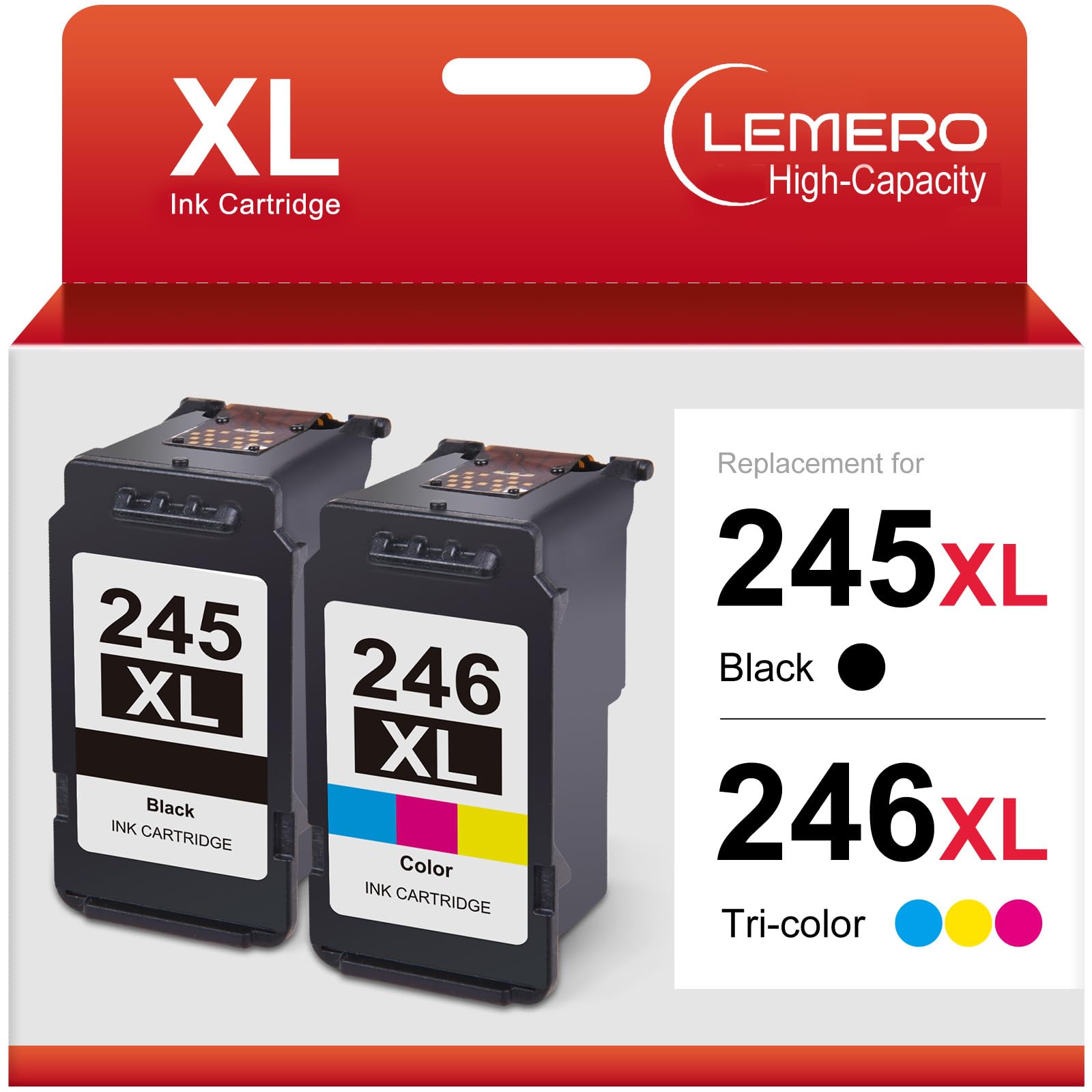
Lemero Remanufactured Canon PG-245XL CL-246XL Ink Cartridges — High Yield 2-Pack (1 Black + 1 Tri-Color)
Stock up your Canon Pixma printer with this remanufactured 2-pack — one PG-245XL black and one CL-246XL tri-color cartridge, ready to install straight from the box. Each cartridge is remanufactured with an updated chip and delivers more pages than the standard 245/246, backed by Lemero's lifetime warranty.
What's in the Box
| Cartridge | OEM Number | Color | Page Yield |
|---|---|---|---|
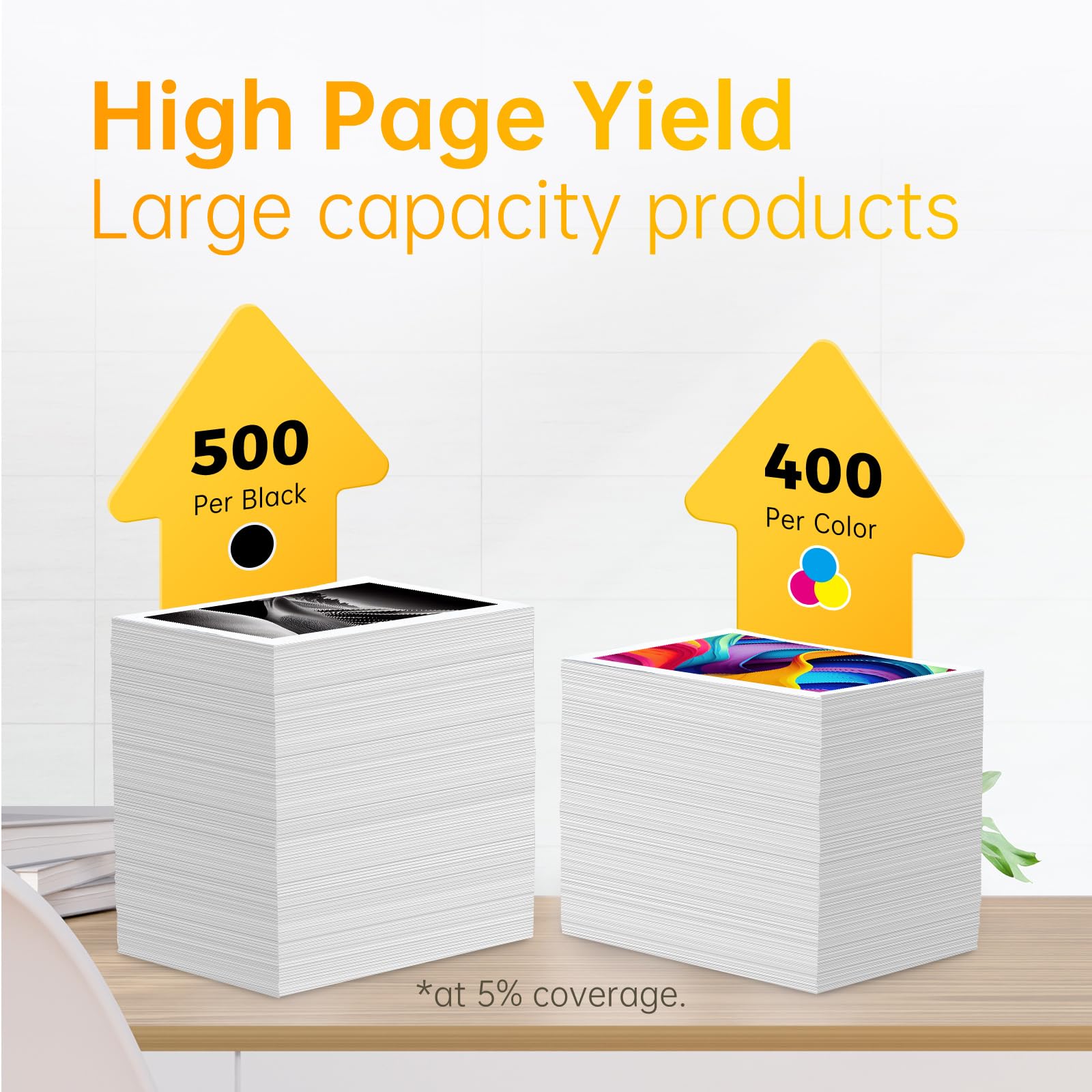
| 1 × PG-245XL | 8278B001 | Black (Pigment) | ~500 pages |
| 1 × CL-246XL | 8280B001 | Tri-Color (Cyan / Magenta / Yellow) | ~400 pages |
Page yield measured at 5% coverage per ISO testing standards.
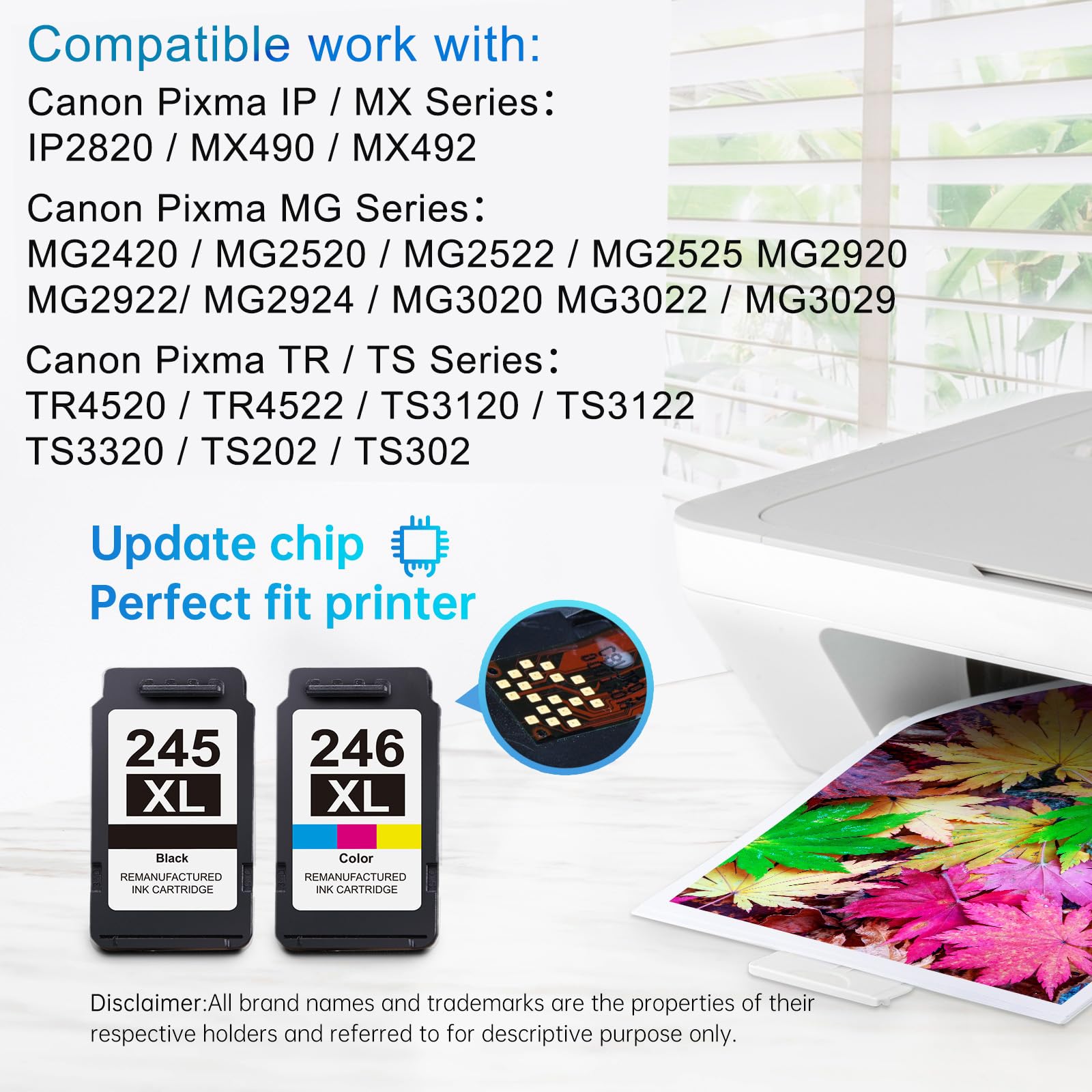
Compatible Canon Pixma Printers
MG Series: MG2420 · MG2520 · MG2522 · MG2525 · MG2550 · MG2555 · MG2900 · MG2920 · MG2922 · MG2924 · MG2942 · MG3020 · MG3022 · MG3029 · MG3050 · MG3052
MX Series: MX490 · MX492 · MX495
TS Series: TS202 · TS205 · TS302 · TS305 · TS3100 · TS3120 · TS3122 · TS3129 · TS3150 · TS3151 · TS3320 · TS3322 · TS3350 · TS3351 · TS3420
TR Series: TR4500 · TR4520 · TR4522 · TR4550
iP Series: iP2820 · iP2850
Not sure which cartridge your printer needs? Open your printer's top cover and check the label on your current cartridge. If it says PG-245, PG-245XL, CL-246, or CL-246XL, this 2-pack is the correct replacement.
Canon 245 vs 245XL: What's the Difference?
| PG-245 / CL-246 (Standard) | PG-245XL / CL-246XL (High Yield) | |
|---|---|---|
| Black Page Yield | ~180 pages | ~500 pages |
| Color Page Yield | ~180 pages | ~400 pages |
| Compatible Printers | Same | Same |
| Cost Per Page | Higher | Lower |
The XL cartridges hold significantly more ink and fit the same printers as the standard 245/246. For anyone printing more than occasionally, the XL is the better value every time.
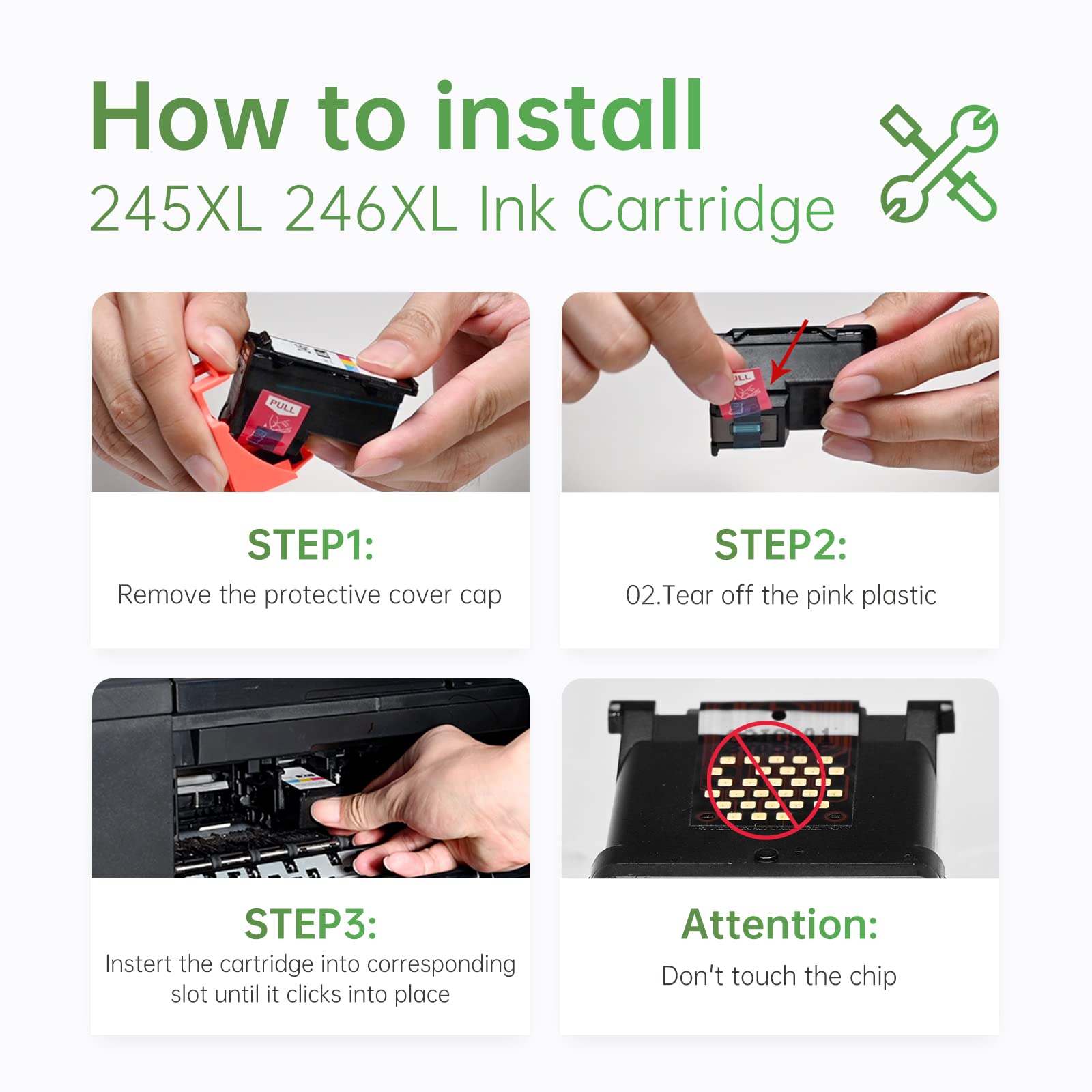
How to Install Canon 245XL / 246XL Ink Cartridges
- Turn on your Canon Pixma printer and open the top cover
- Wait for the cartridge holder to move to the center replacement position
- Press down on the old cartridge and pull it out of its slot
- Remove the new cartridge from its packaging and peel off the orange protective tape completely — including the tape over the ink nozzles
- Do not touch the copper chip or the ink nozzle area — fingerprints can cause recognition errors or print defects
- Insert the black cartridge into the right slot and the tri-color cartridge into the left slot
- Press firmly until each cartridge clicks into place
- Close the top cover — the printer will run an alignment automatically
If your printer shows a "non-Canon ink" or "ink cartridge not recognized" message: Press OK or Continue. This is a one-time notification that does not affect print quality.
First few prints lighter than expected? Run a printhead cleaning from your printer's maintenance menu (Settings → Maintenance → Cleaning). Print quality normalizes within a few pages.
Frequently Asked Questions
Does this pack include both black and color? Yes. This 2-pack contains one PG-245XL black and one CL-246XL tri-color cartridge — the two cartridges your Canon Pixma printer uses together.
What is the difference between Canon 245 and 245XL? The PG-245 standard cartridge yields approximately 180 pages; the PG-245XL yields approximately 500 pages. They are physically the same size and fit the same printers. The XL holds more ink and delivers a lower cost per page.
Can I use 245XL in a printer that originally came with standard 245 cartridges? Yes. The XL and standard versions are interchangeable in the same printer. The XL simply contains more ink.
Is there a difference between PG-243 / CL-244 and PG-245 / CL-246? Yes — these are different cartridge families that look similar but are not interchangeable. PG-243/CL-244 and PG-245/CL-246 fit different printer models. Check the label on your current cartridge before ordering.
Will using a remanufactured cartridge void my Canon printer warranty? No. Under the Magnuson-Moss Warranty Act, Canon cannot void your printer warranty solely because you used a remanufactured or compatible cartridge.
How long can I store an unused cartridge? Store the sealed cartridge in a cool, dry place away from direct sunlight. For best results, install within 18–24 months of purchase.
Lemero is an independent remanufacturer of printer cartridges. Canon, Pixma, PG-245XL, CL-246XL, and related model names are trademarks of Canon Inc., referenced here for compatibility purposes only.