


Payment & Security
Your payment information is processed securely. We do not store credit card details nor have access to your credit card information.
Description
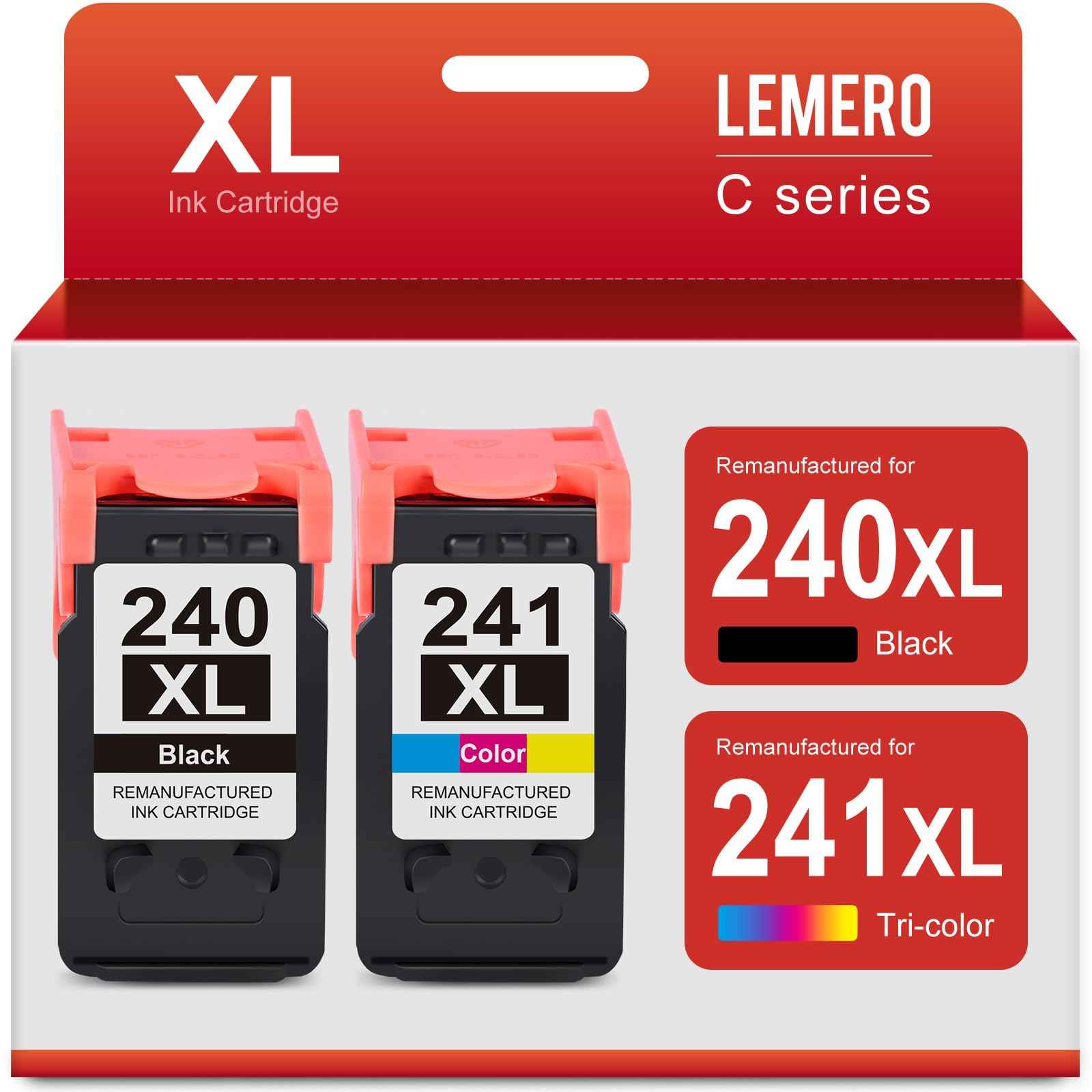
Lemero Remanufactured Canon PG-240XL CL-241XL Ink Cartridges — 2-Pack
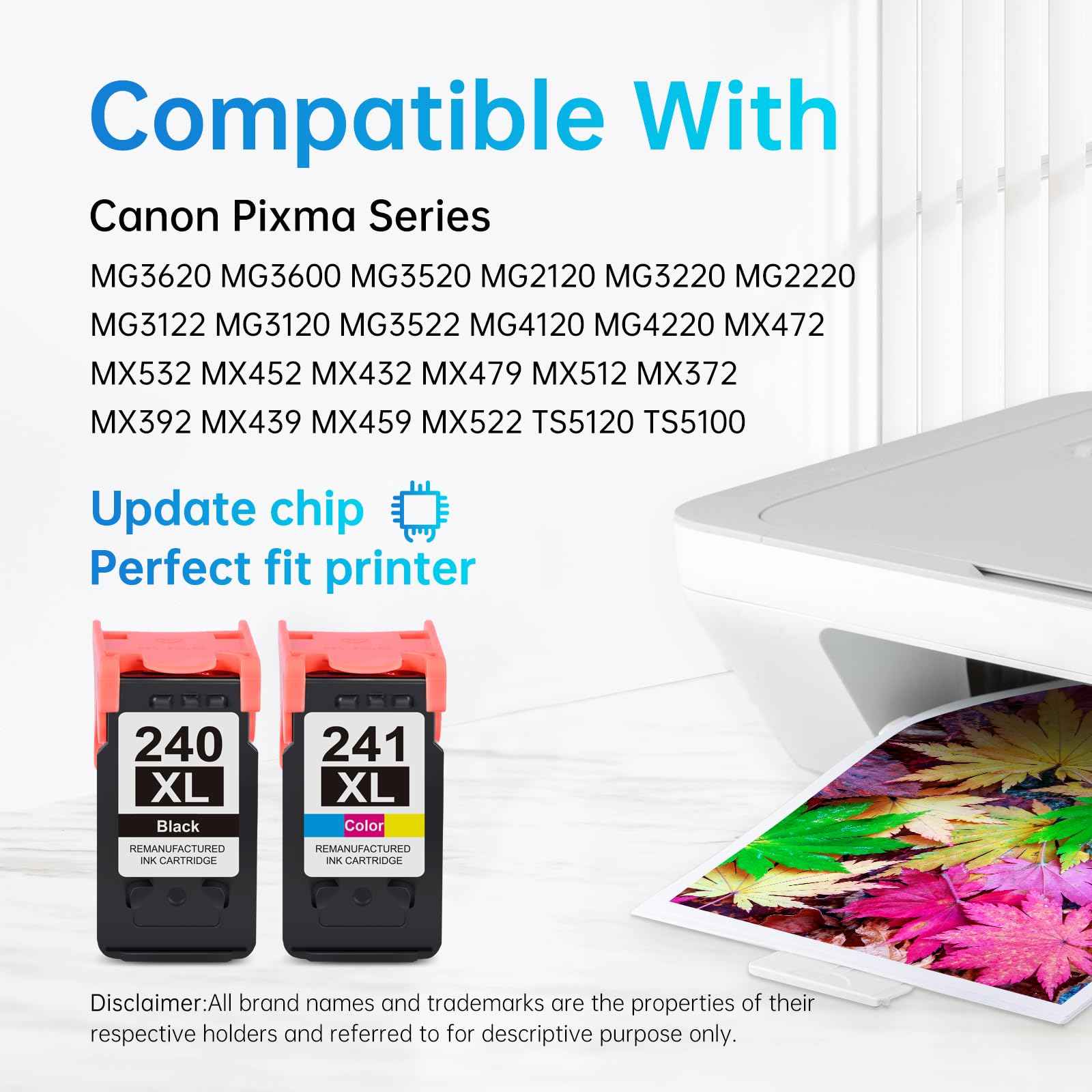
This 2-pack of remanufactured Canon PG-240XL and CL-241XL ink cartridges provides high-yield replacements for Canon Pixma MG and MX series printers. Each cartridge is remanufactured with an updated chip for seamless printer recognition, backed by Lemero's lifetime warranty.
What's in the Box
| Cartridge | OEM Number | Color | Page Yield |
|---|---|---|---|
| 1 × PG-240XL Black | 5206B001 | Black (Pigment) | ~630 pages |
| 1 × CL-241XL Tri-Color | 5208B001 | Cyan / Magenta / Yellow | ~560 pages |
Page yield measured at 5% coverage per ISO testing standards.
Compatible Canon Printers
| Canon Pixma | |
|---|---|
| MG2120 | MG2220 |
| MG3120 | MG3122 |
| MG3200 | MG3220 |
| MG3222 | MG3500 |
| MG3520 | MG3522 |
| MG3620 | MG4120 |
| MG4220 | MX372 |
| MX392 | MX432 |
| MX439 | MX452 |
| MX459 | MX470 |
| MX472 | MX479 |
| MX512 | MX522 |
| MX532 | TS5120 |
Tip: Check the label inside your printer's ink access door to confirm it requires the 240 or 240XL series before purchasing.
Canon 240 vs 240XL vs 240XXL: Which Do You Have?
| Canon PG-240 | Canon PG-240XL | Canon PG-240XXL | |
|---|---|---|---|
| Black Page Yield | ~180 pages | ~630 pages | ~600 pages |
| Yield Type | Standard | High Yield | Extra High Yield |
| This Pack Contains | ❌ | ✅ | ❌ |
This 2-pack contains the XL (high-yield) versions — PG-240XL and CL-241XL. All three sizes fit the same Canon Pixma printers. The XL offers approximately 3.5x more pages than the standard 240, making it significantly more cost-effective per page for regular users.
How to Install Canon PG-240XL and CL-241XL
- Turn on your Canon Pixma printer
- Open the front cover and wait for the print carriage to move to the center
- Press down on the old cartridge to release it, then pull it straight out
- Remove the new cartridge from packaging and peel off the orange protective tape completely — do not touch the ink nozzles or gold contact strip
- Insert the black cartridge (PG-240XL) into the left slot and the tri-color (CL-241XL) into the right slot
- Press each cartridge firmly until it clicks into place
- Close the front cover — the printer will align automatically
Common mistake: Leaving a small piece of orange tape on the cartridge nozzle. If your printer shows an error immediately after installation, check that all tape has been fully removed.
Frequently Asked Questions
What is the difference between Canon 240 and 240XL? They fit the same printers but the 240XL holds approximately 3.5x more ink. The PG-240XL yields approximately 630 pages versus 180 for the standard PG-240. The XL version has a higher upfront cost but a much lower cost per page for regular printing.
What is the difference between PG-240XL and CL-241XL? The PG-240XL is a black pigment-based ink cartridge for sharp, water-resistant text. The CL-241XL is a tri-color cartridge containing cyan, magenta, and yellow dye-based inks for color printing. Both must be installed for your printer to function, even for black-only printing.
Can I use PG-240XL if my printer normally uses PG-240? Yes. The XL version is a direct drop-in replacement and fits the same printer slots. Your printer will simply recognize more ink is available.
Will using a remanufactured cartridge void my Canon printer warranty? No. Under the Magnuson-Moss Warranty Act, Canon cannot void your printer warranty solely because you used a remanufactured or compatible cartridge.
My printer shows low ink right after installing. Is that normal? Some Canon printers may not accurately read the ink level in remanufactured cartridges immediately after installation. This is a display limitation only — the cartridge contains a full amount of ink and will print normally from the first page.
How long can I store unused cartridges? Store unopened cartridges in a cool, dry place away from direct sunlight. For best results, use within 18–24 months of purchase.
Lemero is an independent remanufacturer of printer cartridges. Canon, Pixma, PG-240XL, CL-241XL, and related model names are trademarks of Canon Inc., referenced here for compatibility purposes only.
Canon PG-240XL Compatible Printers


