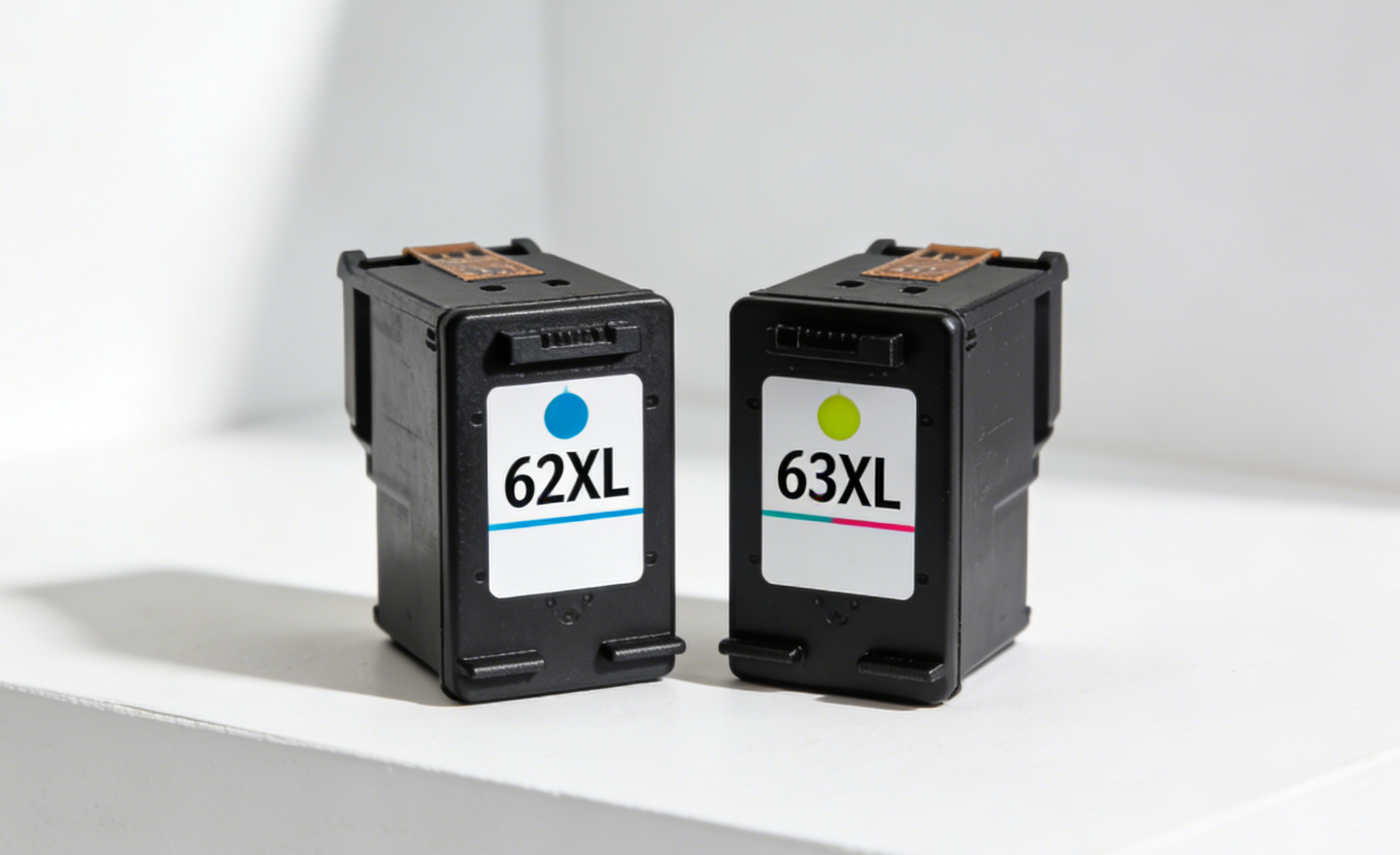
If you've ever stood in front of a printer supply shelf — or a product page — staring at the HP 62XL and HP 63XL side by side wondering if they're the same thing, you're not alone. The two cartridges look almost identical, have similar names, and are even priced close to each other. But they are completely different cartridges, and putting the wrong one in your printer won't work.
This guide breaks down exactly what separates the HP 62XL from the HP 63XL, which printers each one fits, and how to make sure you never order the wrong cartridge again.
Are HP 62XL and 63XL the Same Cartridge?
No. Despite looking nearly identical on the shelf, the HP 62XL and HP 63XL are not interchangeable. Each cartridge contains a unique chip that communicates specifically with its compatible printers. If you install a 63XL in a printer that takes 62XL cartridges, the printer will display an error message and refuse to print — and the same is true in reverse. You won't damage the printer, but you won't be able to print either.
HP 62XL vs 63XL: Side-by-Side Comparison
| HP 62XL | HP 63XL | |
|---|---|---|
| OEM Number (Black) | C2P05AN | F6U64AN |
| OEM Number (Color) | C2P07AN | F6U63AN |
| Black Page Yield | ~600 pages | ~480 pages |
| Color Page Yield | ~415 pages | ~330 pages |
| Printer Families | Envy, OfficeJet | DeskJet, Envy, OfficeJet |
| Interchangeable? | ❌ No | ❌ No |
The HP 62XL actually yields more pages than the 63XL — roughly 25% more for black and about 26% more for color. If you have a printer that accepts either series, the 62XL gives you slightly more ink per cartridge.
Which Printers Use HP 62XL?
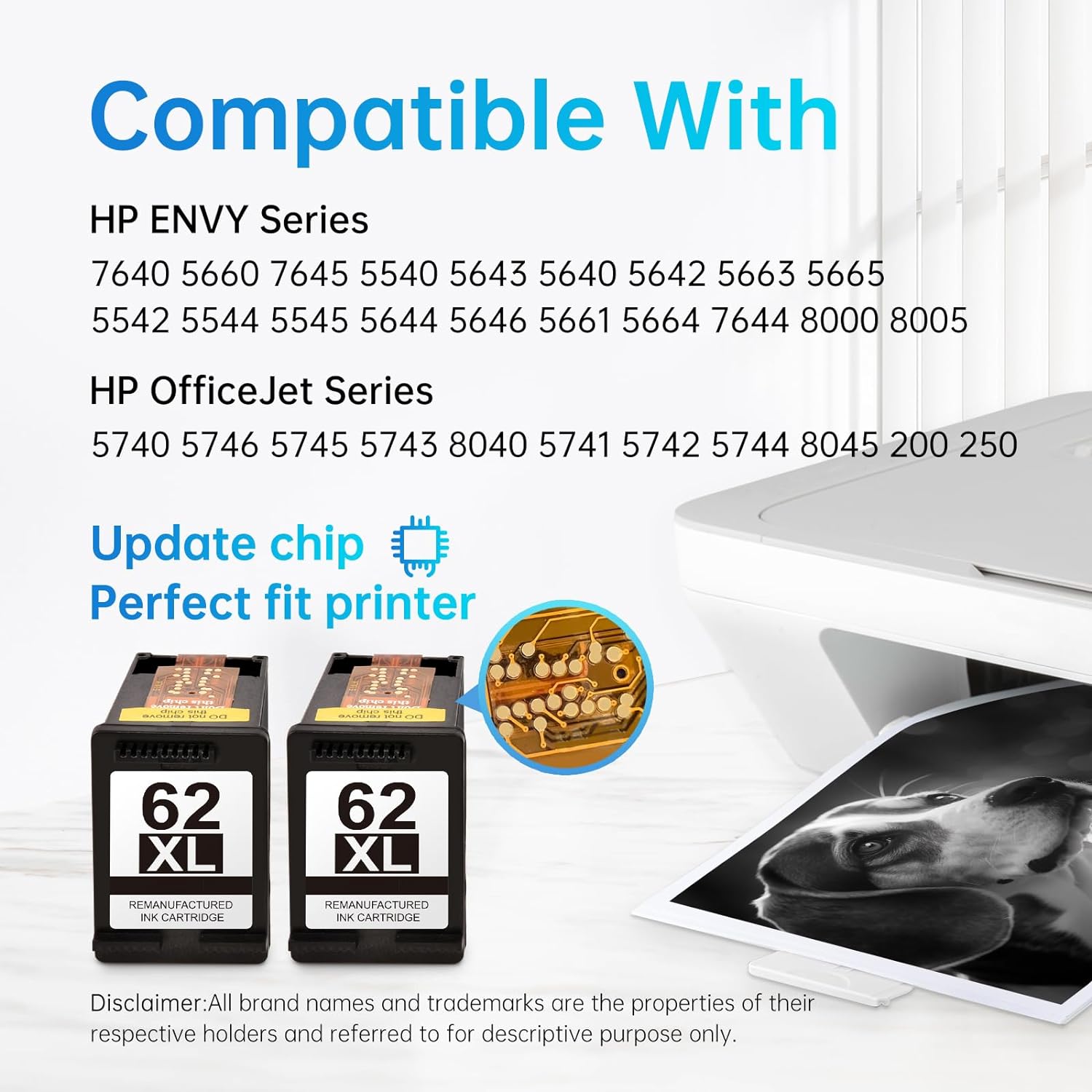
The HP 62XL fits a specific set of HP Envy and OfficeJet printers. Common models include:
HP Envy: 5540, 5541, 5542, 5543, 5544, 5545, 5640, 5642, 5660, 7640, 7644, 7645, 8000, 8005
HP OfficeJet: 200, 250, 252, 258, 5740, 5741, 5742, 5743, 5744, 5745, 5746, 6301, 8040, 8045
Quick check: Open your printer's ink access door and look at the label on your current cartridge. If it says C2P05AN (black) or C2P07AN (color), you need the 62 series.
Which Printers Use HP 63XL?
The HP 63XL fits a broader range of printers across HP's DeskJet, Envy, and OfficeJet lines:
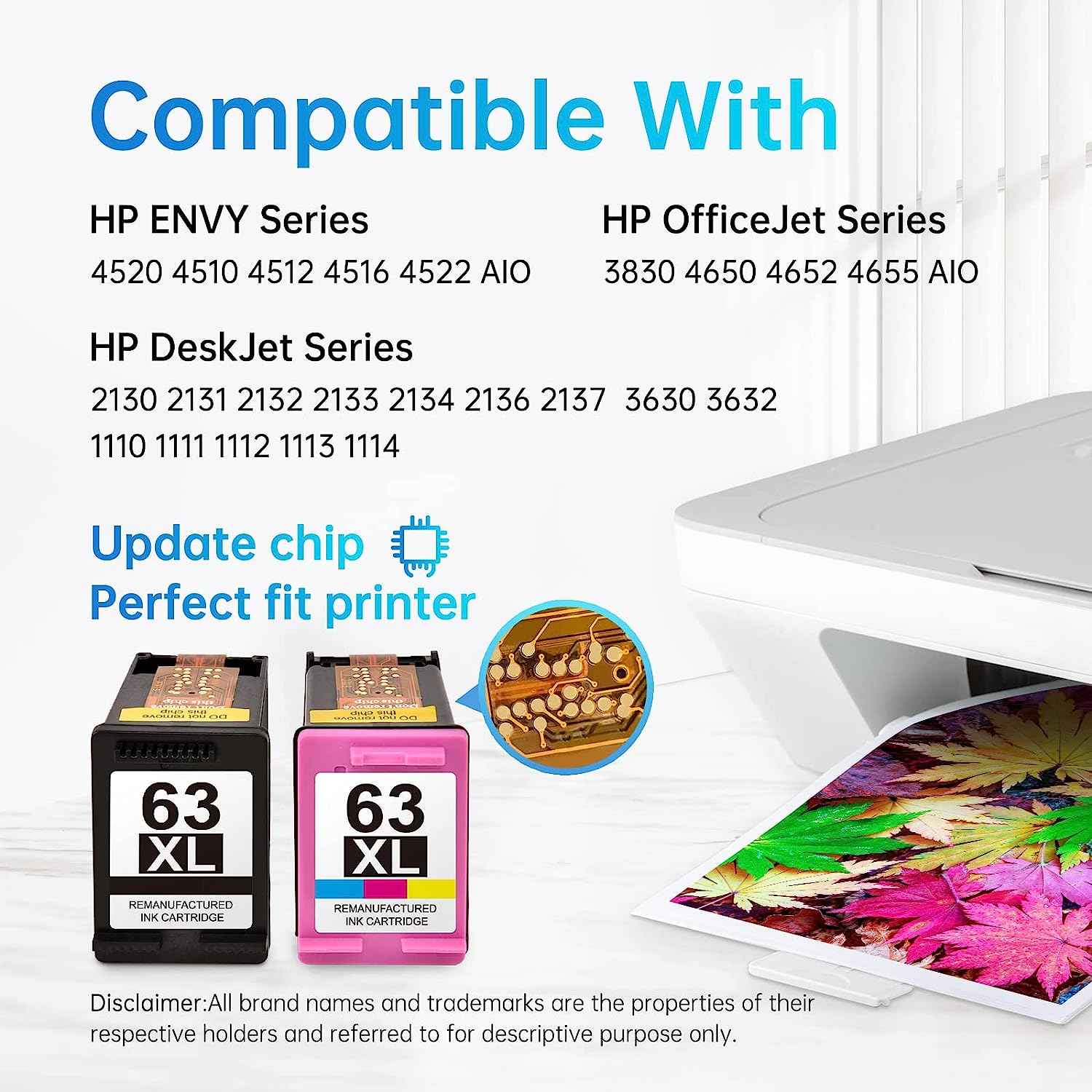
HP DeskJet: 1110, 1111, 1112, 2130, 2131, 2132, 3630, 3631, 3632, 3633, 3634, 3636, 3637, 3639
HP Envy: 4510, 4511, 4512, 4513, 4516, 4520, 4521, 4522, 4523, 4524
HP OfficeJet: 3830, 3831, 3833, 4650, 4652, 4654, 4655
Quick check: If your current cartridge says F6U64AN (black) or F6U63AN (color), you need the 63 series.
HP 62 vs 62XL — and 63 vs 63XL: What Does "XL" Mean?
Within each series, there are two versions: standard and XL (high yield). The XL simply contains more ink and prints more pages. Both fit the exact same printers — the only difference is how long they last.
| HP 62 (Standard) | HP 62XL (High Yield) | |
|---|---|---|
| Black Page Yield | ~200 pages | ~600 pages |
| Color Page Yield | ~165 pages | ~415 pages |
| HP 63 (Standard) | HP 63XL (High Yield) | |
|---|---|---|
| Black Page Yield | ~190 pages | ~480 pages |
| Color Page Yield | ~165 pages | ~330 pages |
For anyone who prints regularly, the XL version delivers a significantly lower cost per page. The higher upfront cost is offset within the first few cartridges.
How to Find Out Which Cartridge Your HP Printer Needs
There are three reliable ways to identify your cartridge:
Method 1 — Check the label inside the printer Open your printer's ink access door or front cover. There is usually a sticker or label that shows which cartridge number your printer uses. This is the most reliable method.
Method 2 — Check the cartridge currently installed If you have an existing cartridge in the printer, remove it and look at the OEM number printed on the cartridge itself. Match that number to the replacement you need.
Method 3 — Check your printer model Look at the model name on the front or bottom of your printer, then use the compatible printer lists above to confirm which series you need.
Why Do HP 62XL and 63XL Look So Similar?
HP designs its ink cartridges within a generation to share the same physical form factor — same shape, same size, same installation process. This makes manufacturing more efficient and means printers within the same era have a consistent user experience. The differentiation happens at the chip level, not the physical level. It's a common source of confusion, especially when buying replacements for an older printer or when someone gives you leftover cartridges from a different model.
Can I Use a Remanufactured 62XL or 63XL?
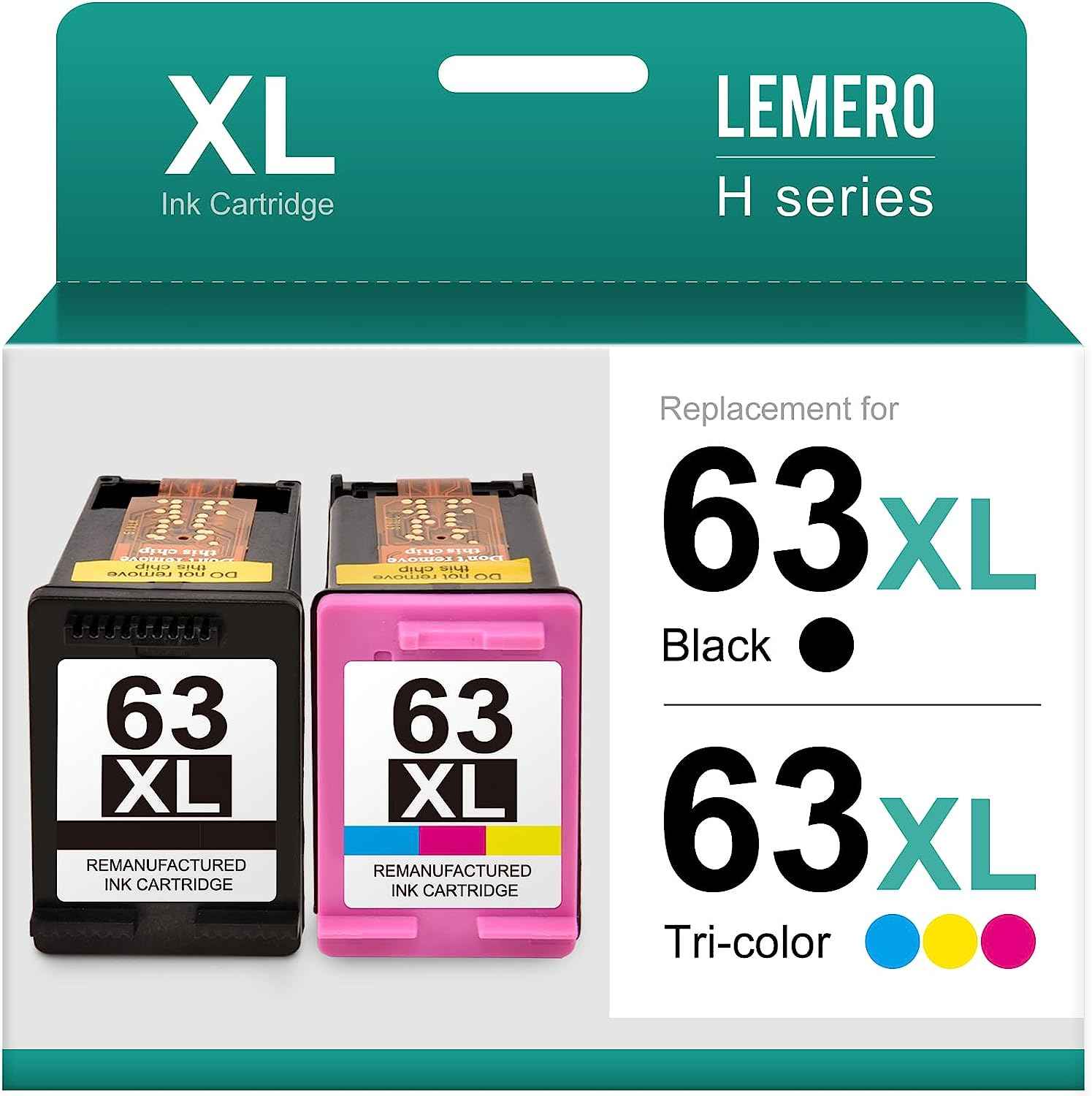
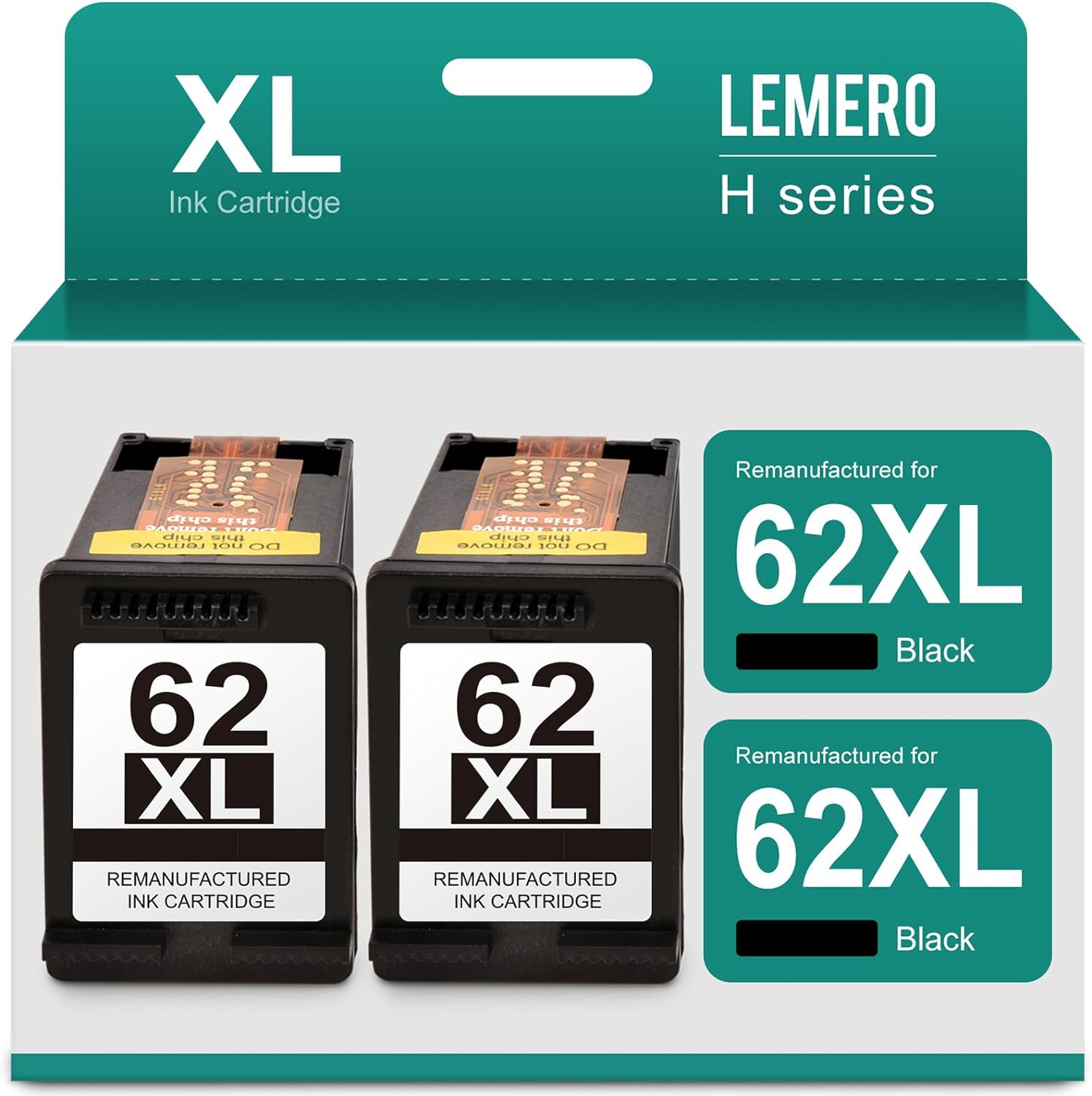
Yes — remanufactured cartridges for both the 62XL and 63XL are widely available and work exactly like the OEM versions. Each remanufactured cartridge is built with an updated chip that communicates with your specific printer model, so the same compatibility rules apply: a remanufactured 62XL will not work in a 63XL printer, and vice versa.
Lemero remanufactures both the HP 62XL Combo Pack (1 black + 1 tri-color) and the HP 63XL Ink Cartridges (1 black + 1 color), backed by a lifetime warranty. Each cartridge undergoes chip testing and print quality verification before shipping.
Summary: HP 62XL vs 63XL
- Not interchangeable — different chips, different compatible printers
- 62XL yields more pages than 63XL (600 vs 480 black, 415 vs 330 color)
- 63XL fits more printer models overall, including DeskJet series
- Both have standard and XL versions — XL is always the better value for regular printers
- Always check the label inside your printer or on your current cartridge before buying
If you're still not sure which cartridge your printer needs, the easiest check is to open your printer's ink access door and look at the label on the cartridge currently installed.
Looking for a replacement? Lemero carries remanufactured HP 62XL and HP 63XL cartridges with lifetime warranty and free shipping on orders over $30.
![[Firmware-Safe] Remanufactured HP 962XL Ink Cartridge, Black, Cyan, Magenta, Yellow, 4-Pack](http://lemero.com/cdn/shop/files/71CiSNdvcnL.jpg?v=1772265283&width=1600)
![[Firmware-Safe] Remanufactured HP 962XL Ink Cartridge, Black, Cyan, Magenta, Yellow, 4-Pack](http://lemero.com/cdn/shop/files/71LY5kSmadL.jpg?v=1772265299&width=1600)