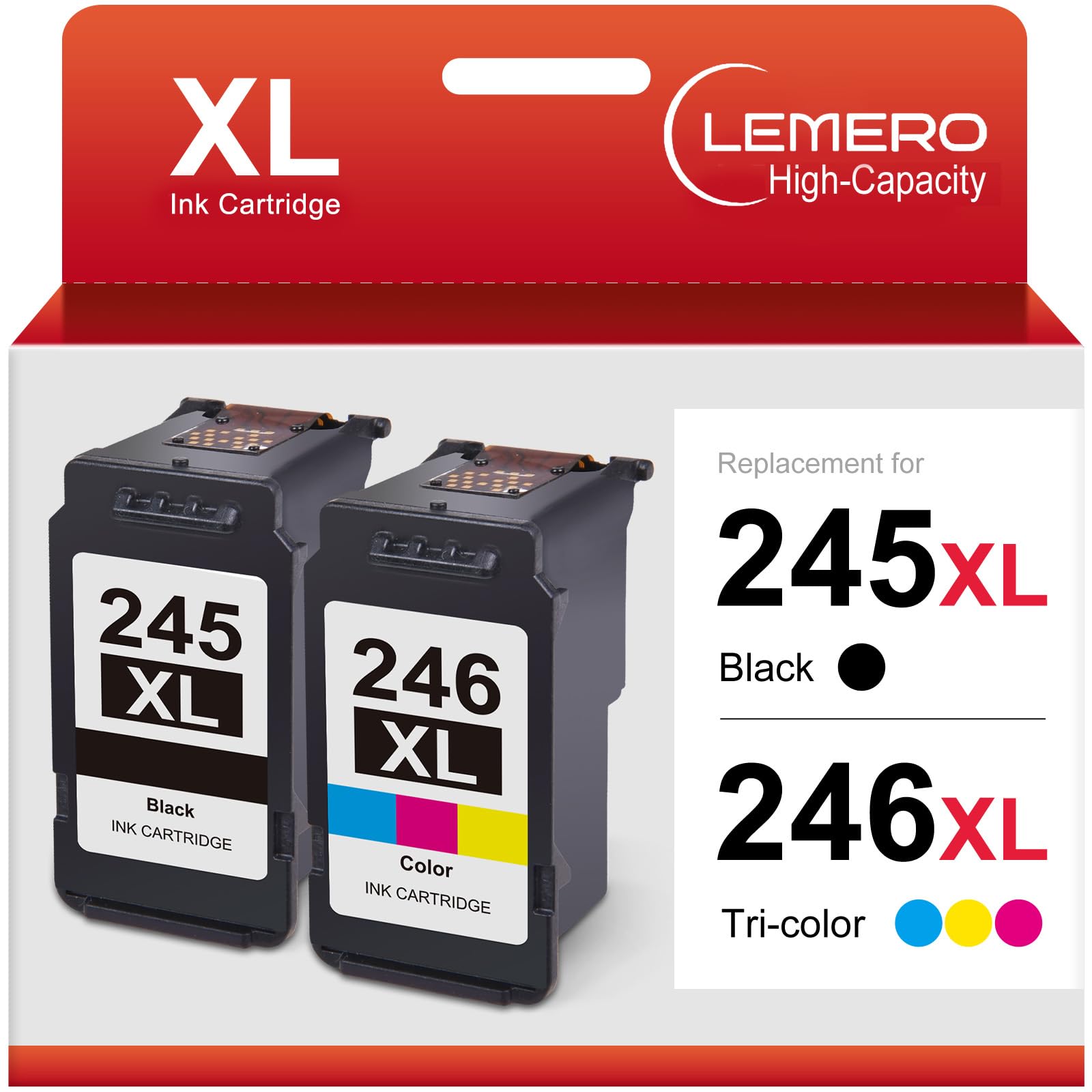
Canon PG-245XL vs PG-245: Which Ink Cartridge Should You Buy?
If you own a Canon Pixma printer, you've probably noticed two versions of the black ink cartridge sitting side by side on store shelves: the PG-245 and the PG-245XL. Same brand, same color, very different price — and most people have no idea which one is actually the better deal.
This guide breaks down exactly what's different, which one saves you more money, and what to watch out for when buying a replacement.
What's the Difference Between PG-245 and PG-245XL?

The short answer: the XL version holds more ink and prints more pages, but both cartridges fit the same printers.
| PG-245 (Standard) | PG-245XL (High Yield) | |
|---|---|---|
| Page Yield | ~180 pages | ~300 pages |
| Ink Volume | Standard | ~67% more ink |
| Price (OEM) | ~$12–$14 | ~$18–$22 |
| Cost Per Page | ~$0.07 | ~$0.06 |
| Printer Compatibility | Same | Same |
The XL cartridge costs a bit more upfront, but you're paying less per page every time you print. For anyone who prints regularly, the XL is the smarter buy.
Which Canon Printers Use PG-245 and PG-245XL?
Both cartridges work in the same printers. Here are the most common compatible models:
Canon Pixma MG Series: MG2420, MG2520, MG2522, MG2920, MG2922, MG3020, MG3022, MG3029, MG2550, MG2555, MG2900, MG2924, MG3050, MG3052
Canon Pixma TS Series: TS202, TS302, TS3120, TS3122, TS3129, TS3320, TS3322, TS3420
Canon Pixma TR Series: TR4500, TR4520, TR4522, TR4550
Canon Pixma MX Series: MX490, MX492, MX495
Canon Pixma iP Series: iP2820, iP2850

Tip: If you're unsure whether your printer model is on the list, check the sticker on the inside of your printer's front cover — it usually shows the compatible cartridge number.
Do I Need to Buy Both PG-245XL and CL-246XL?
Yes — your Canon Pixma uses two cartridges at once:
- PG-245 / PG-245XL — Black ink (pigment-based, sharp text)
- CL-246 / CL-246XL — Color ink (cyan, magenta, yellow combined)
You need both installed for the printer to work, even if you're only printing black-and-white documents. Canon printers will typically display an error or refuse to print if either cartridge is missing or empty.
The good news: buying them as a 2-pack combo is almost always cheaper than buying each separately.
Is PG-245XL Compatible with My Printer If It Normally Uses PG-245?
Yes, completely. The XL and standard versions are physically identical and fit the same slot. Your printer won't know the difference — it will simply recognize more ink is available and update the ink level indicator accordingly.
This is one of the most common questions we hear, and the answer is always yes.
OEM vs. Remanufactured: What's the Real Difference?
Canon's original (OEM) PG-245XL cartridge retails for around $18–$22. A remanufactured replacement for the same cartridge typically costs 30–40% less — and for most everyday printing tasks, the output is indistinguishable.
Here's how they compare:
| OEM Canon PG-245XL | LEMERO Remanufactured PG-245XL | |
|---|---|---|
| Page Yield | ~300 pages | ~300 pages |
| Print Quality | Excellent | Excellent |
| Printer Compatibility | ✅ | ✅ |
| Voids Printer Warranty? | No | No* |
| Price | ~$18–$22 | ~$12–$14 |
| Warranty | Limited | Lifetime |
*Under the Magnuson-Moss Warranty Act, printer manufacturers cannot void your warranty solely because you used a third-party cartridge.
What is a remanufactured cartridge? It's an original OEM cartridge shell that has been professionally cleaned, refilled, and tested to meet the same print quality standards. LEMERO has been remanufacturing ink cartridges for over 20 years, and every cartridge ships with a lifetime warranty — if it doesn't work, we replace or refund it, no questions asked.
5 Signs It's Time to Replace Your Canon PG-245XL
- Faded or streaky black text — lines that should be solid appear thin or broken
- Ink low warning on your printer display — don't wait until it's completely empty
- Printer refuses to print — Canon printers stop working when ink hits zero
- Smearing on printed pages — can indicate the cartridge is running dry unevenly
- It's been over 6 months since you last replaced it — ink can dry out in the cartridge even if you haven't used much of it
How to Install the PG-245XL Cartridge (Step by Step)
- Open your printer's front cover and wait for the cartridge holder to move to the center
- Press down on the old cartridge to release it, then pull it out
- Remove the new cartridge from its packaging and peel off the orange protective tape — do not touch the gold chip or the ink nozzle
- Insert the new cartridge into the black slot (left side) and press firmly until it clicks
- Close the front cover — the printer will automatically calibrate and you're ready to print

Common mistake: Forgetting to remove the orange tape. If your printer shows an error right after installing, check that the tape is fully removed.
Frequently Asked Questions
Can I use PG-245XL in a printer that says it needs PG-245? Yes. The XL cartridge is a direct drop-in replacement and is fully compatible with all printers that use the standard PG-245.
Why does my printer show low ink right after installing a new cartridge? This can happen with remanufactured cartridges because the chip resets to a conservative estimate. Your cartridge still has a full amount of ink — the printer's display will update as you continue printing.
How long does an ink cartridge last if I don't use my printer often? Opened cartridges typically last 6–12 months before the ink starts to dry out. If you print infrequently, consider running a nozzle check every 2–3 weeks to keep the ink flowing smoothly.
Does the PG-245XL work for photo printing? The PG-245XL is a pigment-based black ink optimized for sharp text and documents. For photo printing, you'll also need the CL-246XL color cartridge installed. For best photo results, Canon recommends using photo paper.
What happens if I only install one cartridge? Canon Pixma printers require both the black (PG-245/245XL) and color (CL-246/246XL) cartridges to be installed. Even for black-only printing, the printer checks that both are present.
Ready to Stock Up?
If you're looking for a reliable, cost-effective replacement for your Canon PG-245XL and CL-246XL, LEMERO's remanufactured 2-pack gives you both cartridges with a lifetime warranty and free shipping on orders over $30.

→ Shop LEMERO Canon 245XL 246XL 2-Pack
LEMERO is an independent remanufacturer of printer cartridges. Canon, Pixma, PG-245, and CL-246 are trademarks of Canon Inc., referenced here for compatibility purposes only.
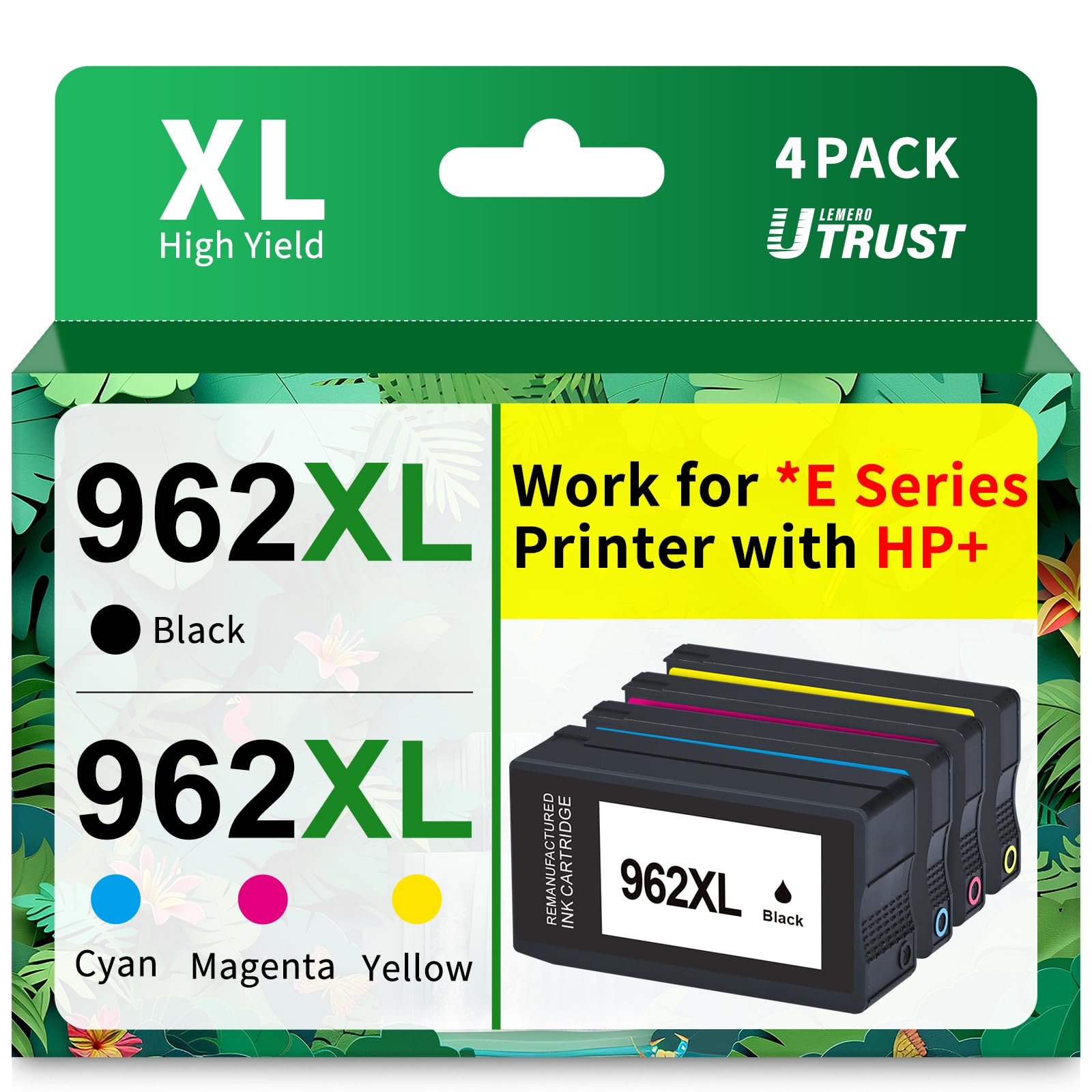
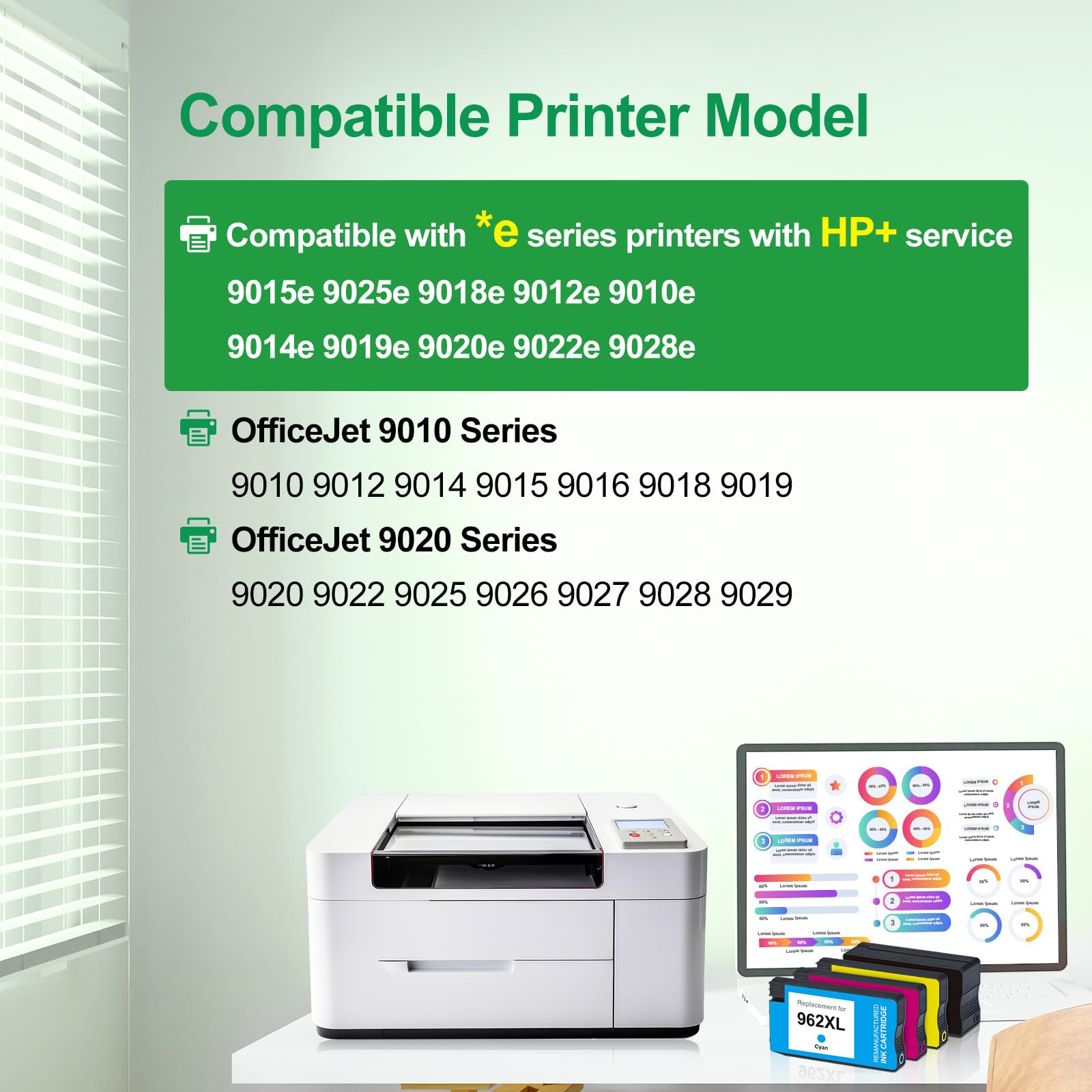
![[Firmware-Safe] Remanufactured HP 962XL Ink Cartridge, Black, Cyan, Magenta, Yellow, 4-Pack](http://lemero.com/cdn/shop/files/71CiSNdvcnL.jpg?v=1772265283&width=1600)
![[Firmware-Safe] Remanufactured HP 962XL Ink Cartridge, Black, Cyan, Magenta, Yellow, 4-Pack](http://lemero.com/cdn/shop/files/71LY5kSmadL.jpg?v=1772265299&width=1600)